Extra space under top menu after update

I’m pretty certain the update just exposed something that I did wrong earlier.

I have an image (the logo) in the top bar along with the menu. The logo image hangs over Revolution Slider (or it did in the past).

Now there is a white bar under the top bar and the first menu item in my drop down menus no longer shows an active link.

Pretty certain all is related to that hanging image.

Can you help me out?!

www.craftsmanpizza.com

THANK YOU!

Hi @camomus,

Thanks for writing in.

It seems to be the bar that contains the mobile menu button. If it’s meant to only display on mobile, please go to your header builder settings then try resaving it.

Kindly also clear your site’s cache if you are using any caching plugin.

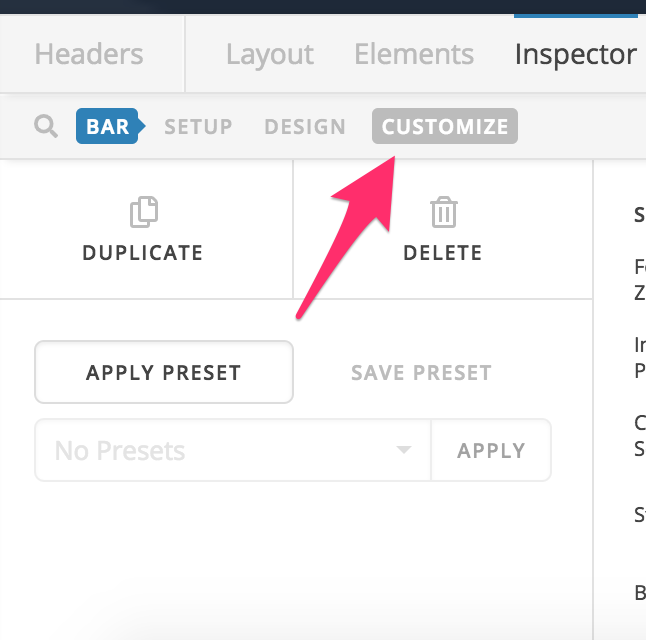
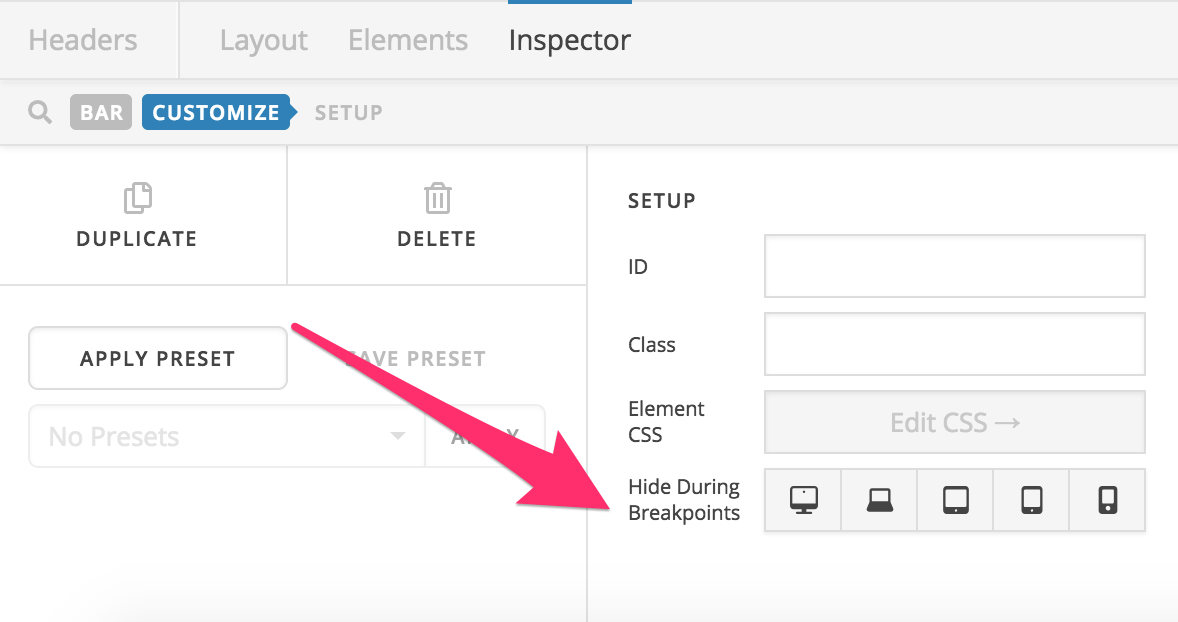
If the issue persists, please check the bar settings and if the bar is supposed to display only on mobile, please click on the bar’s customize option and set the Hide During Breakpoints option accordingly.

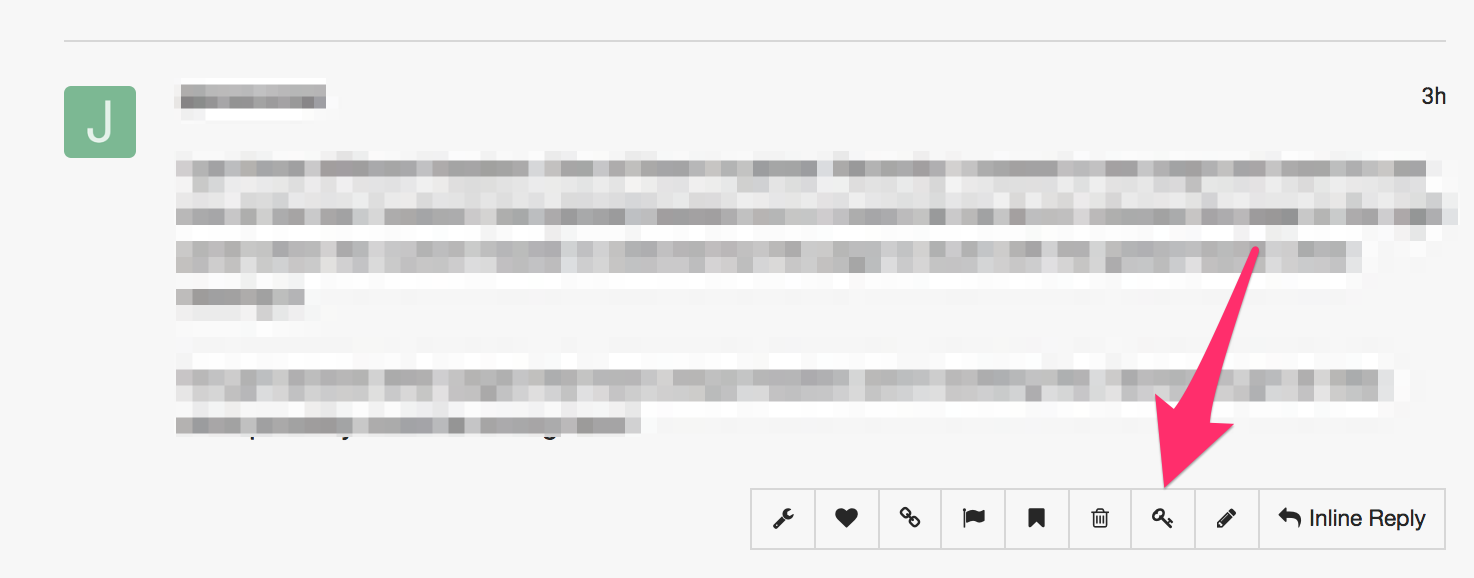
In case the issue persists, please provide us with the admin access to your site in a Secure Note:

Hope this helps.

Thank you - totally helped!

It’s still funky on mobile - but hey

Do most people hide their Revolution Slider on mobile? Maybe I could just do that as a simple work around.

Thoughts?

Hi There,

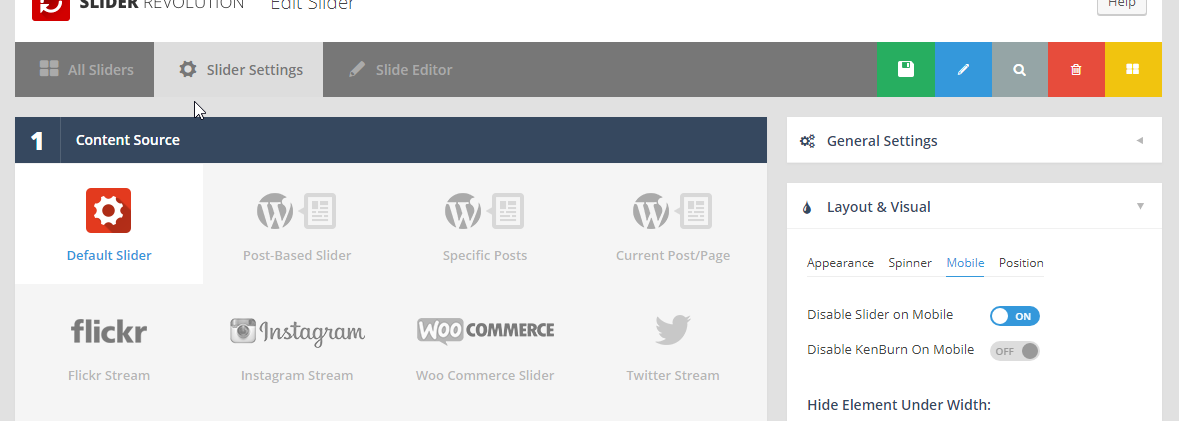
Yes. You can hide the revolution slider on mobile by enable this option:

Hope it helps :slight_smile:

1 Like

This topic was automatically closed 10 days after the last reply. New replies are no longer allowed.