Hello – the expandable blocks across my site are no longer opening. E.g. https://humphreys.law/team/nitin-dahad/.
Grateful for your support! This is reasonably urgent so a prompt reply would be much appreciated.
Regards,
Alex
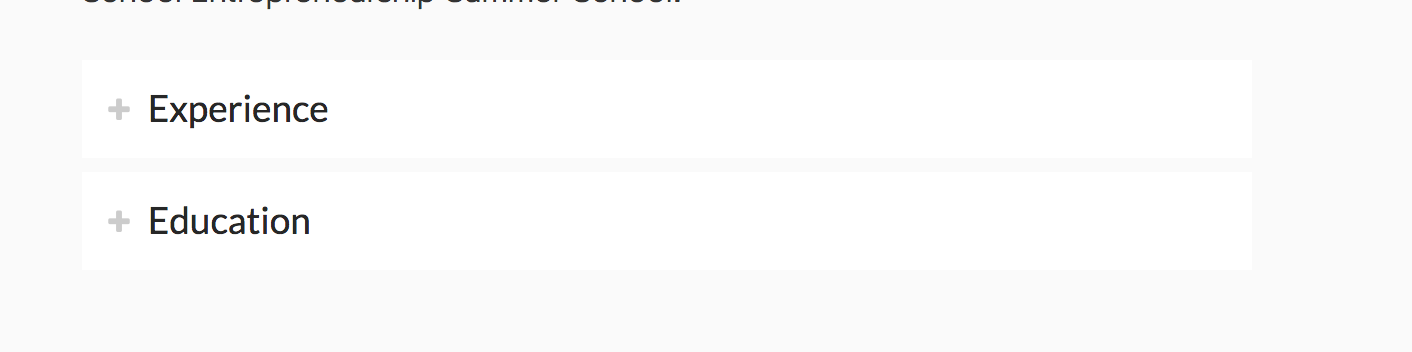
Hello – the expandable blocks across my site are no longer opening. E.g. https://humphreys.law/team/nitin-dahad/.
Grateful for your support! This is reasonably urgent so a prompt reply would be much appreciated.
Regards,
Alex
Hi There,
Thanks for writing in! Upon testing, I see that you have updated your Cornerstone plugin in your site but you haven’t updated X theme. Please update your X theme as well and then make sure to purge your cache and test it again.
Hope that helps.
Thanks!
Hi,
Thanks. Have updated the X theme and purged all caches. Looks like the problem still exists.
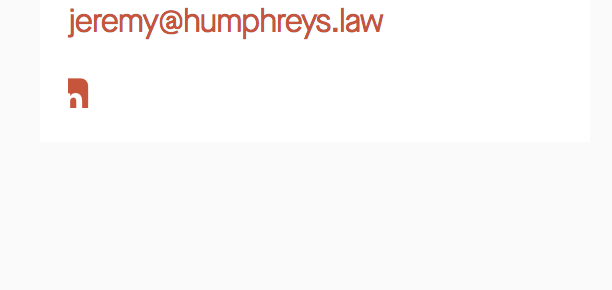
The LinkedIn icon on the same page has now (mostly) disappeared too!
Thanks for your help 
Alex
Hi again,
Thanks for the update, I checked your site and I still see the content is being served by the cache. I see you’ve purged the cache but can you please also disable the cache plugin and other optimization services temporarily? If this doesn’t resolve the issue then please check for the following too:
Test for a plugin conflict. You can do this by deactivating all third party plugins, and seeing if the problem remains. If it’s fixed, you’ll know a plugin caused the problem, and you can narrow down which one by reactivating them one at a time.
Remove custom CSS, JavaScript and deactivate your child theme and switch to parent theme.
Let us know how this goes!.
Hi,
I’m afraid none of those options have worked. I have also discovered a third error which is that the main menu now automatically starts ‘open’ on mobile, and when you shrink the screen… none of this happened before the update of cornerstone/x.
Grateful for your assistance in these 3 issues: 1) Expandable blocks not opening; 2) Hidden LinkedIn icon; 3) main menu opening automatically on smaller screens.
Thank you!
Alex
Hi again,
I will resolve the expandable blocks and icon issue by updating my templates. However the menu issue I am not sure of. To clarify: the hamburger now automatically opens when I shrink the screen or open from mobile. Thanks for your help!
Alex
Hey There,
Thanks for clarifying. I have checked your site and one thing I noticed is that you are using W3 Total Cache. Please keep in mind that after doing every updates, always remember to clear all caches when updating so that the code from the latest release is always in use. This will help you to avoid any potential errors.
You can temporarily deactivate W3 Total Cache or you must deactivate it first so that we can fully check this issue in your site or just a caching issue. This should not have happen because it worked before you updated the theme. If nothing else is working, please provide access to the site so that we can take appropriate investigate to resolve this issues.
Please let us know how it goes.
Hi @RueNel,
OK thanks for the advice - I have disabled the cacheing plugin and cleared the cache. The hamburger menu is still starting in the ‘open’ state. V grateful for your help in this matter.
Alex
Hi @AlexH,
I could not identify the problem why menu is opening on first load. In this case, please share us your admin credentials so we could check your setup further.
Thanks.
Hi @nico
Thanks - I have left the details as a ‘secure note’ attached to my previous post.
Cheers,
Alex
Glad to hear you got it sorted, Alex.
Cheers!
This topic was automatically closed 10 days after the last reply. New replies are no longer allowed.