Excerpt window in Ethos

Hi,

I was hoping to be able to have an excerpt entry window for my Ethos blog posts. See Image.
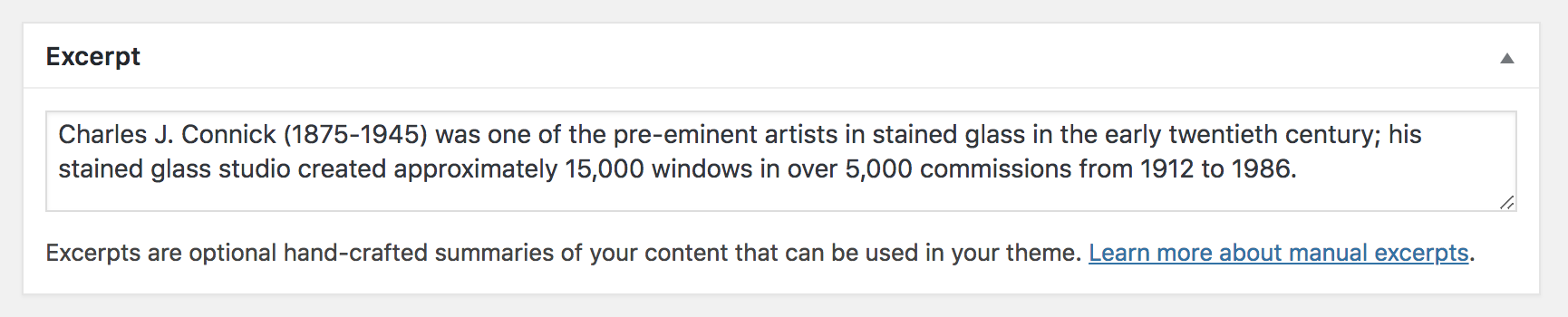
Currently no excerpt text is appearing in individual posts on my blog index page. See image.
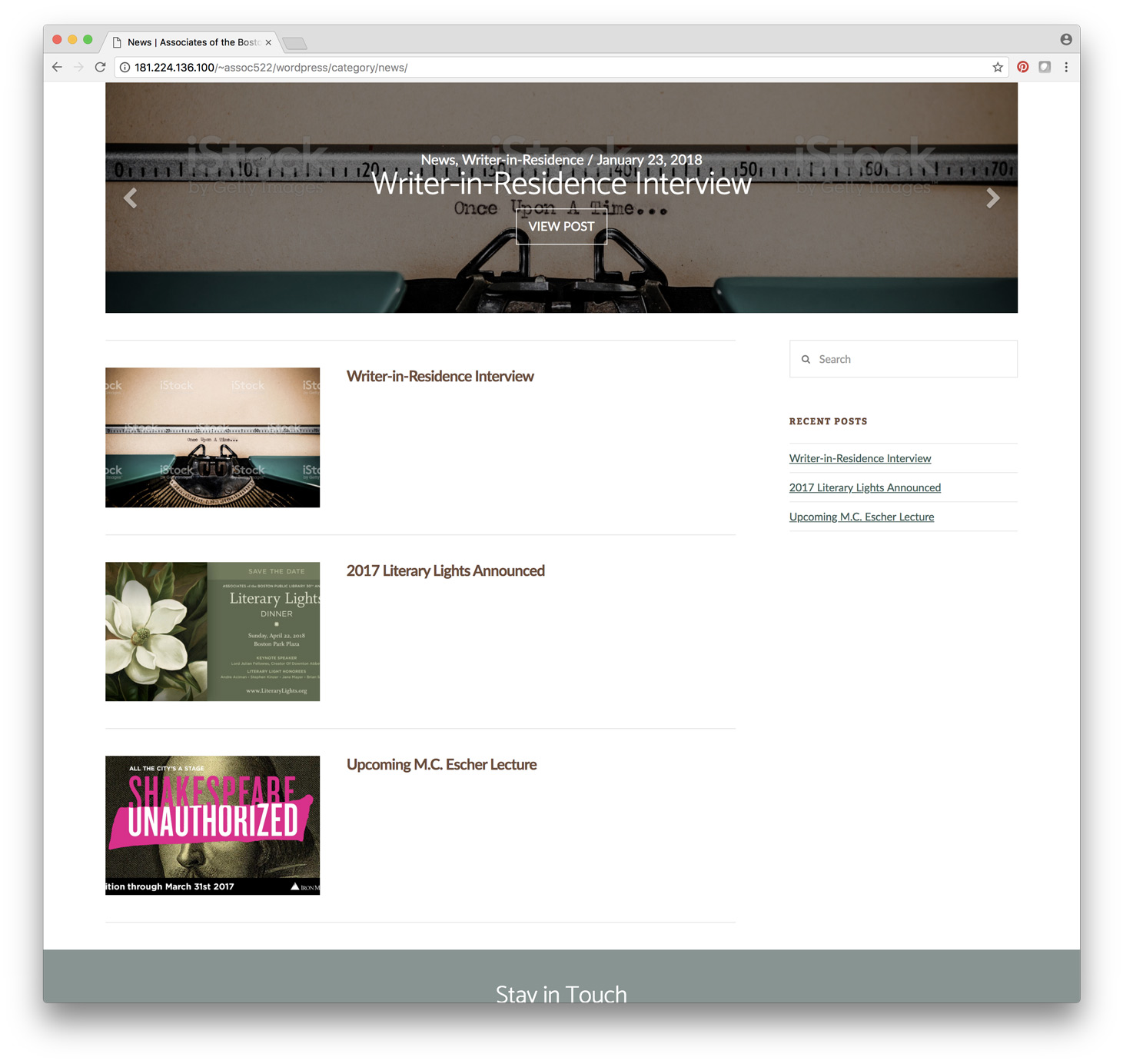
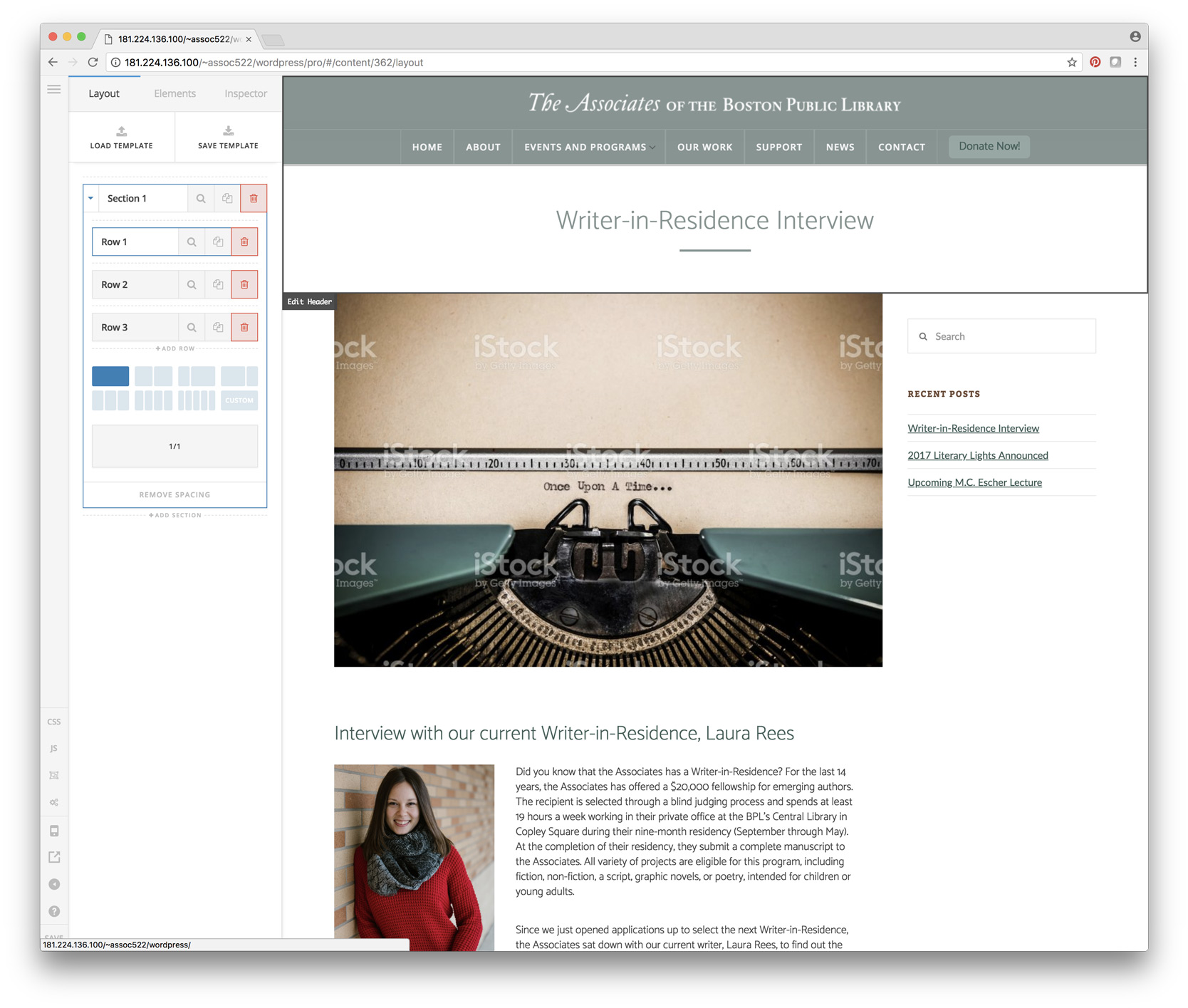
I am using Cornerstone to build the individual post pages but that doesn’t allow for excerpts in the index. I’ve done a bit of customization on the pages so I’m hoping this is an easy fix. See image.
I’ll post my login info in a secure note.

Thanks

Garet

Hello @pkingco,

Thanks for asking. :slight_smile:

We have covered this issue in some of our earlier threads. I suggest you to please take a look at the solution mentioned in following thread:

Let us know how it goes.

Thanks.

Hi Prasant,

I saw this previously and set my excerpt to 60, but nothing. I have a feeling this issue may have something to do with my working the single post pages in cornerstone.

Any other insight?

Thanks

Garet

Hi Garet,

Please try adding a manual excerpt to the post where you used the Pro builder to create the pages?

If you are not seeing the manual except option in the post settings, you can enable it when you click on Screen Options (top right part of the screen) and ticking on the Excerpt checkbox.

You should then be able to see the Except text box where you can manually type in the post excerpt.

Hope this helps.

It was already checked, so I unchecked everything and then rechecked excerpts and it appeared!

Thanks so much!

Cheers

Garet

Hey Garet,

It’s good to know that it is now displaying. Just keep in mind that you have to edit each post, insert a manual excerpts especially if the post were created in Cornerstone.

Best Regards.

1 Like

This topic was automatically closed 10 days after the last reply. New replies are no longer allowed.