Ethos previous/next post buttons

Hi,

In X (Ethos stack) we always used the following code to use the previous and next buttons only in the same category:

if ( ! function_exists( 'x_entry_navigation' ) ) :
  function x_entry_navigation() {

  $stack = x_get_stack();

  if ( $stack == 'ethos' ) {
    $left_icon  = '<i class="x-icon-chevron-left"></i>';
    $right_icon = '<i class="x-icon-chevron-right"></i>';
  } else {
    $left_icon  = '<i class="x-icon-arrow-left"></i>';
    $right_icon = '<i class="x-icon-arrow-right"></i>';
  }

  $is_ltr    = ! is_rtl();
  $prev_post = get_adjacent_post( true, '', false );
  $next_post = get_adjacent_post( true, '', true);
  $prev_icon = ( $is_ltr ) ? $left_icon : $right_icon;
  $next_icon = ( $is_ltr ) ? $right_icon : $left_icon;

  ?>

  <div class="x-nav-articles">

    <?php if ( $prev_post ) : ?>
      <a href="<?php echo get_permalink( $prev_post ); ?>" title="<?php __( 'Previous Post', '__x__' ); ?>" class="prev">
        <?php echo $prev_icon; ?>
      </a>
    <?php endif; ?>

    <?php if ( $next_post ) : ?>
      <a href="<?php echo get_permalink( $next_post ); ?>" title="<?php __( 'Next Post', '__x__' ); ?>" class="next">
        <?php echo $next_icon; ?>
      </a>
    <?php endif; ?>

  </div>

  <?php

  }
endif;

While this does still work, it loses the styling. I have tried to update the css classes out of Pro but no luck. Do you have any updated code for the Pro users? I think others might find this useful to…

(a link if needed: http://nleqib-vilikagni.savviihq.com/ploegchef-hardenberg/)

Thanks!
Hello there,

Thank you for writing in!

Please, could you tell us more details about the style problem? - I have checked your site and the previous and next arrows looks normal - check the screenshot here

Hi,

This is because the code is not there in this moment. I have added it so you can see.

Thanks

Hi there,

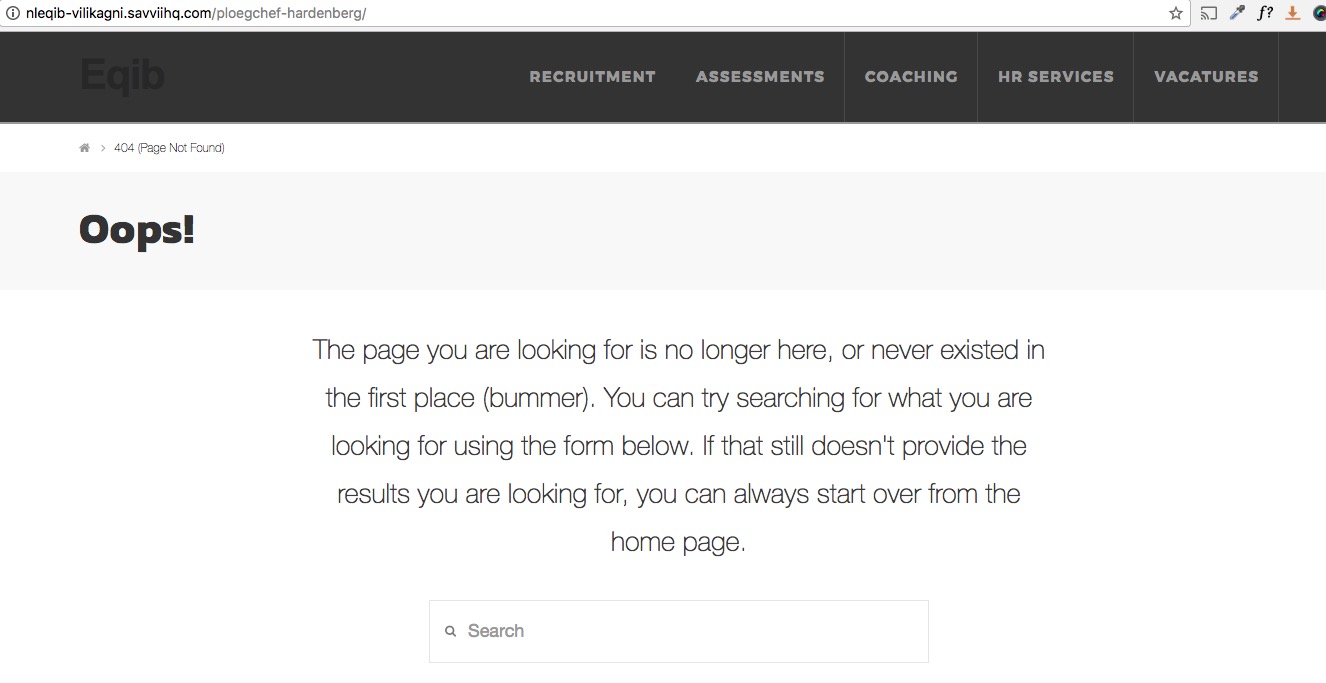
Unfortunately, the given link to check the case is no longer works and leads to 404 page:

Would you please kindly double check and give us a link which already has the code so we can check and give you proper CSS suggestions to make styling of the arrows beautiful.

Thank you.

Hi,

No problem, just go to the this blog link (http://nleqib-vilikagni.savviihq.com/categorie/vacatures/) and click on one of the blog post items.

Thanks:D

Hi there,

Thank you for providing the link. I see that the arrows are not showing and only the surrounding square box is showing, I checked and found out that in our new version we add a data-x-icon character to make it work so change the code as below:

if ( ! function_exists( 'x_entry_navigation' ) ) :
  function x_entry_navigation() {

  $stack = x_get_stack();

  if ( $stack == 'ethos' ) {
    $left_icon  = '<i class="x-icon-chevron-left" data-x-icon=""></i>';
    $right_icon = '<i class="x-icon-chevron-right" data-x-icon=""></i>';
  } else {
    $left_icon  = '<i class="x-icon-arrow-left" data-x-icon=""></i>';
    $right_icon = '<i class="x-icon-arrow-right" data-x-icon=""></i>';
  }

  $is_ltr    = ! is_rtl();
  $prev_post = get_adjacent_post( true, '', false );
  $next_post = get_adjacent_post( true, '', true);
  $prev_icon = ( $is_ltr ) ? $left_icon : $right_icon;
  $next_icon = ( $is_ltr ) ? $right_icon : $left_icon;

  ?>

  <div class="x-nav-articles">

    <?php if ( $prev_post ) : ?>
      <a href="<?php echo get_permalink( $prev_post ); ?>" title="<?php __( 'Previous Post', '__x__' ); ?>" class="prev">
        <?php echo $prev_icon; ?>
      </a>
    <?php endif; ?>

    <?php if ( $next_post ) : ?>
      <a href="<?php echo get_permalink( $next_post ); ?>" title="<?php __( 'Next Post', '__x__' ); ?>" class="next">
        <?php echo $next_icon; ?>
      </a>
    <?php endif; ?>

  </div>

  <?php

  }
endif;

That should do the trick and show the arrows for you. Thank you.

Hello,

This surely does the trick:)

Thanks so much, hope others will find it useful to.

Have a great day!

You are most welcome. :slight_smile:

Hi there,

It seems that you have deleted your post. Please post a new thread in case you have any question.

Thank you.