Ethos mobile navigation icon not visible

Ethos stack mobile navigation problem and question. When viewing a production site in mobile with a white background the mobile menu icon is not showing. I realize the default color is light grey but it’s just not visible. If I switch to a dark background the mobile menu icon shows.

I wasn’t able to find the right Ethos CSS to change the color of the mobile menu icon (as there is not an option in the stack to do this). Attached screen shot shows what happens in Chrome. I would prefer to change the color anyway so having the CSS would be most helpful.

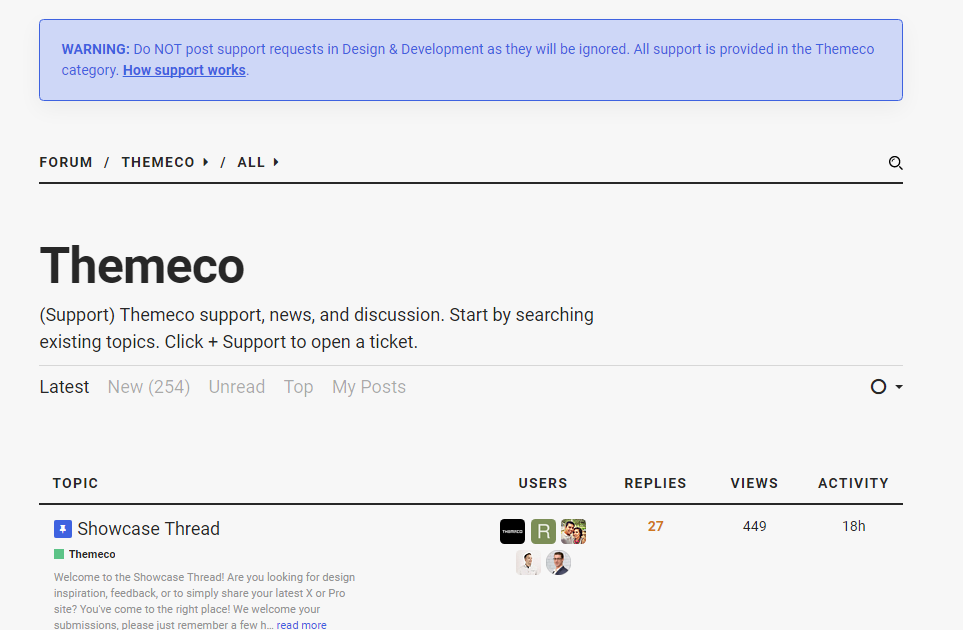
Sorry for hijacking this post but i am unable to post a new support thread as shown in the guidelines? please advise?

To summarise i do not see “+Support” to open a ticket?

Go to the Forum main page - the +Support button is below right of the Apex Forum title.

1 Like

Thanks tashmoo, really appreciate it and sorry for hijacking your thread.

Hi There,

Please use this custom CSS.

.x-navbar .x-btn-navbar.collapsed:hover,
.x-navbar .x-btn-navbar.collapsed,
.x-navbar .x-btn-navbar:hover {
	color: blue;
}

Feel free to change the blue color value.

If this does not work, please provide us your site URL.

Cheers!

1 Like

Exactly what I was looking for. Thanks!

Thanks for letting us know!

This topic was automatically closed 10 days after the last reply. New replies are no longer allowed.