hello, is it possible to display the website name and a subtitle in the header?
best greetings,
chris
Hey,
You can try adding following CSS under the code below to X > Launch > Options > CSS
.x-brand:after {
  display: block;
  content: "My subtitle";
}
2 Likes
perfect. thanks
Really glad that we could be of help! 
Cheers!
1 Like
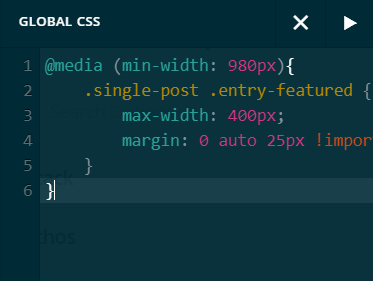
I also want the same result. I’m not a pro developer so I need some reassuring. Is this the right place for adding the code:
Many thx
Hi @epbuw,
Thank you for reaching out to us. Yes that’s correct, you can add CSS code snippets either in the Theme Options > CSS or you can add it in your child theme’s style.css file.
Hope this helps!
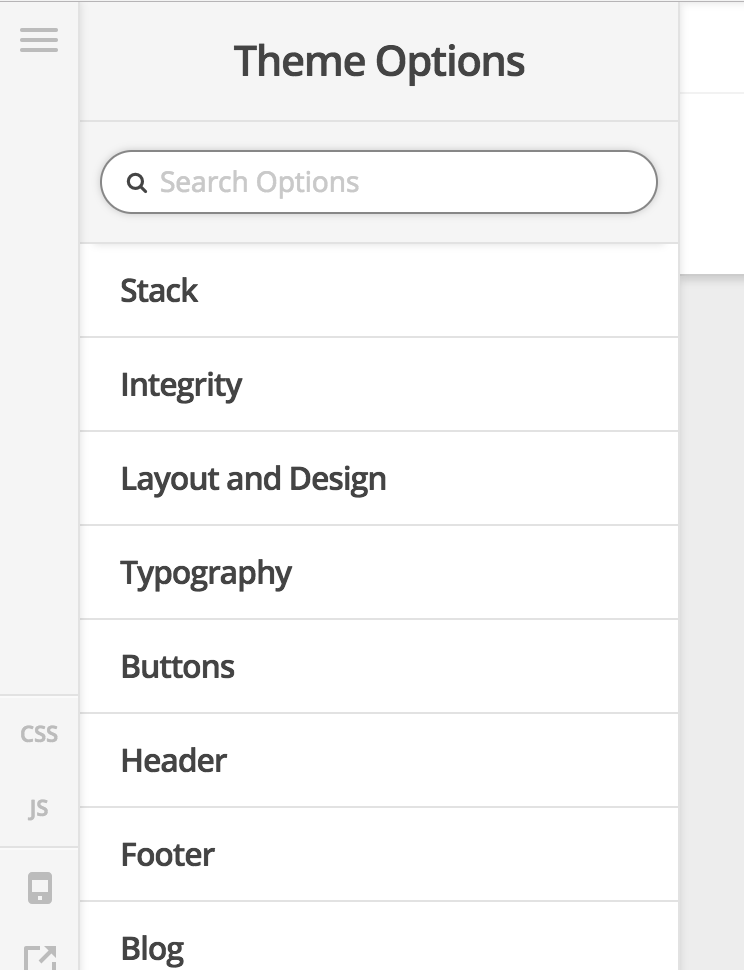
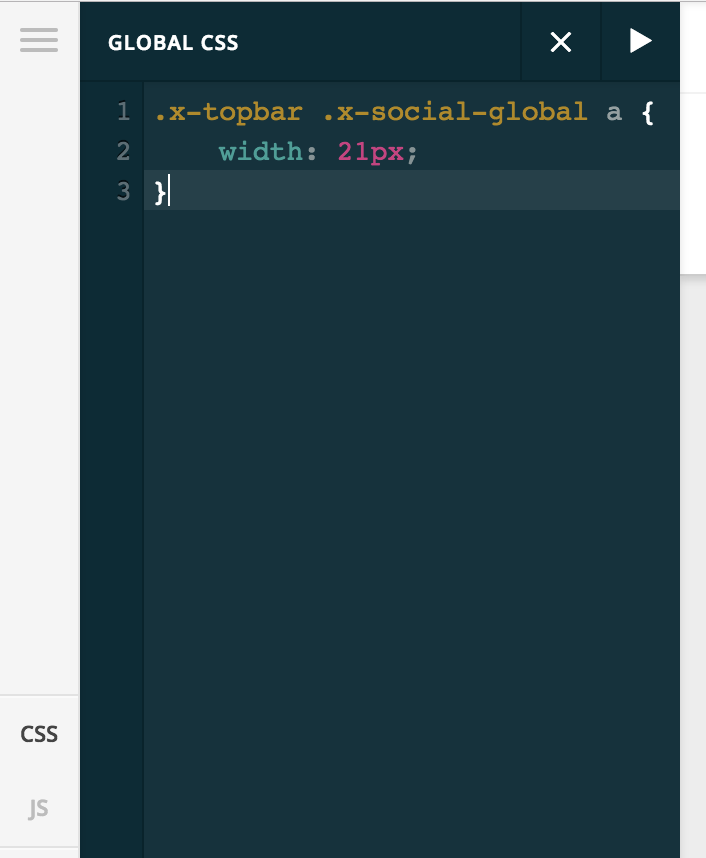
I indeed use a child theme so it’s better to add in the child instead of the theme? But at what specific point I’ve to add in the css code? Can you provide a picture/information? thx!
Hi There,
Put the custom CSS into those places are the same. Your custom CSS will be safe when you update the theme & plugins.
Regards!
1 Like