Essential Grid YouTube link on Mobile

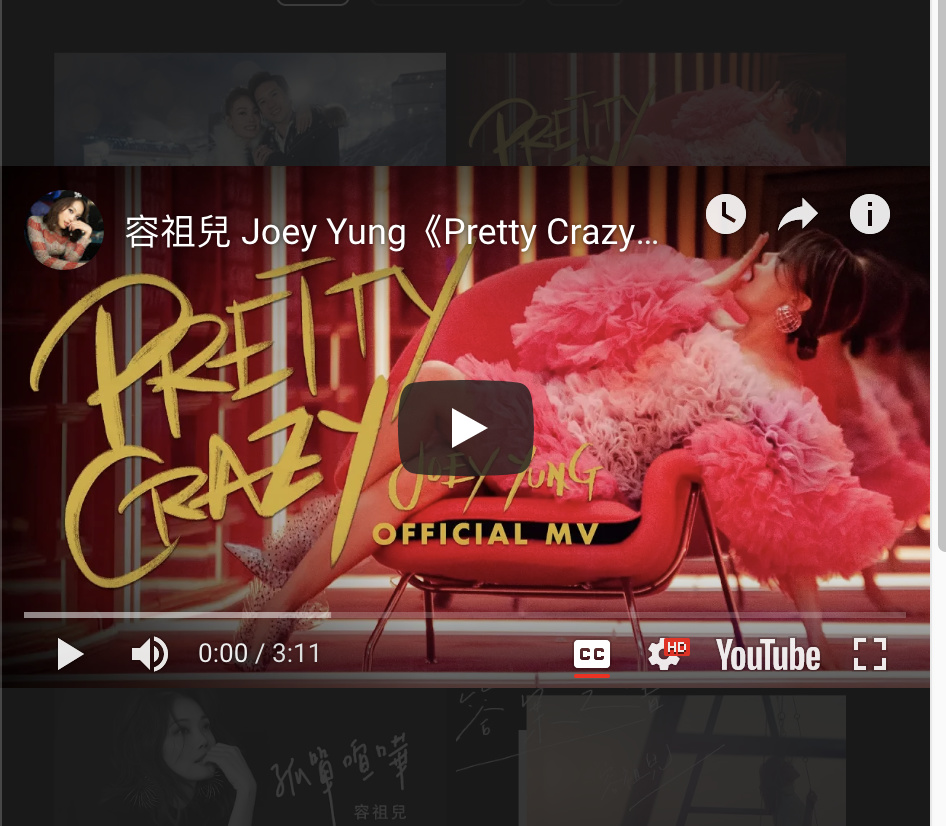
Hello, I have an Essential Grid showing a number of single YouTube videos (not a stream) that open into a lightbox. Everything looks fine on a desktop, but in mobile view when I click on the thumbnail to the YouTube video it will come up with a zoomed in view of the YouTube image. Selecting play then works fine, the video plays in the correct size.

Would like to know if it is possible to display the correctly sized YouTube video image when opening up the lightbox? Thank you!
Hi @newbasecynth,

It’s because of Essential Grid default CSS.

To fix this issue, please add the following CSS under X > Theme Options > CSS:

.esgbox-slide--video iframe {
    width: 100%;
    height: auto
}

Hope it helps :slight_smile:

Works perfectly, thank you so much. :smile:

You’re most welcome, @newbasecynth.

Hi @Jade, sorry to bother again - but I have noticed just now that the code advised before has affected the desktop view of the YouTube video also, it is now also very small and no longer plays in full screen mode as before. Could you please suggest another fix?

Hello @newbasecynth,

Thanks for updating the thread.

Please try adding following CSS code instead:

@media only screen and (max-width: 600px) {
 .esgbox-slide--video iframe {
    width: 100%;
    height: auto
}

Thanks.

This worked, thank you very much for your help. :slight_smile:

Hi @newbasecynth,

My colleague forgot the closing bracket for @media. That will prevent additional css from working.

Kindly change the css code to this

@media only screen and (max-width: 600px) {
      .esgbox-slide--video iframe {
           width: 100%;
           height: auto
       }
}

Thank you

No problem, I saw the missing bracket and already added back. :slight_smile: Thanks for following up, it works fine now.

You’re most welcome.

This topic was automatically closed 10 days after the last reply. New replies are no longer allowed.