Essential Grid - Smart Loading settings not applying

Hello!

I have set this for my main grid: Sugar 2 >> Essential Grid >> Smart Loading >> Item no. at start >> 4.
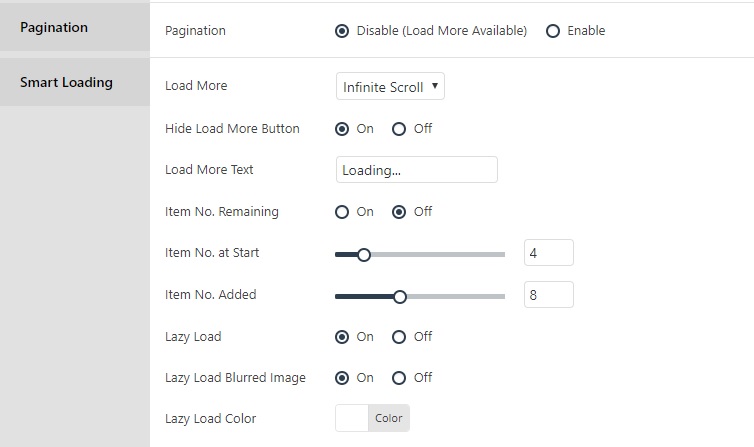
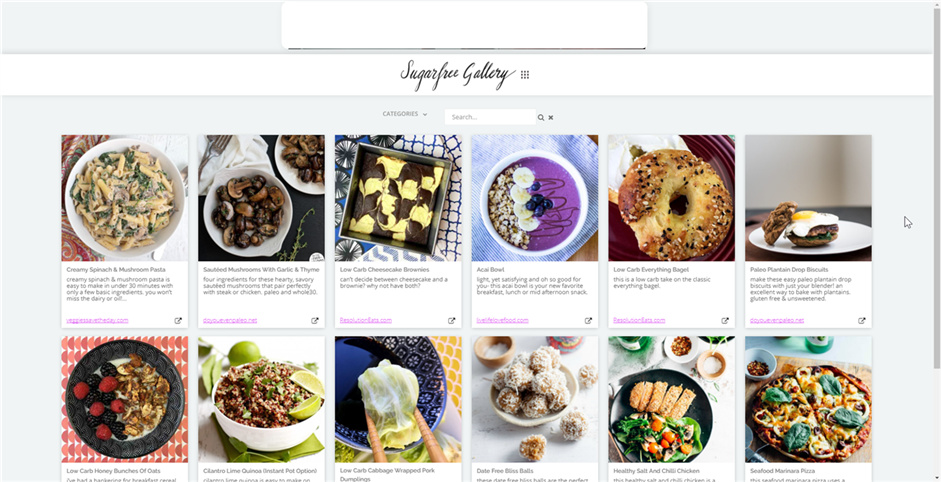
I set it at 4 as a test but when the page loads, it loads at least 19 to 20 before loading more because I have scrolled to the bottom of page. But even when I don’t scroll it still shows 8 on the page as soon as it loads.

Why doesn’t this setting apply itself to the page?

Thanks!

Credentials in secure note if needed.

Hey @gebigoma,

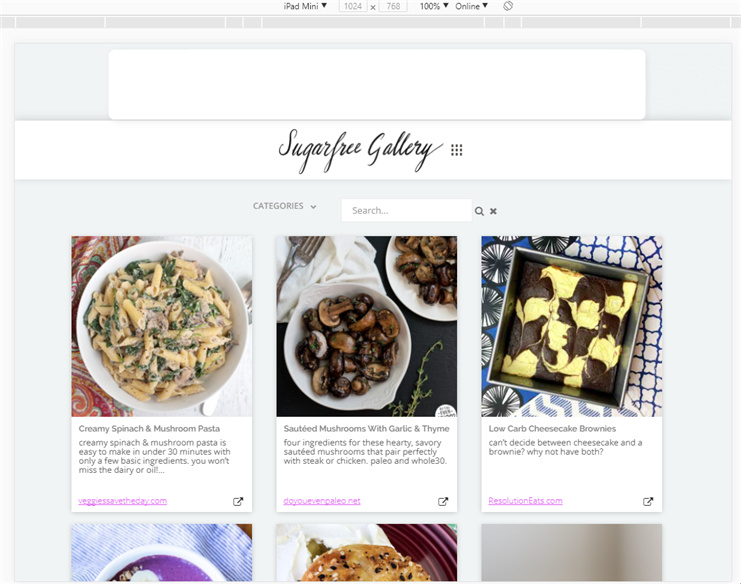
Only 4 items are actually loaded from the start but since there is space below because of the screen’s height, the next 4 items will be loaded. If you want 4 items to be loaded, you need to add content above your grid.

The starting number of items setting doesn’t really mean it’s a fixed display because the grid is responsive. For instance, it will display 6 items if you’re using a full HD monitor, 3 items per row on a tablet and 2 on phones.


Hope that is clear.

This topic was automatically closed 10 days after the last reply. New replies are no longer allowed.