Essential Grid not working with uber menu

Hello Themeco Support,

When I installed uber menu the essential grid would no longer show up on my site and I would receive this error message:

If this message does not disappear, It means that uber menus java script was not able to load. This most commonly indicates that you have a java script error on this page, which will need to be resolved in order for uber menu to run - or that your uber menu java script is not being loaded, for example if your theme does not contain the wp_footer() hook

I am not sure how to solve this problem and there is not other information out there on this.

I have tried inserting the wp_footer() in the footer.php file, but that did not work.

Any help solving this problem would be greatly appreciated!

thank you

  • Daniel

Hi Daniel,

No need to add wp-footer(). It was already added on this file
\x\framework\legacy\cranium\footers\views\global\_footer.php

We need to check your site and find where the javascript error. Please do share site URL and credentials too so we can investigate. There no known conflict between those plugin. For the mean, please make sure that you are using all compatible version. See it here: https://community.theme.co/kb/version-compatibility/

Hey Lely!

Thank you for the help. I have shared login credentials in a secure note.

This is the current page that does not load the essential grid items.

Every thing is currently up to date and I just updated the theme and am having another problem as well.

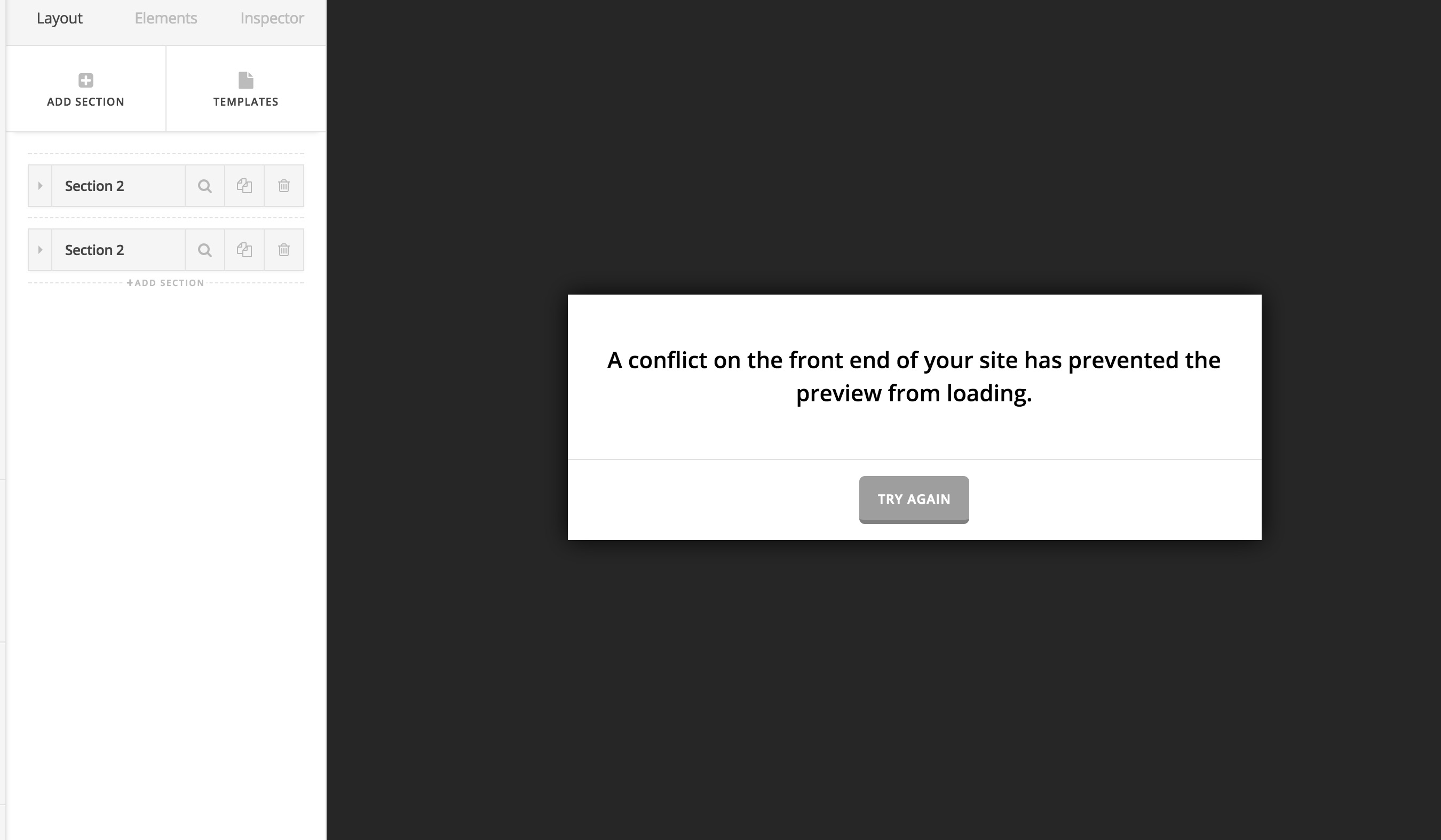
I can’t seem to edit any pages as I keep getting this error message: A conflict on the front end of your site has prevented the preview from loading.

I had purged all caches before updating to the latest version of the theme also. Any help with getting uber menu working and getting the newest update of x would be great!

Thanks Lely!

Hi There,

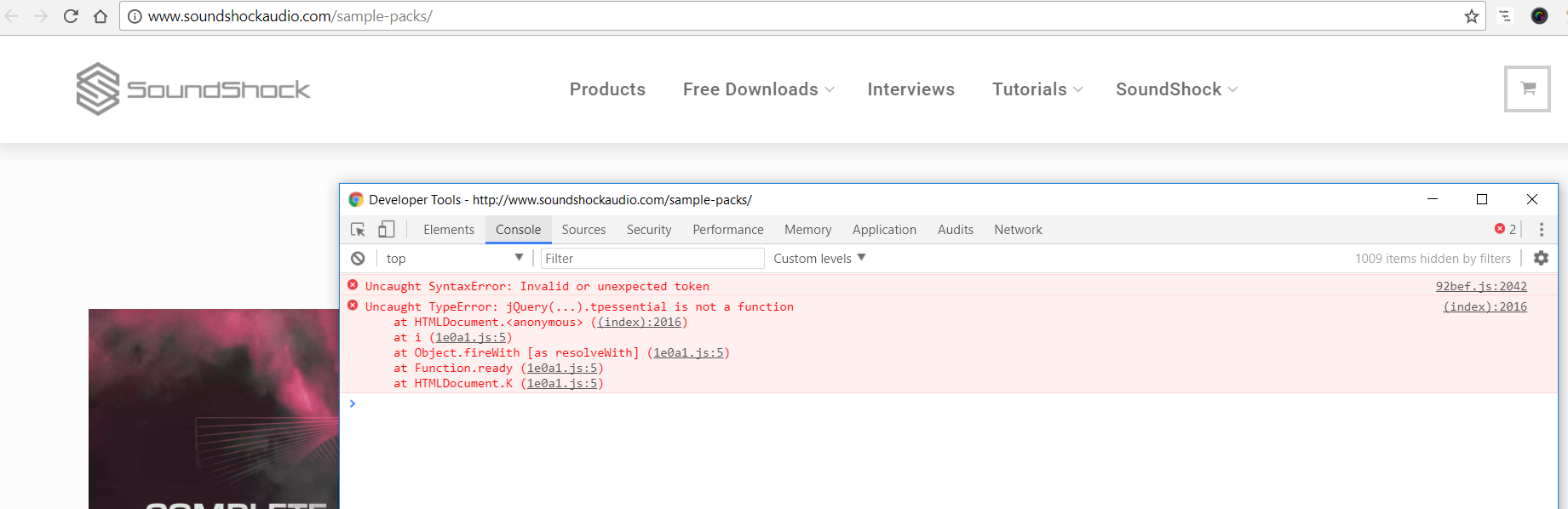
Upon checking, I can see an error on the console.

The first error is pointing to this file: http://www.soundshockaudio.com/wp-content/cache/minify/92bef.js

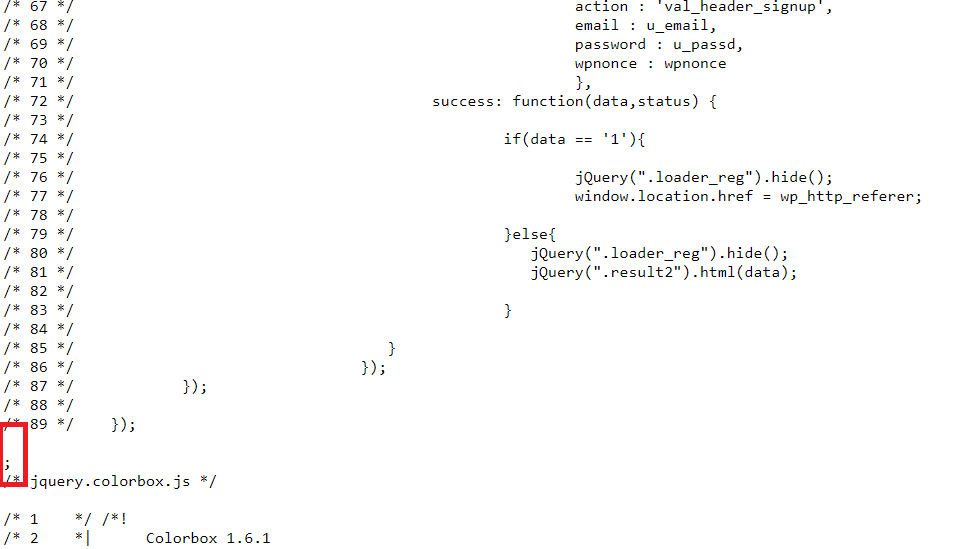
There’s an extra semi colon. A syntax error might prevent other features that is using jquery from working. Let’s fixed that first. That error comes from minify js file but from the comment it is coming from custom.js from. Try to remove extra semi-column, clear cache and then check again. Let us know how this goes.

Thank you for your response Lely!

This may seem silly, but I am not sure where to go to correct this issue.

Also, I am not able to work on my website as I keep getting the error message, "

I just recently updated X and am having this issue. I tried clearing my cache before and after the update but no luck. Any help with this would be appreciated

Hello Dan,

Most of the time when this error comes up, it could be that there are JS errors or Cornerstone’s JS script has encountered a conflict which prevent it from working. This could just be a caching issue in your site since you are using W3 total cache and with SiteGround. Caching plugins are best to turn on only when you’ve finished building the site.

Since you have installed a caching plugin W3 Total Cache, please clear your plugin cache before testing your site. This can cause the changes to not take place on the front end. It will eventually show up when the cache regenerates, but it’s not ideal if you’re looking to see your changes immediately.

And since you are using SiteGround, could you please disable the supercacher in your hosting panel? The SuperCacher is developed by SiteGround exclusively for their customers. It increases the number of hits a site can handle and boosts the website loading speed. The SuperCacher includes 4 different caching options for maximum optimization of your websites. You can access the tool by clicking on the SuperCacher icon in your cPanel.

For more information about this, please check it out here: https://www.siteground.com/tutorials/supercacher/supercacher_intro.htm

Hope this helps.

Great thank you for your help RueNel. The pages are loading correctly now.

You’re welcome!
Thanks for letting us know that it has worked for you.

This topic was automatically closed 10 days after the last reply. New replies are no longer allowed.