Essential grid not displaying fonts

Hi guys
Two months ago I posted a request
Could you help me with the following:
URL: www.ys.com.au
After the latest update to X theme and cornerstone, The Essential Grid is not able to display the font used. Within the plug in it is as specified but not live. What do you suggest?

You said it was a known issue, is there any update or process for resolving this?

Hello Phil,

Thanks for writing in! I have checked your page and it seems that the font is not loaded in the page. Are you using Google font or a Webkit font? You may not have set up the font for you grid properly. Please check out this documentations instead:

Hope this helps.

Hi Rue
We are using Google fonts with the Punch Fonts set up as advised. And all was good before an update. I will try a different font. See if it picks it up. I’ve removed and reloaded, no success. I think it is the linking between Punch Fonts and Essential Grid. As the Grid does reflect the Google fonts in the skin. Is there another way I can test a Google font?

Hello Phil,

If the Google Font will not be loaded on the page, it will not work. To better assist you with your issue, kindly provide us access to your site so that we can check your settings. Please create a secure note with the following info:
– Link to your site
– WordPress Admin username / password

To know how to create a secure note, please check this out:

Best Regards.

Hi Rue
Secure note now on post above
thanks
Phil

Hello Phil,

After investigation, I can confirm that this is a bug with the latest release of the plugin. I already informed our developers to communicate with the creators of the plugin and resolve this issue. Meanwhile, please check out this thread showcasing @Rad’s thorough explanation of how you can get around with adding the Google font into the essential grid skin.

Hope this helps.

Thanks Rue
I followed your thread and yes I have got to work, thanks for your diligence. It would be great to get some idea of timing from them.

Cheers

Hi Phil,

Thank you for your follow up, we will do our best to keep in constant contact with the plugin developers but unfortunately, we can not give any estimates on the bug fix as it is out of our hands.

The way it works is that we wait till the new version release of the Essential Grid with the fix, then we test the case against our theme to make sure it works correctly and then we release the update.

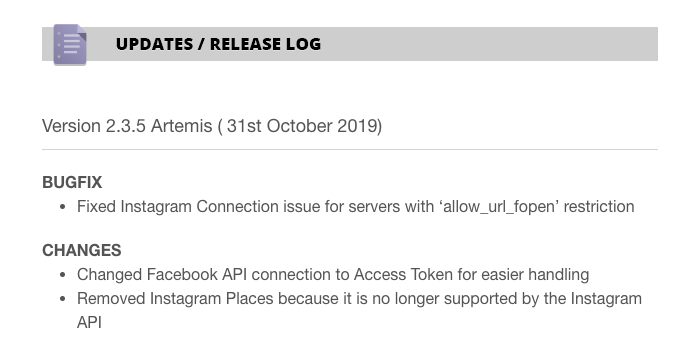
You can check the updates by going to this URL and following the Updates / Release Logs section:

Thank you.

This topic was automatically closed 10 days after the last reply. New replies are no longer allowed.