Hello Nicole,
Thanks for writing in! The grid skin editor only covers how the grid items will display on the grid. It does not include to edit the filter or search within your grid. You need to add CSS code into X > Theme Options > CSS . You need to use the Google Chrome Developer Toolbar to check the live HTML code and find which CSS selector you need to use.
By default, the select dropdown is using esg-mobile-filter-button as the class container. Therefore, you can have something like this:
.esg-mobile-filter-button {
  font-size: 16px;
  color: red;
}
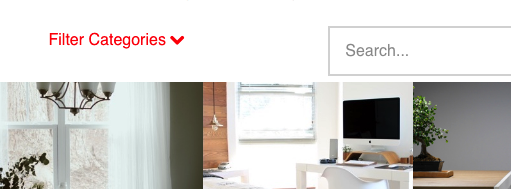
Feel free to make adjustment as you need to the sample code above. Here are some related links for further reading, this could help you in finding and implementing some CSS fixes:
We are unable to provide exact CSS code for your customization as it is outside of our support scope. The points above will be a good starting point and if you are interested you can learn more about CSS selectors and details here.
Best Regards.

