Essential Grid Link Problem

I’m messing with the Quincy Essential Grid Skin and I can’t seem to make the image clickable.

I don’t want to put a magnifying glass or anything on it, I just want for when you click anywhere on the image for the lightbox to pop up.

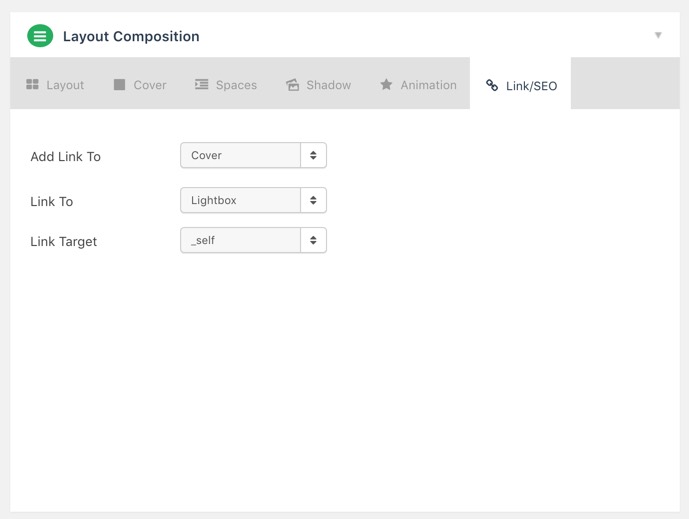
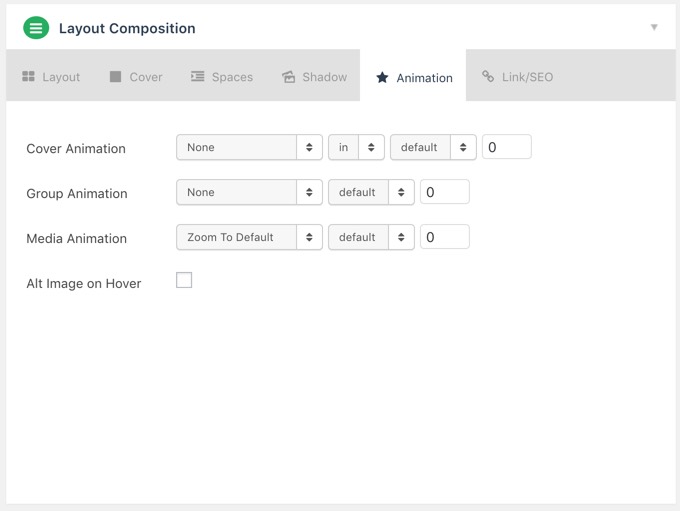
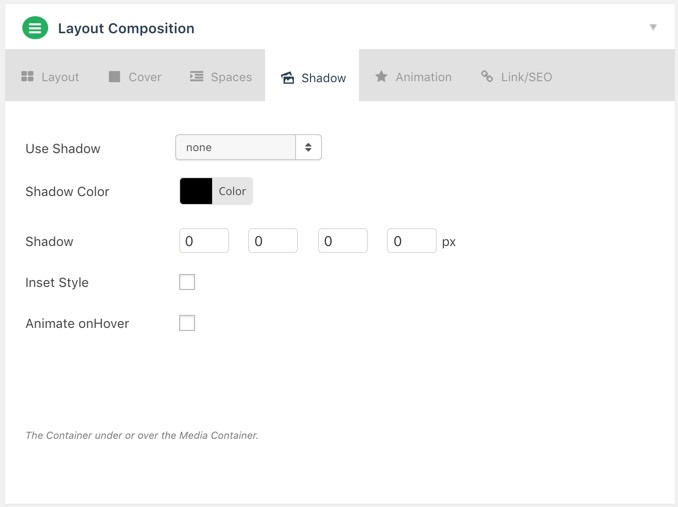
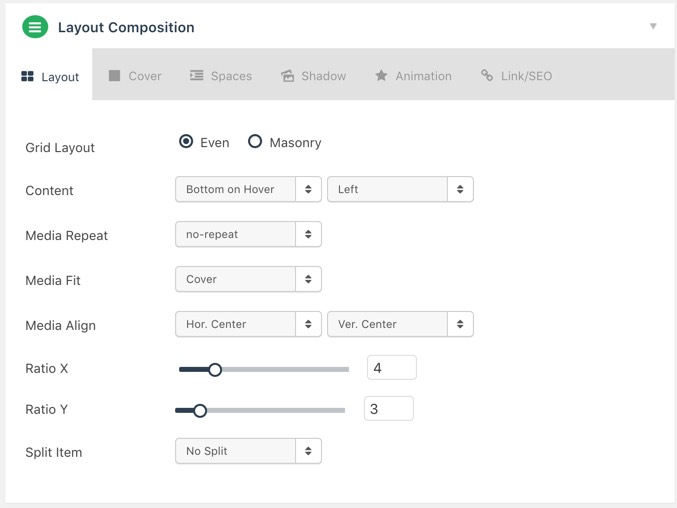
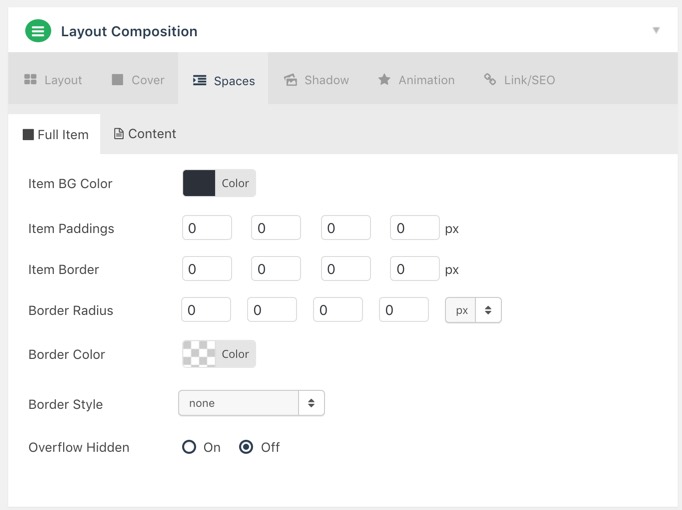
I’ll attach screenshots of all of my settings below.
Hi @gregorylmartin,

Thanks for reaching out.

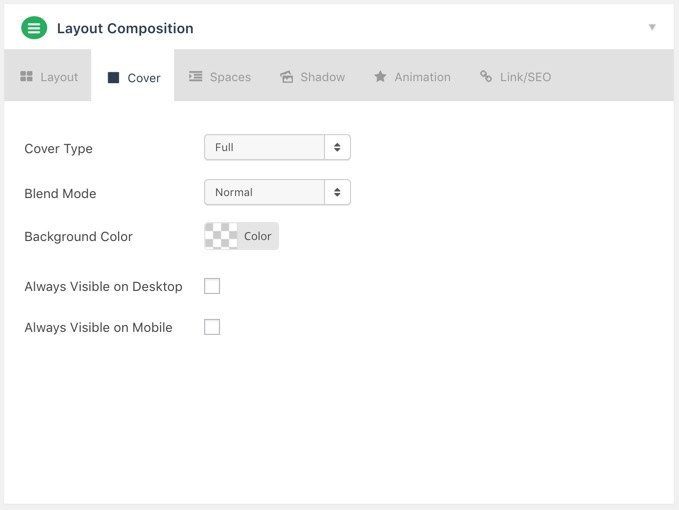
Please turn on the options Always visible on Desktop and Mobile, the cover should remain visible since it’s the one linking to the lightbox.

Else, please provide a sample URL where we can check your grid. And you could try testing for a plugin conflict. You can do this by deactivating all third party plugins, and seeing if the problem remains. If it’s fixed, you’ll know a plugin caused the problem, and you can narrow down which one by reactivating them one at a time.

Let us know how it goes!

I actually just fixed it by changing Cover Type to Content Based and then changing Add Link To to Media instead of Cover and it started working.

I’ll keep in mind what you said about those check boxes for next time though.

Thanks!

You are most welcome. :slight_smile:

This topic was automatically closed 10 days after the last reply. New replies are no longer allowed.