Hi Adrian,
Is there any chance that you have more information about the error? You can login through FTP then edit the wp-config.php file and find the line: define( 'WP_DEBUG', false );. Set it to true then save the file. Log back in the admin area and you should be able to see some more error information when you redo the steps you are having issues with.
If you are getting an error message that suggests: Fatal error: Allowed memory size of xxxxx bytes exhausted, it means that you need to have the PHP memory limit of your site increased.
To do this, please edit your wp-config.php file and insert these lines:
define( 'WP_MEMORY_LIMIT', '256M' );
define( 'WP_MAX_MEMORY_LIMIT', '512M' );
You can add it before the line
/*That's all, stop editing! Happy Blogging. */
In case the issue persists, please try to get in touch with your hosting provider and confirm to them that your PHP memory limit is increased.
If you are still having an issue, please provide us with the admiin details of your site in a Secure Note so that we can check this further.
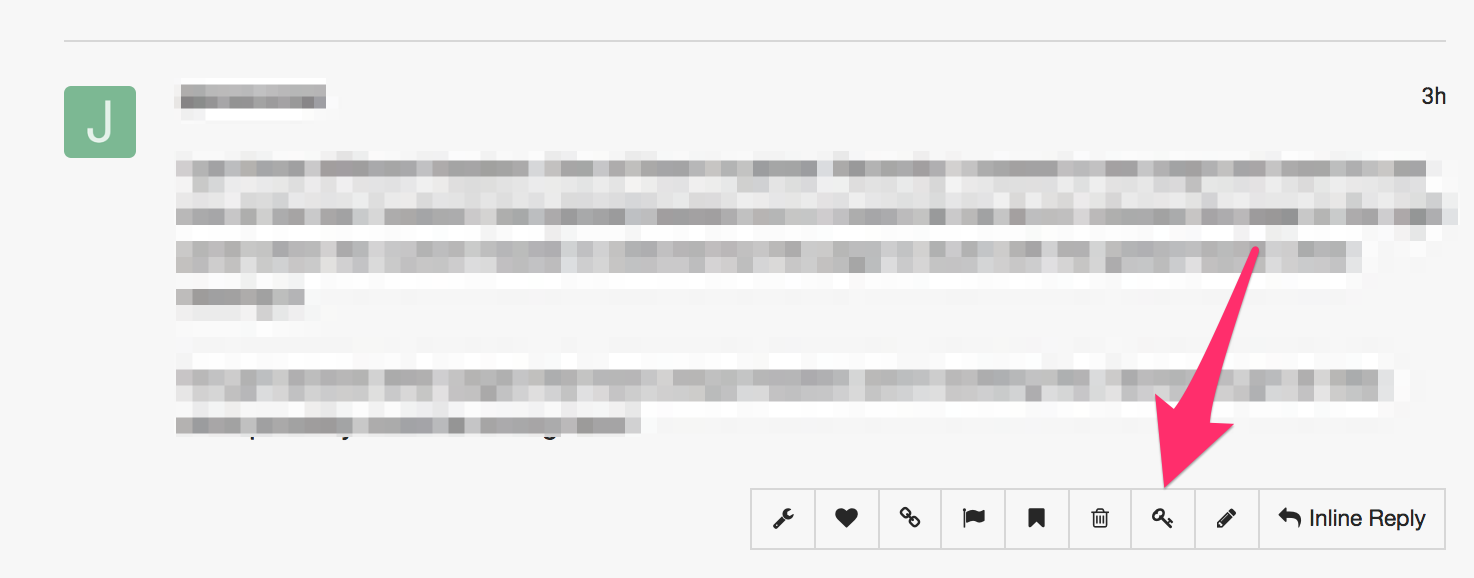
please provide us with the admin access to your site in a Secure Note:
I hope this helps.
