Error when uploading Theme X

Hi there,

I’ve used Theme X on a couple of sites so far, and not had this issue before. So far no solutions have been found through my hosting company. The upload sizes have been increased and the php version updated also. Along with storage and execution time increases.

The errors are either: “The link you followed has expired. Please try again.” or about there not being enough php memory or something to do it. (but technically, there is!)

Hoping you might be able to assist.

Credentials to follow.
Hi there,

This usually happens when the upload_max_filesize value of your PHP settings is less than the size of the file you are uploading.

If you have an access to the php.ini file of your hosting, try adding these code in the file:

upload_max_filesize = 64M
post_max_size = 64M
max_execution_time = 300

You can also check http://www.wpbeginner.com/wp-tutorials/how-to-increase-the-maximum-file-upload-size-in-wordpress/

Or you may also get in touch with your hosting company and have then double check the following values above.

Another option would be to upload the theme manually through FTP. Go to wp-content/themes then upload the unzip x folder there. Login to the admin area and you should see X installed in the theme’s page.

Hope this helps.

Hello Jade.

Thank you for your response. Unfortunately I have already increased upload and execution limits, then I tried your suggestion to upload via ftp, but still with no luck. Is there anything else you might be able to suggest, or even do to help?

One topic I read mentioned support uploading the theme for the user. I’ve successfully uploaded and am using two other subscriptions of Theme X for websites I manage. I’m not sure why this isn’t working.

Kind Regards.

Adam.

Hi Adam,

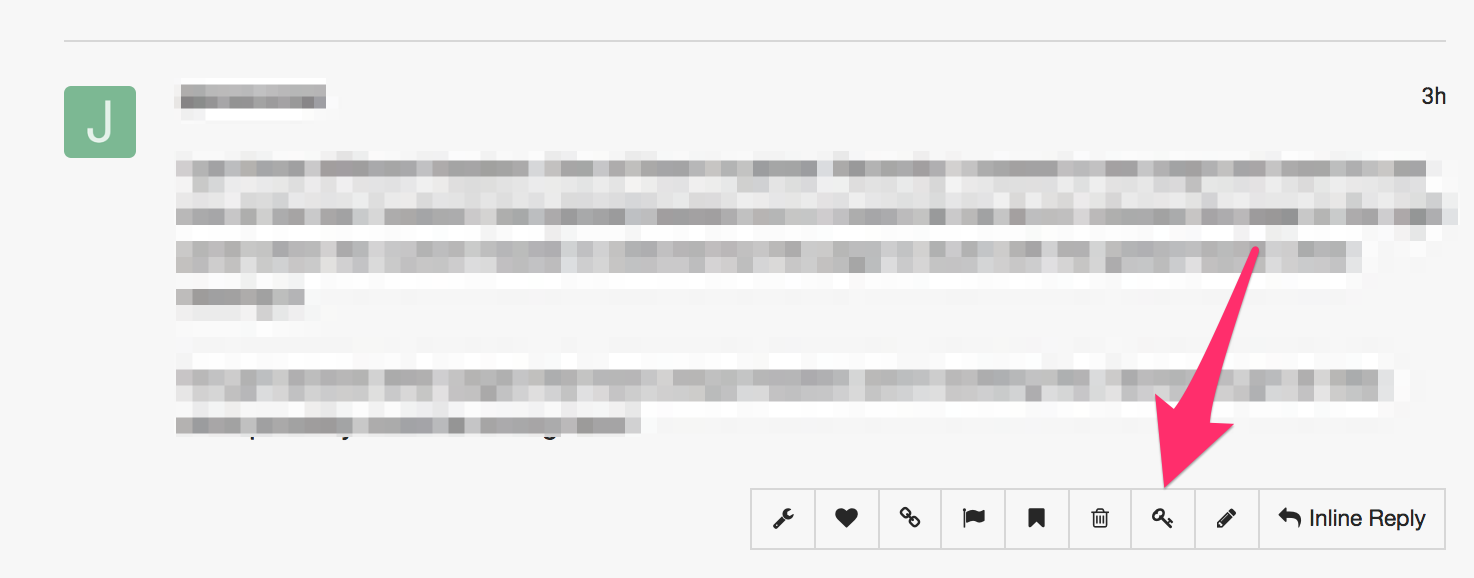
Is there a chance that you can please provide us with the admin access to your site in a Secure Note (key icon under the replies you post/posted) so that we can check this further?

Thank you.

Yes, absolutely. See Secure Note.

Hi Adam,

I tried upload X to the theme’s area and I getting the issue.

Increasing the PHP resources should solve this issue just like the case in this thread:

It would be best to get in touch with your hosting provider and confirm this to them as the changes you tried to do did not take effect because some hosting limits that access.

Another thing you can try to do is to manually upload X through FTP which I previously suggested.

Hope this helps.

Hi Jade.

Thanks for looking into this issue. I have been through the process of increasing everything that can possibly be increased, but with no luck. Would it just be easier to completely remove Wordpress and start again?

Adam.

Hey Adam,

I tried to check the status of your server via WooCommerce > System Status but as soon as I tried activating the plugin your server went down and I got the error:

The server is temporarily unable to service your request due to maintenance downtime or capacity problems.

This seems like a serve capacity issue, you can checkout the following article https://www.wpbeginner.com/wp-tutorials/how-to-fix-503-service-unavailable-error-in-wordpress/ or contact your hosting provider because they may be able to pin-point what’s causing the issue.

If nothing works then you can reinstall WordPress with a fresh copy.

Let us know how this goes!

This topic was automatically closed 10 days after the last reply. New replies are no longer allowed.