Hi all,
Could anyone help me out, I am getting an error message while previewing content on my home page (demo content ICON THEME).
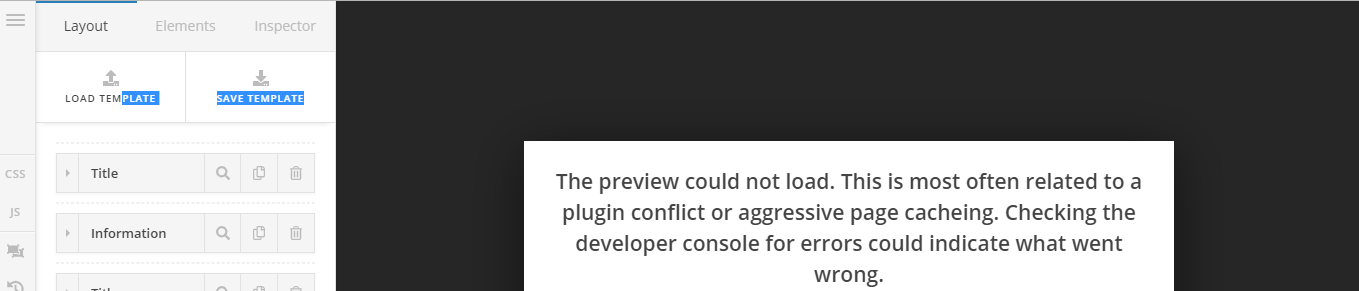
Hi all,
Could anyone help me out, I am getting an error message while previewing content on my home page (demo content ICON THEME).
Hello Bart,
Thanks for writing in!
Are you using CloudFlare or may have installed a caching plugin like WordFence, W3 Total Cache or WP Super Cache? Please keep in mind that after doing every updates, always remember to clear all caches when updating so that the code from the latest release is always in use. This will help you to avoid any potential errors. Caching plugins are best to turn ON when you are finished building your site and ready to go live.
We also recommend that you increase your memory allocated to PHP. To increase it, please edit your wp-config.php file and insert these lines:
define( 'WP_MEMORY_LIMIT', '256M' );
define( 'WP_MAX_MEMORY_LIMIT', '512M' );
You can add it before the line
/*That's all, stop editing! Happy Blogging. */
We would loved to know if this has work for you. Thank you.
This topic was automatically closed 10 days after the last reply. New replies are no longer allowed.