Error logging and 404 error's

Hi,

after the most recent update some elements won’t render in the editor.
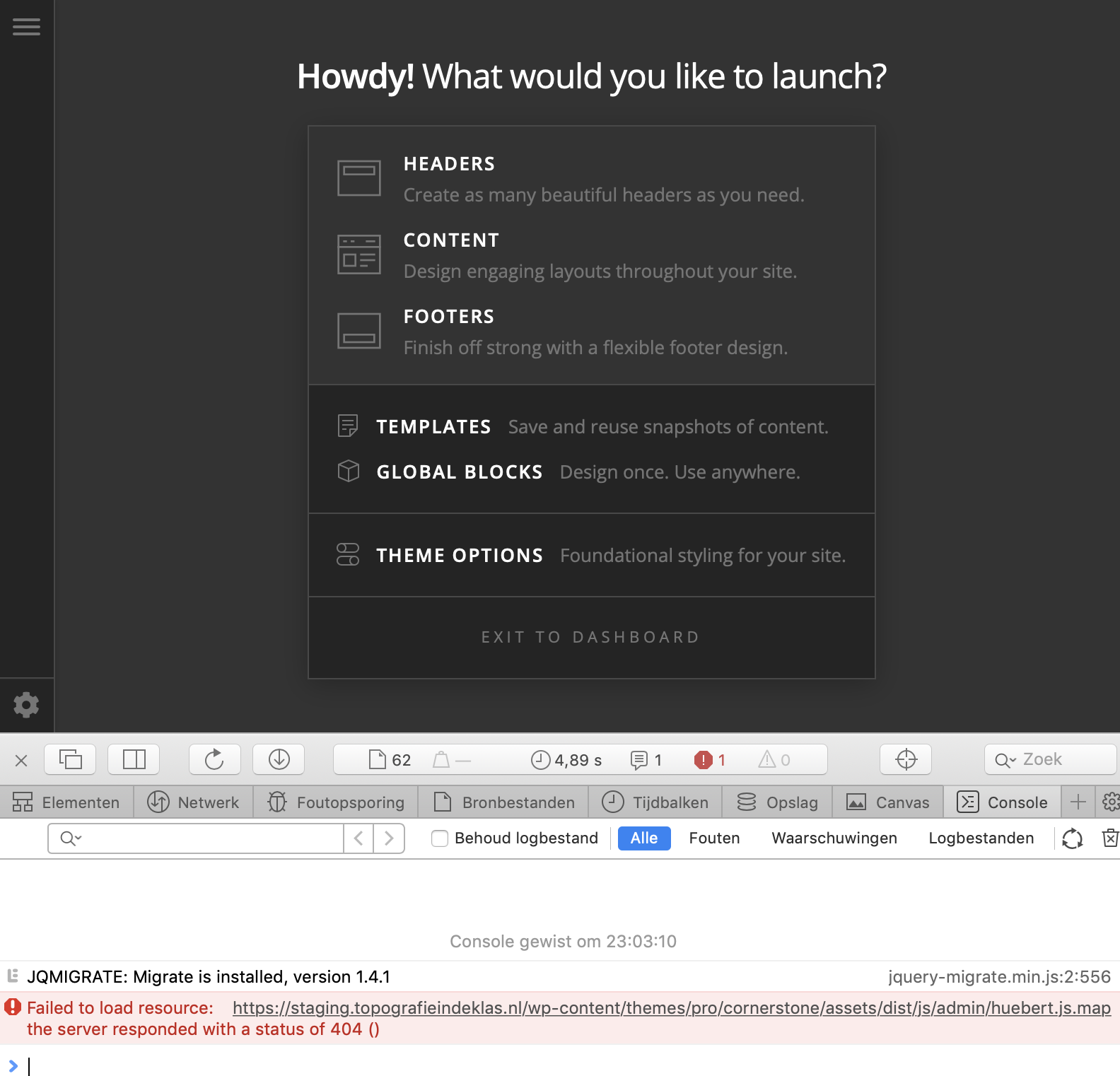
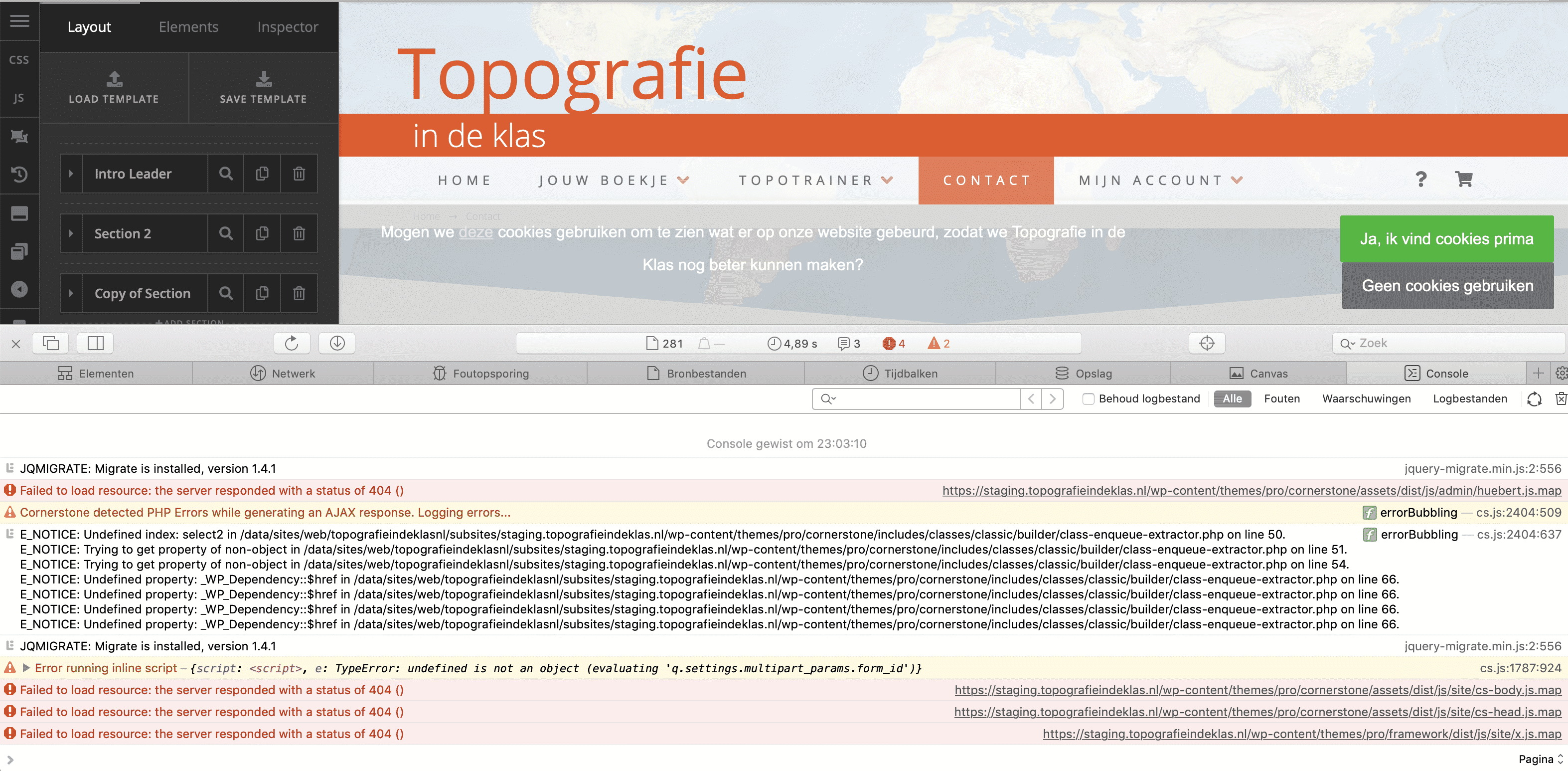
To debug this I had a look at the browser console. I noted two things: (1) Cornerstone says it’s logging errors and (2) several theme files can’t be found and therefore hit a 404 error.

Therefore I’ve got two questions:
(1) Where is the error log of Cornerstone located? I can’t see it’s output in WordPress’s default debug.log
(2) Why are there so many 404’s for theme files? I notice this on multiple websites running Pro

I’ve attached a screenshot with the full console output when editing a page in Pro.

Thanks!
Hi There @dhunink

Thanks for writing in! 404 errors denotes that either the required files are missing, corrupted or not accessible due to permission related issues. So that is why, those errors are not in your debug.log file.

I would suggest you to delete your Cornerstone plugin under your plugins section and re-install it by head over to X -> Validation section and wait for few seconds to automatically install the latest version.

Also I would suggest you to make sure that you’re using the latest version of X theme and Cornerstone by checking our changelog here (https://theme.co/changelog/).

Then re-generate your .htaccess file by head over to Settings -> Permalinks section, select the option postname and save the changes.

If you’re using a caching plugin, now you can purge your server cache, clear your browser cache and try testing your Cornerstone builder.

Let us know how it goes.
Thanks!

Hi @mldarshana,

thanks for the answer on question number (1).
Question number (2) was not answered tough.

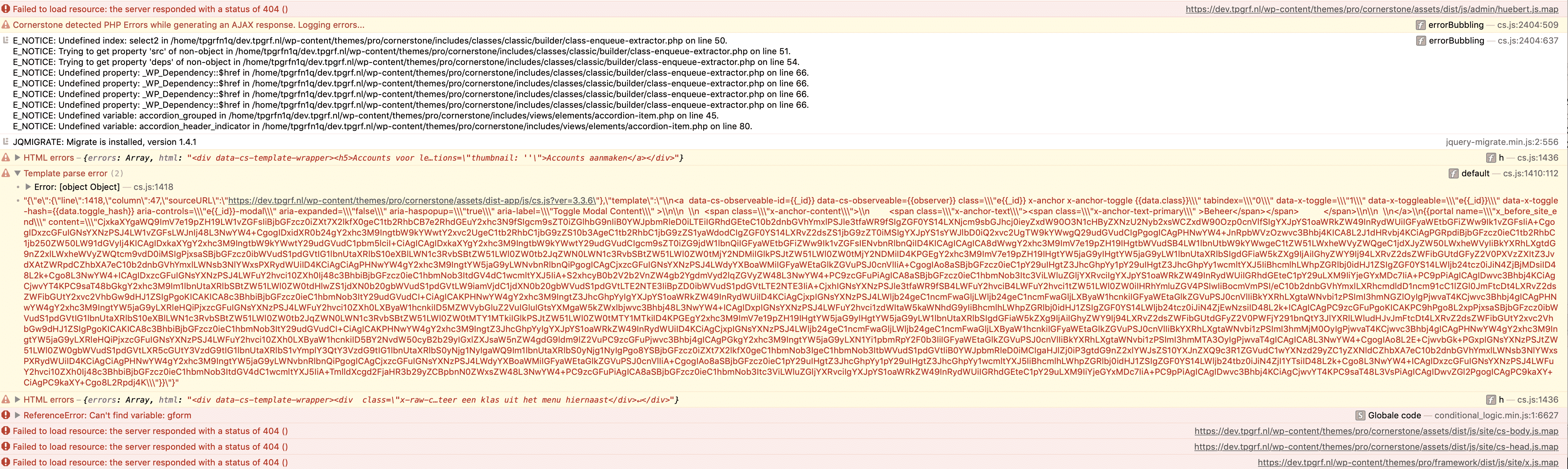
In question (2) i was referring to this specific console message:

The Theme states it’s logging errors, but I can’t find those logged errors anywhere. Where should they be located?

Back to the matter of question (1). I’ve done a lot more testing tonight, including your suggestion. Also completely moved to a different host, just for testing. Nothing mattered.
Looking in more detail to the 404 log they all refer to JS files that are formatted as filename.js.map. The .map version does not exists. I’ve checked with a fresh copy. The regular .js versions (without .map) DO exist.

Here are two more examples:

I’ve been beta-testing the theme for a while and always look for ways to improve reporting issues.
On this matter I believe the main question would be: where in the Theme is the .map version of JS files defined?

Hello @Dhunink,

Thanks for writing in!

The missing .map files are the source maps. You can ignore them. It appears when you open your browser developer tools and the source map is there to help with debugging. It can be turned off in some browser’s developer tools but I guess, not possible in Safari browser. It will always display in Safari’s developer tool’s console.

You’ll need the source map if you’ll debug a site, but you can’t do that on our theme and builder. Should be done by our developers only, plus they tend to be permanent in its current version and shouldn’t be customized.

It will only be used when you are debugging the page. https://www.html5rocks.com/en/tutorials/developertools/sourcemaps/

The errors being log is in the console only. To debug AJAX calls, please check this: https://stackoverflow.com/questions/21533285/why-the-ajax-script-is-not-running-on-iis-7-5-win-2008-r2-server/21617685#21617685

Hope this helps.

Hi @RueNel,

thinks for the in-depth answer. That as actually exactly the level of insight I was looking for!
Thanks again!

You’re most welcome!

This topic was automatically closed 10 days after the last reply. New replies are no longer allowed.