Envira Gallery questions

Hi there, see https://www.logoglo.com/new-home/

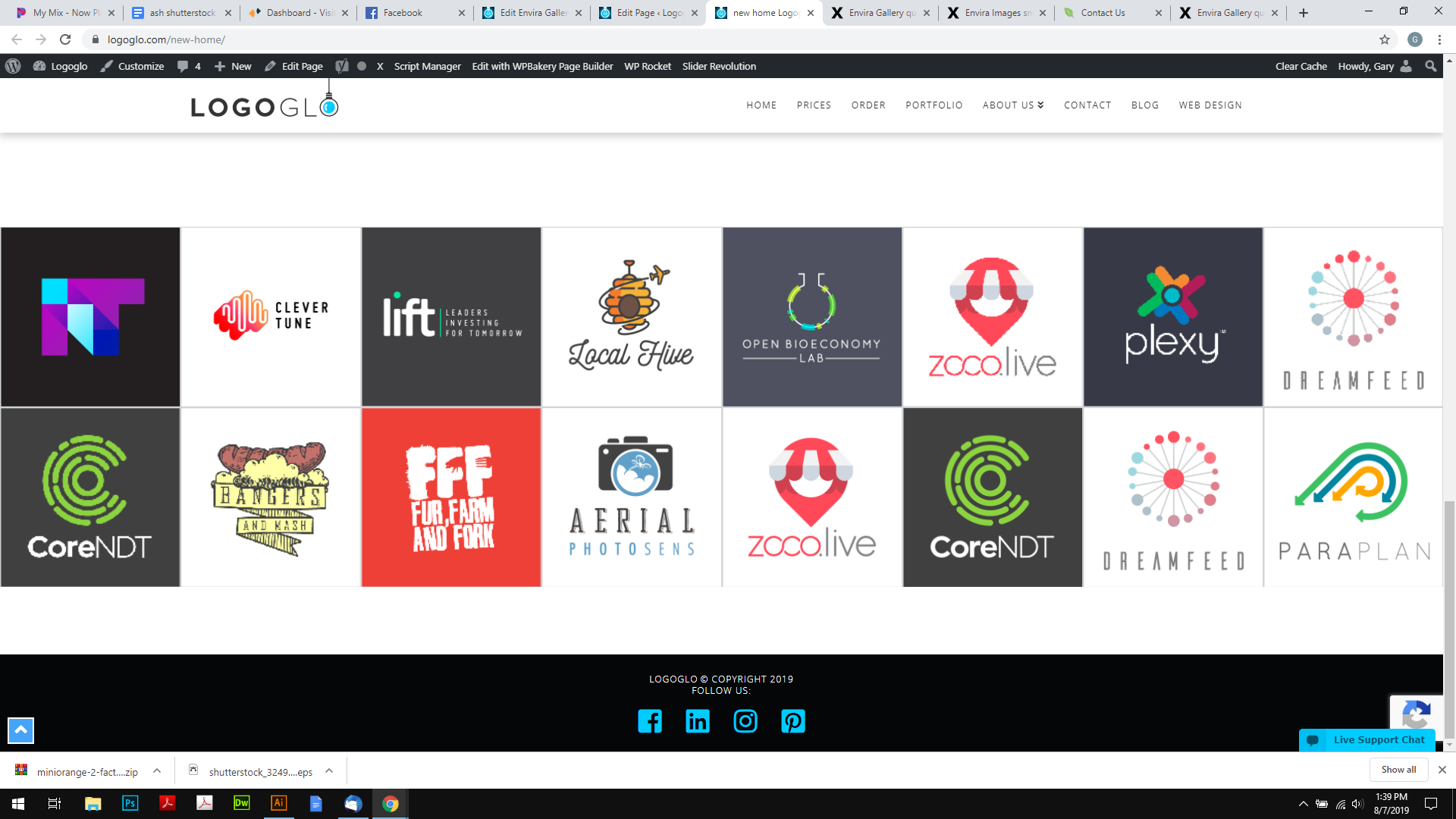
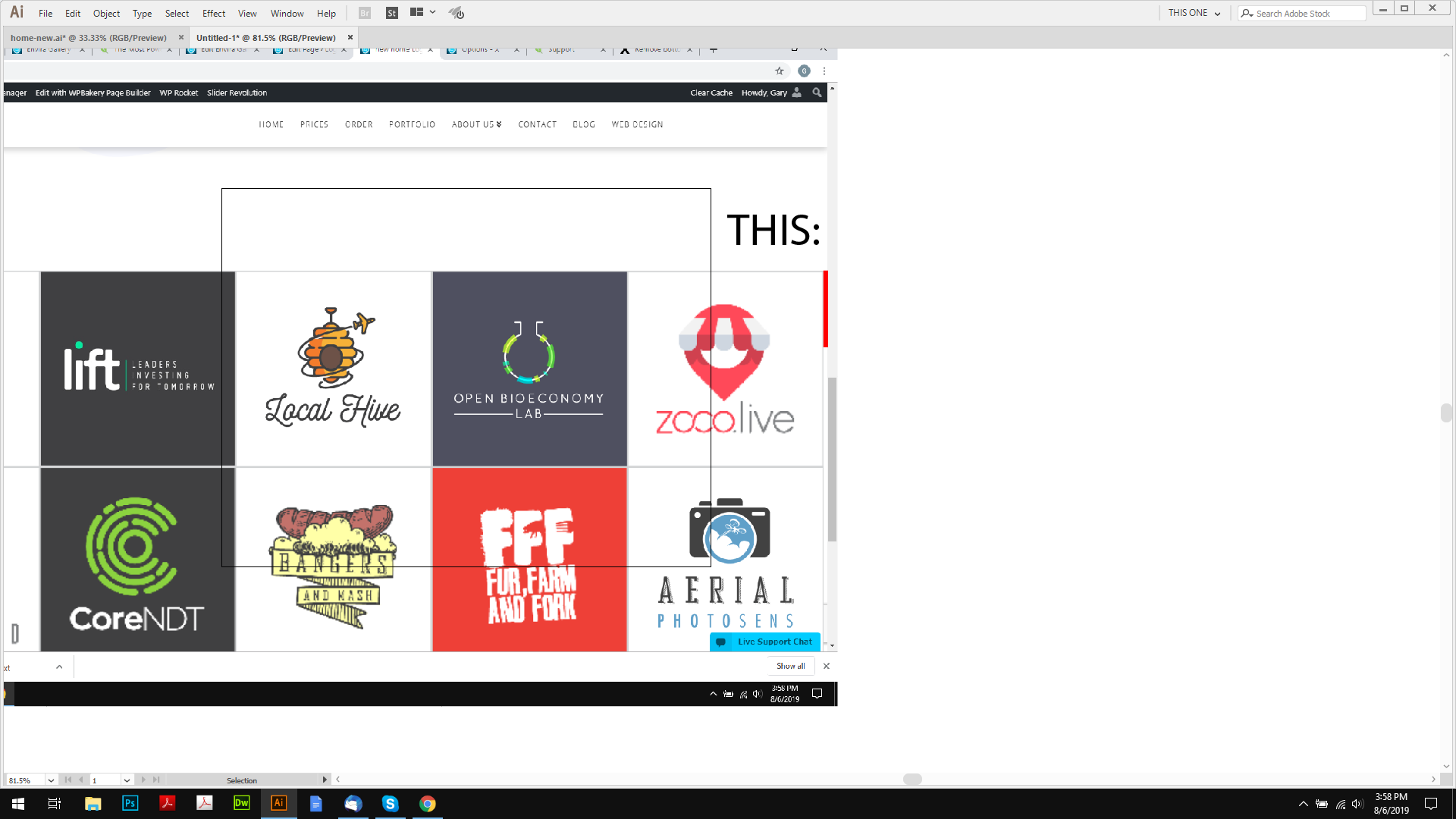
1: I have set the gallery to have no margins, yet there is a space bellow them, how can I get rif of it?
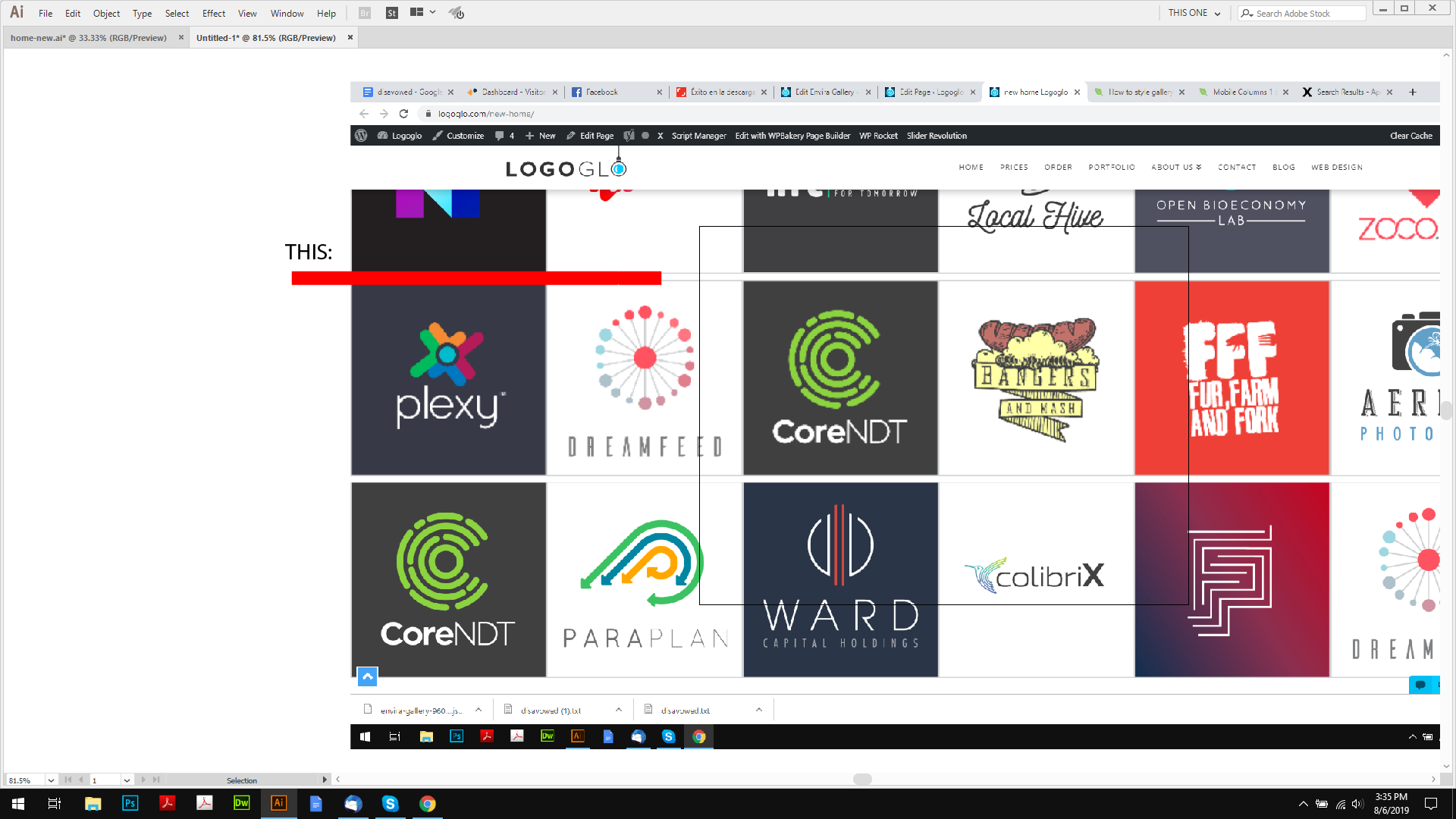
*** SOLVED. (.envira-gallery-wrap .envira-album-public .envira-gallery-item img, .envira-gallery-wrap .envira-gallery-public .envira-gallery-item img {
margin: -5px!important;
})

Though in doing this, it adds a margin to the right of the screen, how do I remove this?
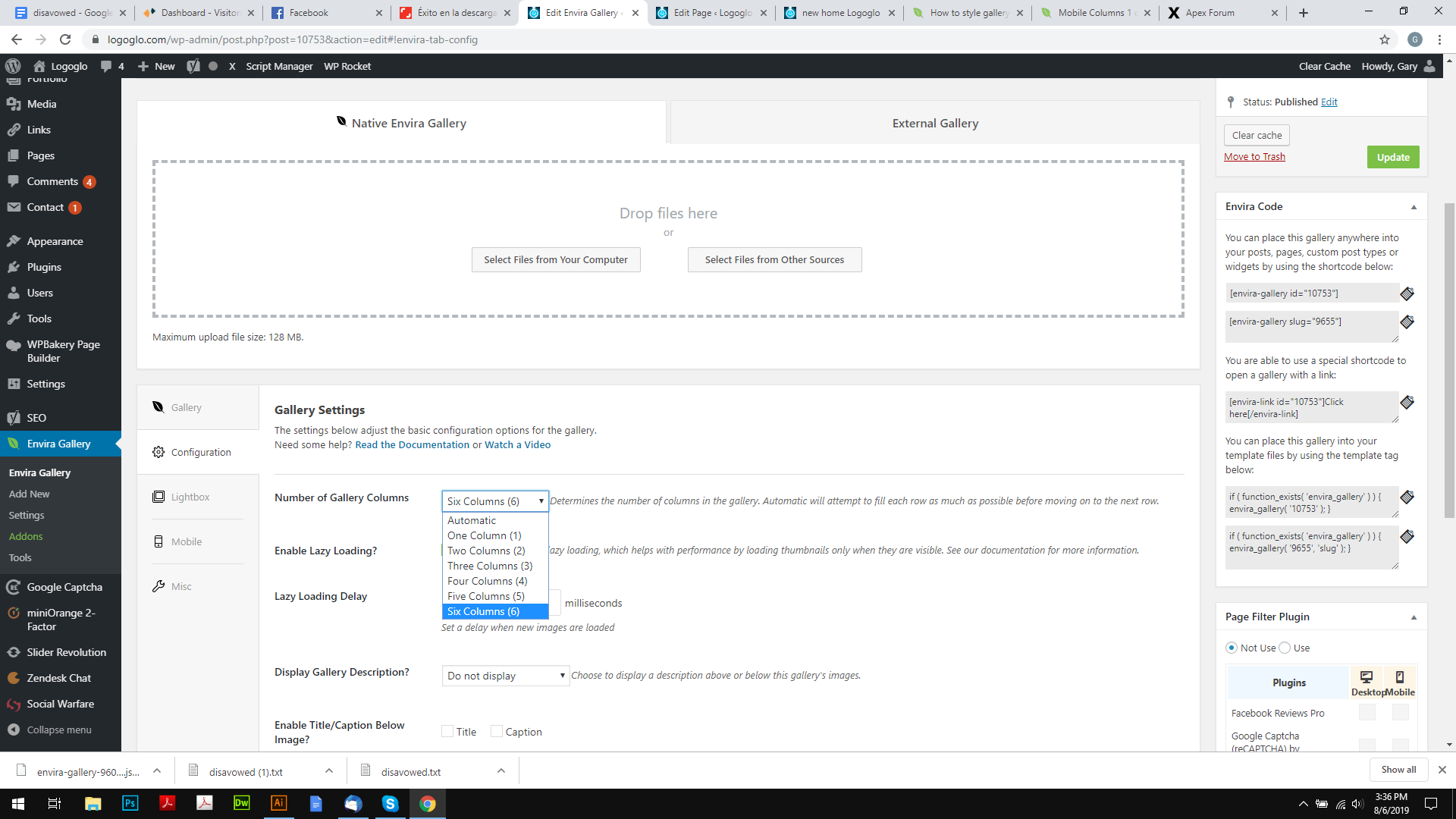
2: How do I make the gallery have 8 columns? the limit is 6 in the dropdown options:
3: I dont want a lightbox, or the images to link as I have it now, BUT, I would like just one of the images to link, is this possible?

Thanks.
Hi @logoglo,

1.) That is not a margin but padding bottom. See this: https://screencast-o-matic.com/watch/cqji2vOMVM
Try this CSS instead:

.envira-lazy:not(img) {
     padding-bottom: 0 !important;
}

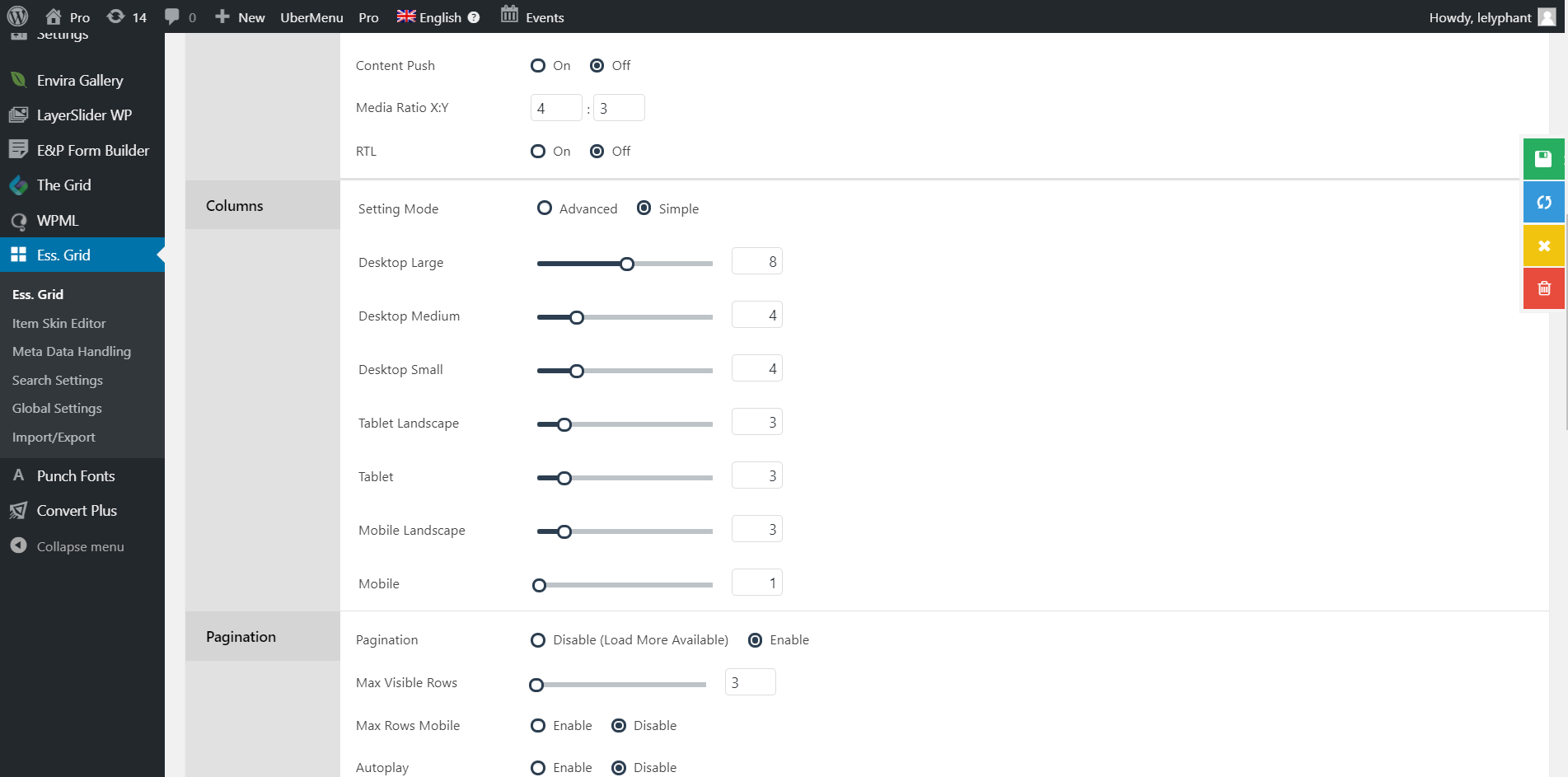
2.) Unfortunately, it is not possible right now based on settings. Can be achieve using customization but that would be outside the scope of our support. You may want to check essential grid as it offers more columns:

3.) Unfortunately, lightbox is a general setting for envira and cannot be adjusted per image. This is not possible.

Thank you.

Thanks, that new code worked, and yeah, I thought so, had a look into the code, seams very complicated.

Thanks for your help.

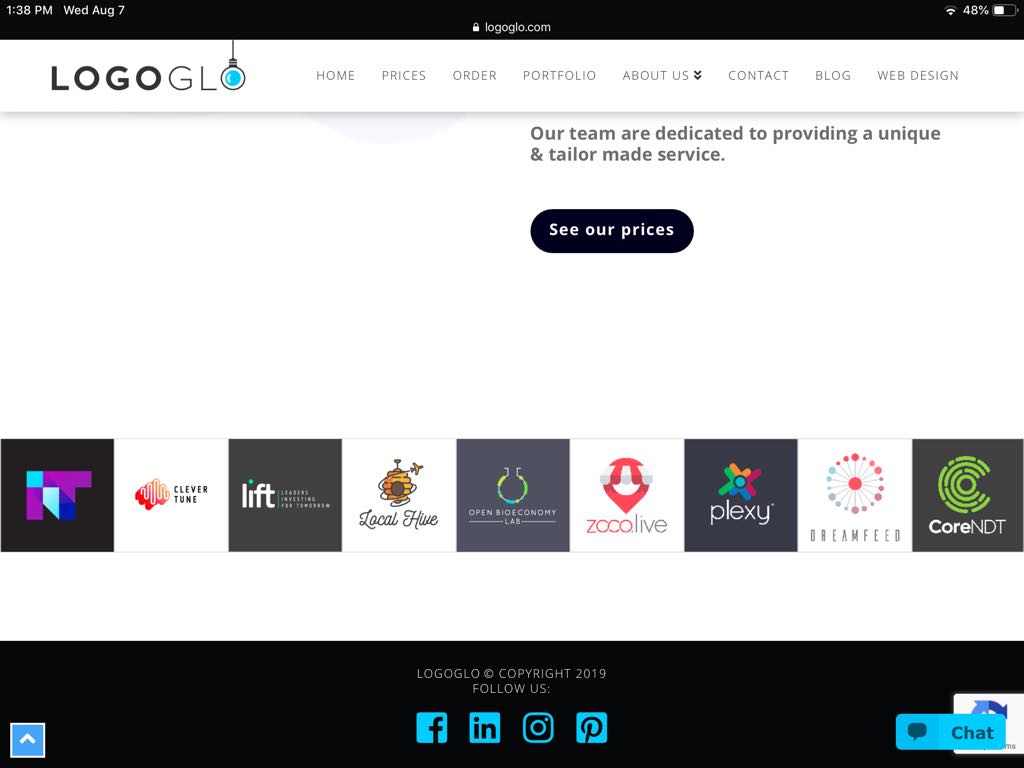
Hey, so I thought I figured it out, and its working great on a mobile, and desktop, but on the ipad (landscape) it looks like this: (9 columns)

Is there anyway of making it 8 columns liek the desktop?

Hi @logoglo,

Unfortunately the current version of the Envira Gallery plugin only supports up to a maximum of 6 columns. The Automatic option is uncontrollable, I tried it in a large screen and it’s showing 13 columns.

I tried to add some custom css but it doesn’t work.

I will contact Envira Gallery about this, I’ll ask them to add the 8 column option.

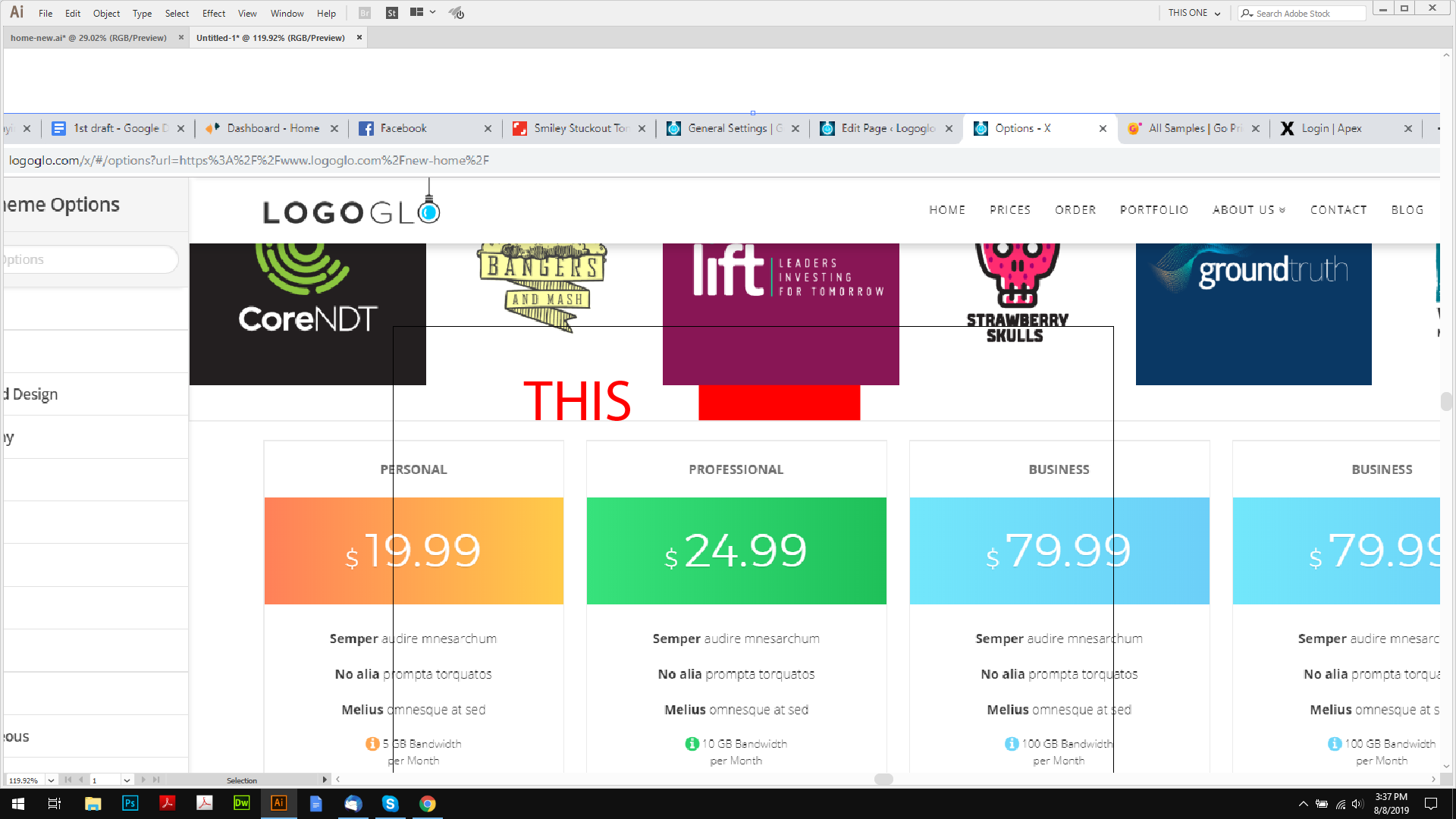
Sorry, me again, I added a border to the gallery, but there seams to be a margin there, how do I get rid?

Hello @logoglo,

The margin is coming from the default styling of the plugin. To totally eliminate the margin, please add the following CSS code in the X > Theme Options > Global CSS (http://prntscr.com/evui3r)

body .envira-gallery-wrap,
body .envira-gallery-wrap .envira-album-public, 
body .envira-gallery-wrap .envira-gallery-public {
    margin-bottom: 0 !important;
}

p:empty {
    display: none;
}

Please let us know if this works out for you.

Awesome! that did the trick, thanks.

You’re welcome!
It’s good to know that it has worked for you.

This topic was automatically closed 10 days after the last reply. New replies are no longer allowed.