Envira Gallery Lightbox thumbnails

I am having trouble rearranging the lightbox thumbnails.

If I use this shortcode, the thumbnails are fine (it’s outside of lightbox)
[envira-gallery id="395”]

But if use this code (which is what I need to use), the thumbnails will not reorder, no matter what I do!
[envira-link id=“395”]Click here[/envira-link]
Hi There @askeller

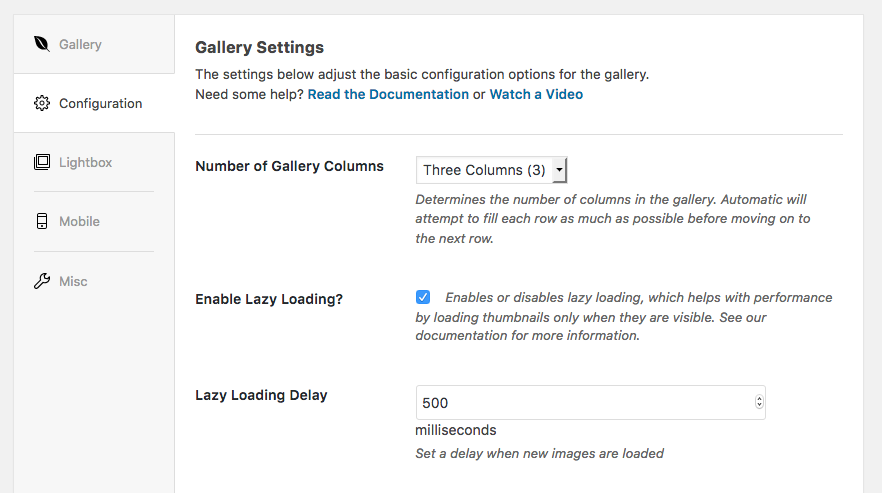
Thanks for writing in! I’m not sure what you mean by “outside of light box”. If you use the first option, basically when you edit your gallery, you you will see configurations, lightbox tab which you can control your image sizes, number of columns etc.

Thanks!

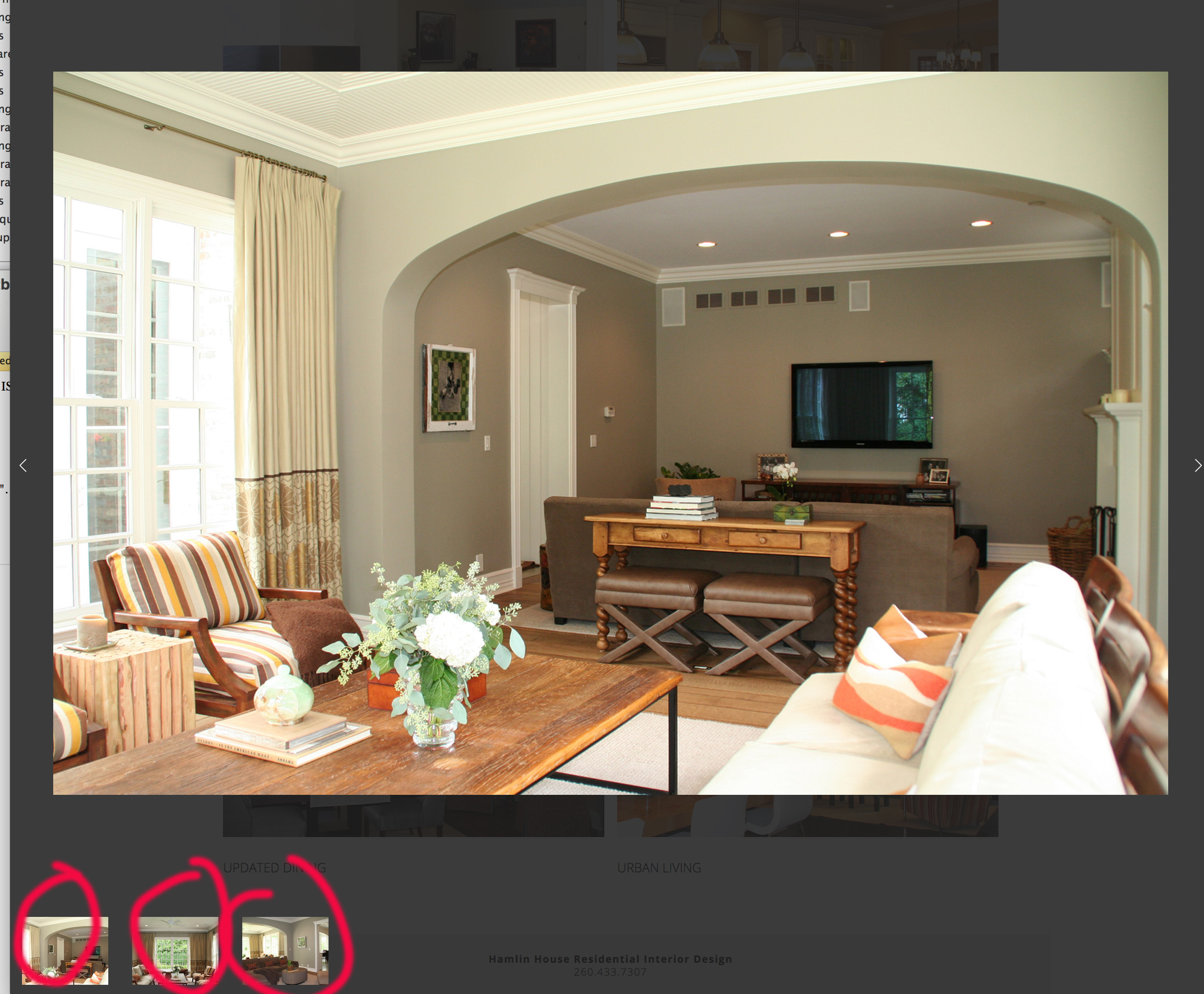
i’d like to reorder the thumbnails that I have circled.

Also, you changed some settings on my gallery and I had to figure out how to change them back. I figured it out, but wanted to point out that you changed my image size settings for some reason.

Hi @askeller

I can reproduce this issue at my end as well, so this issue has been reported to our dev team for further investigation. If this issue was discovered to be 100% related to Envira Gallery plugin, then they might need to contact Envira Gallery plugin team to report this issue to them directly so they can get it fixed in a future release.

Thanks for your patience.

thank you for your response. I did open a ticket with Envira as well. They keep saying a new release will be available. Actually, they said the new release was supposed to come out last week but got pushed back. I will update this topic if anything becomes of it.

@askeller … Please accept my apologies for the earlier incident, I had to change some settings for testing and to identify the issue.

If you have license with them, you should be able to update and see how it goes.

Thanks!

The Envira Developer responded:
The 1.8.3 version was released today and it should resolve the sorting issue for you now.

But I can’t update the plug-in because it came bundled from xtheme. So, I think I need you all to update? Updating Envira is not an option when I log in.

Hello @askeller,

Thanks for updating the thread. :slight_smile:

I request you to please wait for us to release update for Envira Gallery as our developers need to make sure it’s compatible so that update does not breaks customer’s website workflow.

Thanks for understanding.

i can wait, thanks :slight_smile: