My Property box has no items to edit anymore. It was working fine last week. Any Idea what might have bee?

Hey @sirnarcis,
It could be a 3rd party plugin or other factors that caused that. Please do the following test first so we know if it’s really an issue with Pro.
- Testing For Plugin Conflict
- Theme Update
- Child Theme
- Css/Js Customization
- Increasing Php Memory Limit
- Disabling Cache
- Disabling Cdn
Only if none of that helps, please give us the following info in a Secure Note.
- WordPress Login URL
- Admin username and password
You can find the Secure Note button at the bottom of your posts.

Thanks.
Hi @sirnarcis,
The reason why you can’t see the content on the left sidebar because you click the inspector without clicking any elements that why it leads you to an empty property box.
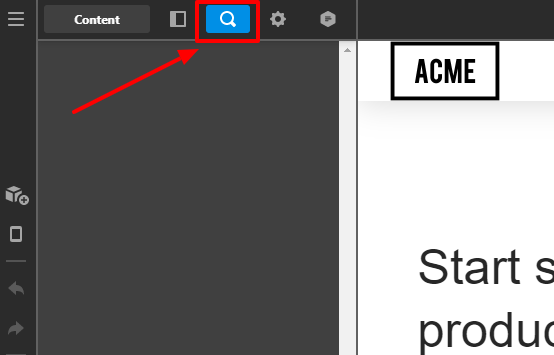
I suggest that you click the any elements on the content pages or you can click the outline to view the elements in the left sidebar.
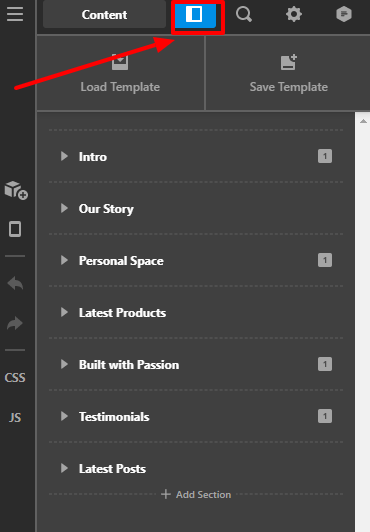
See the secure note for more information.
Hope that helps.
Thank you.
Hi Marc,
No that is not the problem. The problem is that even if I select the element either through the outline box or through the main screen, nothing shows. So I can’t make any changes. I could change text if I double click, but that is no use for what I need.
I sent the details in a private message above. Any help with this would be great as my client is asking for some changes.

Hi Marc
Did you guys go into the site? Seems like the site has broken. I wondered if you are doing some work.
Hi @sirnarcis,
We haven’t logged in yet to your site. Please let us know once your site restored for further investigation of your issue.
Thanks
The hosting company had a problem we are back up. Any help solving this issue would be great as It is a bit urgent now to make some changes to the site. Thank you so much for your help!
Hi @sirnarcis,
This usually is a server conflict with Pro. As you can see, there is a status 500 error in the console. That is not detailed though so please contact your web host to check the error logs and fix the adjust the server settings according to what the error log says. You can also post the error logs in a Secure Note maybe we could point you in the right direction.

I also suggest that you update your PHP version.
Hope that helps.
Thank you.
This topic was automatically closed 10 days after the last reply. New replies are no longer allowed.