Embed Eventbright checkout code

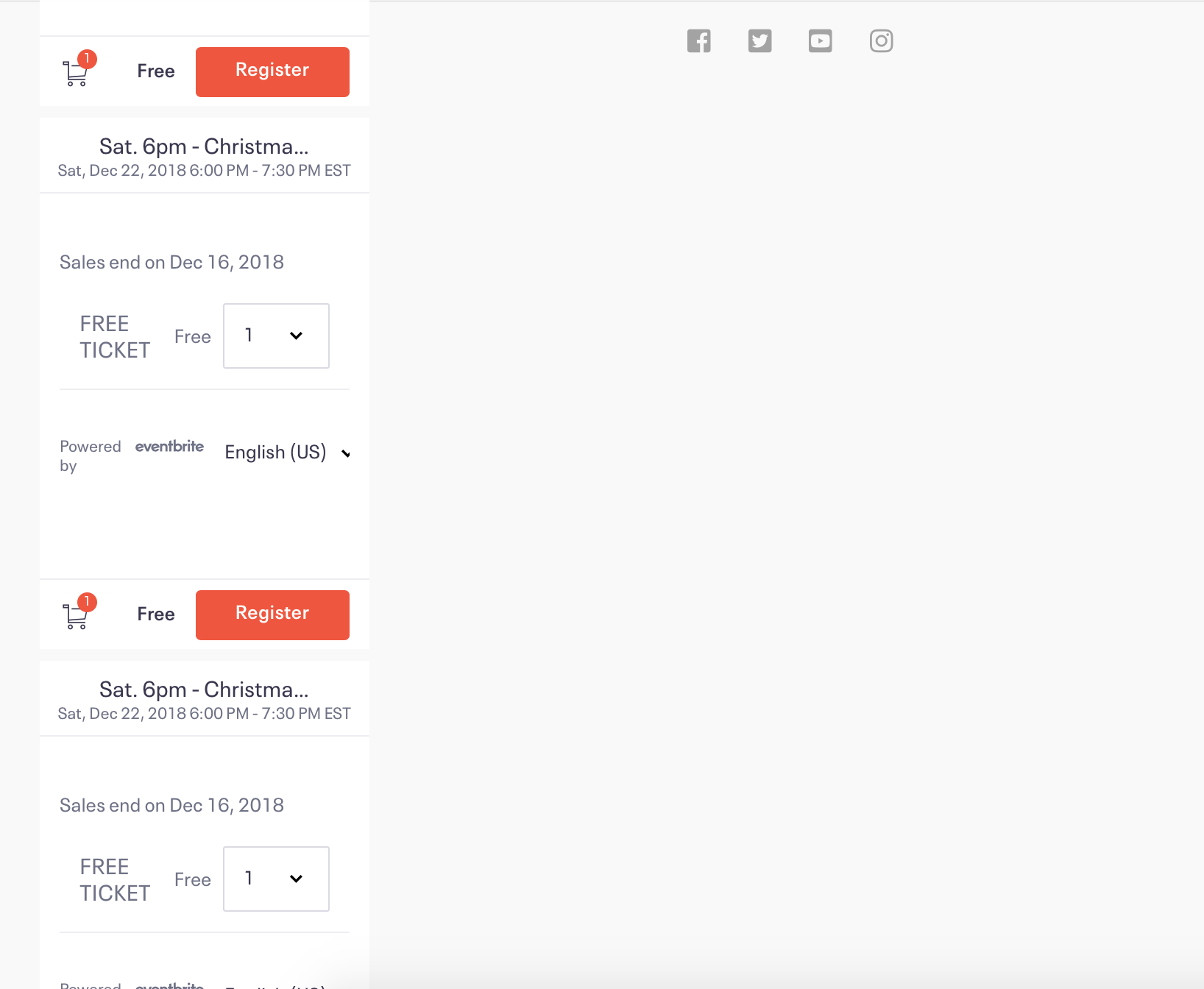
I have 2 rows of 4 content areas on our page using Pro and Im trying to embed a code from Eventbright into each of the content areas. Unfortunately, when I save the work, and I preview the page, it looks like the content areas are stacked on top of each other and I cannot figure out why. I’ve attached a picture of what it’s looking like.

The content areas should look like they are right next to each other in a row horizontally.
Hello @Dreusch,

Thanks for writing in! Please be advised that rows goes on top of each other. If you want the content areas next to each other (left/right), please insert a section, row and two columns with content area element in each column. Put the first embed code in the left side and the next embed code in the right side column. If you already have columns in it, then there must be a broken code or unclosed <div> tag in your embed code which causes the issue. Could you please provide the url of the page in question so that we can inspect it?

Regards.

This topic was automatically closed 10 days after the last reply. New replies are no longer allowed.