Email Address Not Showing on page - only a lock

Hello -

I have a page off a sub-menu on the main menu About Susan > Susan Christy, Ph.D. Resume
When it shows up on the web, you only see the email on the resume when you hover over it. It shows up in crimson red.
There is also a lock that is always showing on the same line just to the right of where the email address should always be showing - when you hover over the lock, it says “Email Encoded Successfully!”

I thought this might be to protect the page from being scraped by spammers, but how would a page visitor know to hover there to see the email address if it’s invisible except for the lock?

Here is what we’re dealing with:

Website - https://workingwithfaculty.com
Wordpress v5.2.3
X Theme v6.5.6
Cornerstone v3.5.4
All updates applied.
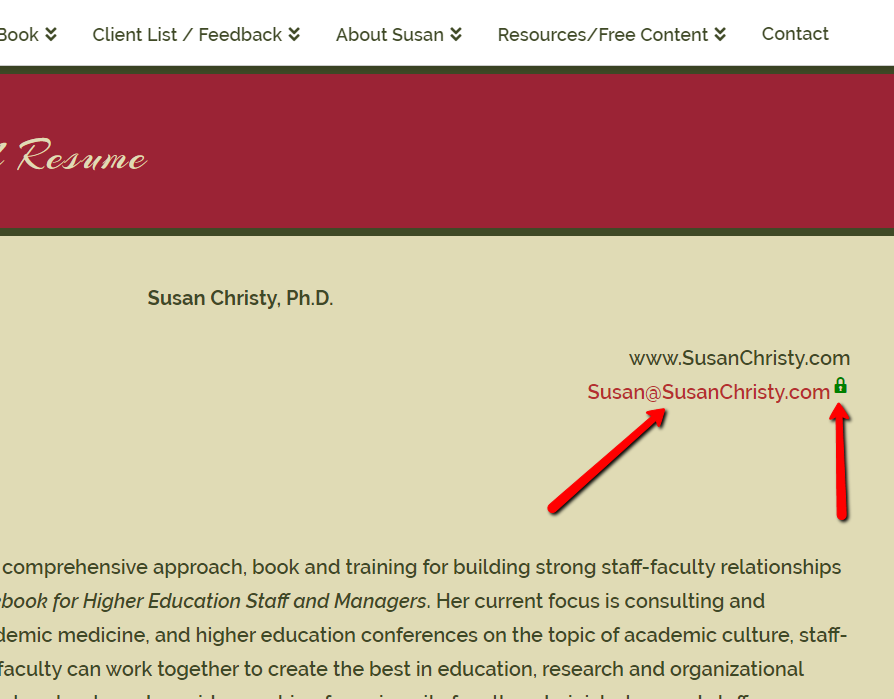
First image is that of the webpage showing the email address only when you hover over it, otherwise it is empty there.
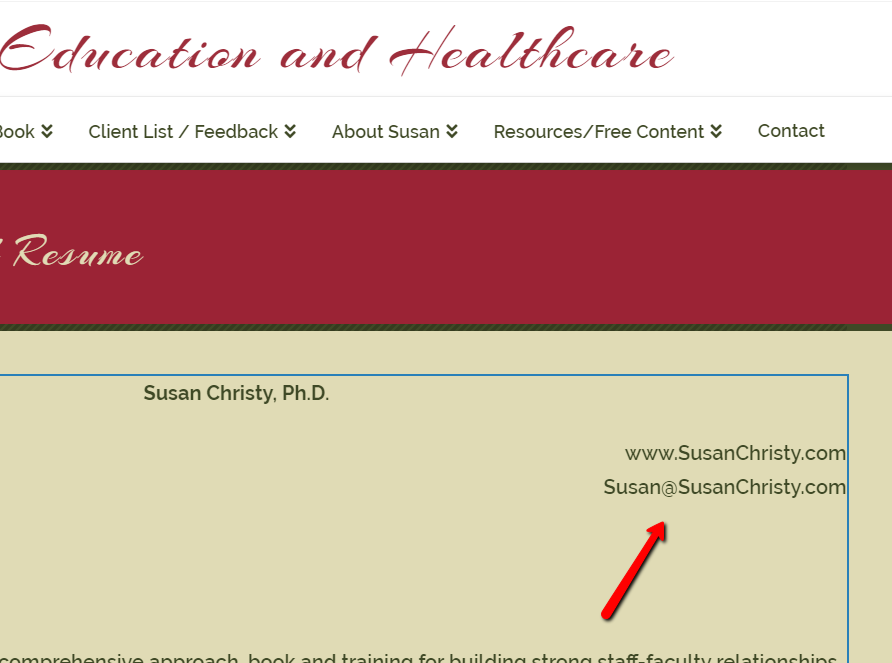
Second image is that of the Cornerstone Edit page - it appears fine in the Editor with no sign of a lock.

Is this the proper behavior? Is there a way to display the email address or to indicate there is an email address there with an envelope or something?

Thanks for the help in advance.

Hey Susan,

Thanks for writing in.

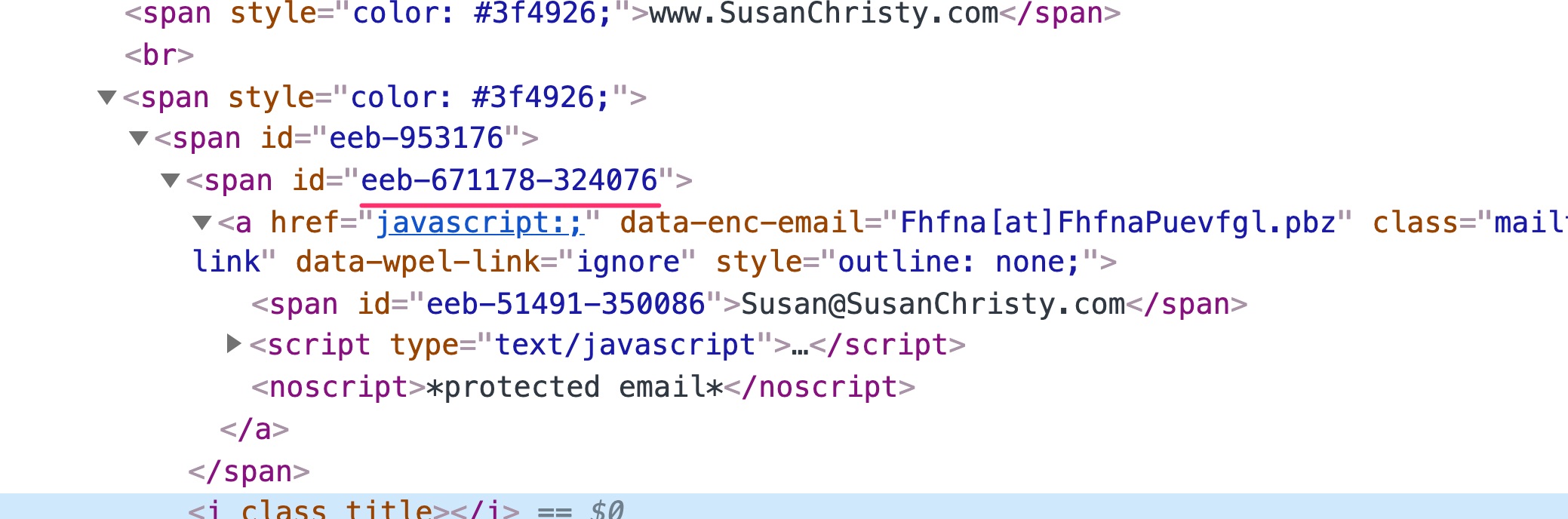
In the Them Options settings, you have assigned the link colors to be #e0dbb5 which is also the background color of the section where the email address is that is why the email text is not visible.

What you can do is to go to X > Theme Options > Typography then change the Site Links.

However, in doing this, it will affect other links on the site so if you just want to target specifically that email address in that section, you can do so by adding some custom CSS in X > Theme Options > CSS:

#eeb-671178-324076 a {     
    color: #3f4926;
}

Hope this helps.

I will perform this action tomorrow. You are genius - I don’t know why I didn’t think of this. I can’t thank you enough. You’ve started my weekend off with a bang! I’ll return here to give you the good news. I believe this IS the solution.

1 Like

Thanks, @susanchristyphd, we’re glad to have been instrumental in getting your weekend off to a good start! We’ll be on hand if you need any further assistance :slight_smile:

This topic was automatically closed 10 days after the last reply. New replies are no longer allowed.