Elements overflow

Some elements (headings and buttons) on a page I’m developing overflow from their containers when browser width is reduced - see these two samples:

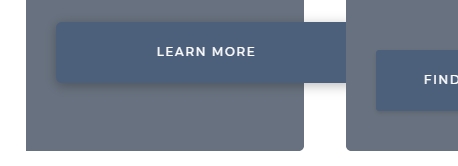
Clipboard01

Clipboard02

Clearly, I am a newbie… is there any simple way I can prevent this happening so they are more responsive?

Thanks.
Hi @mikerayjones,

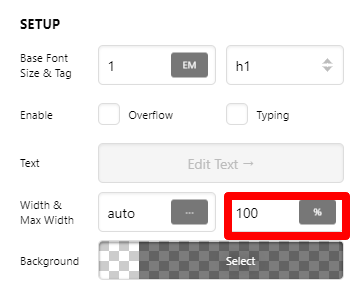
On your text/headline setup, please try to set max-width settings to 100%.
Global - Footers - Pro

For more guidance please check our documentation here.
You may also watch and subscribe to our youtube videos here.

Hope this helps.

Thanks, but I already had that set.

Do you have any other suggestions?

Hey @mikerayjones,

In this case, please give us the URL of the page so we could inspect what’s forcing the width of those elements.

For the button check the paddings and button text margins. Set them to 0 to test.

For the Text, check out the Responsive Text methods shown in the following videos.

Hope that helps.

Hi Christian

The page is at http://alison.ray-jones.org.uk/. Meanwhile I’ll check out those videos, thanks.

Hello @mikerayjones,

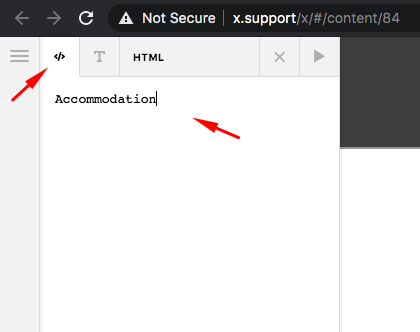
Please edit your page back in Cornerstone and make sure to remove the <p> tags in your headline element.
qjh2nQSjRWyonOVptO1AcA

Please let us know how it goes.

This topic was automatically closed 10 days after the last reply. New replies are no longer allowed.