Hi Guys,
I have done a series of images using the Content Area Dropdown Element and the image is not overlapping the text when opened.
You will see in the image below, it does overlap when it opens upwards (which is what I want)
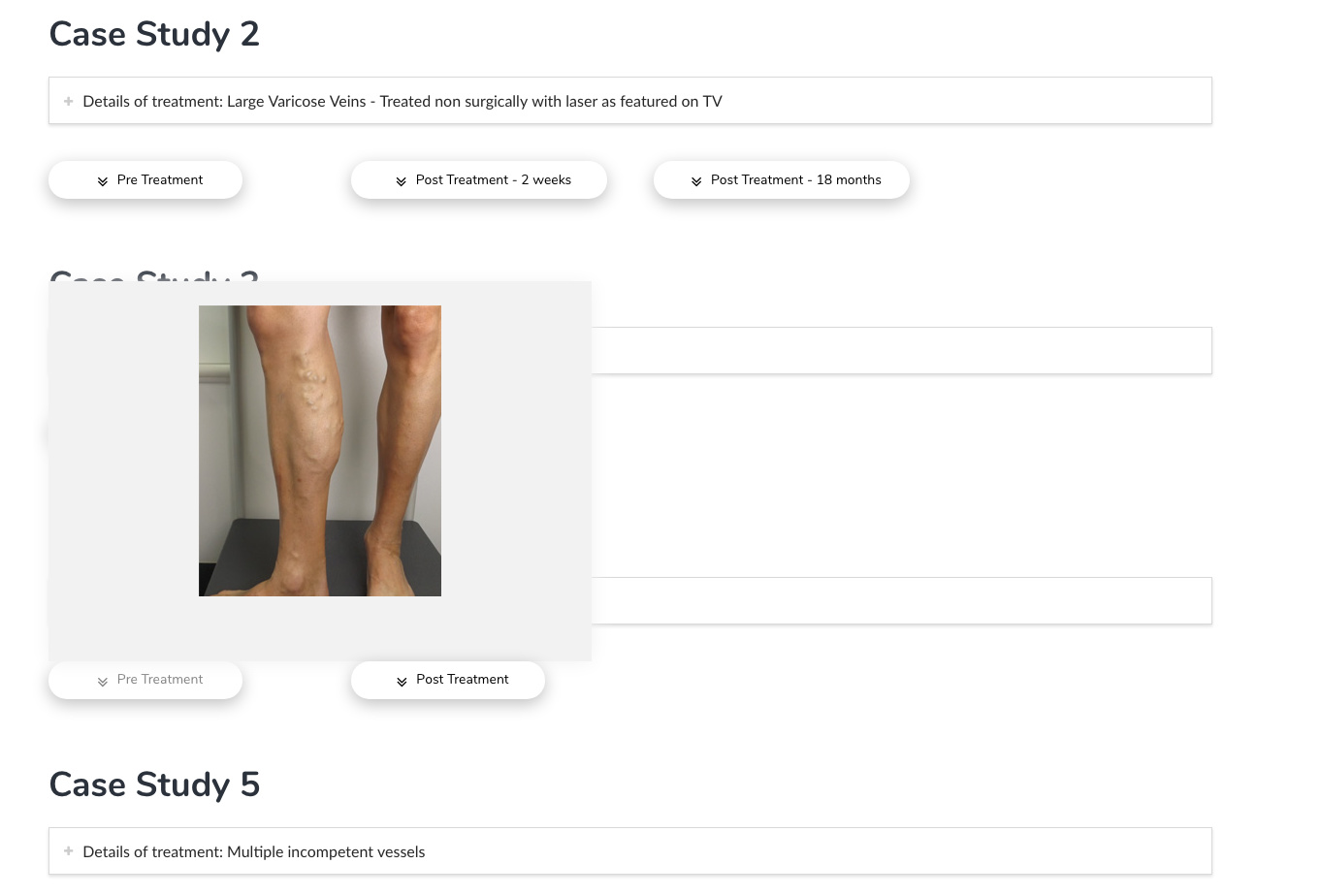
However, when it opens below, you will see that the text overlaps the image (not what I want) - see below image
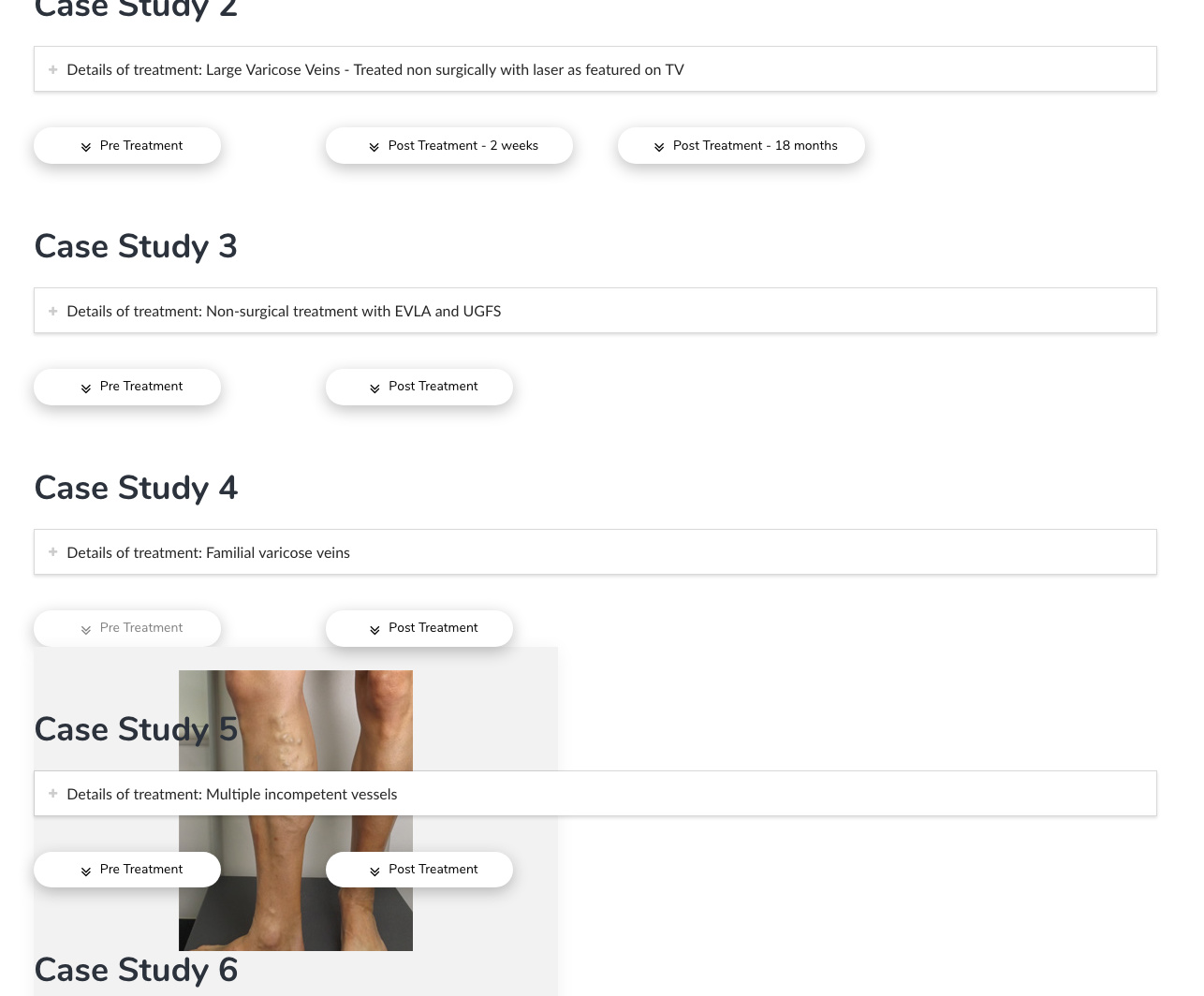
This is happening to all of the content area dropdown boxes. How can it be rectified so that they will always overlap the text when opened?
Thanks for the help!
Greta