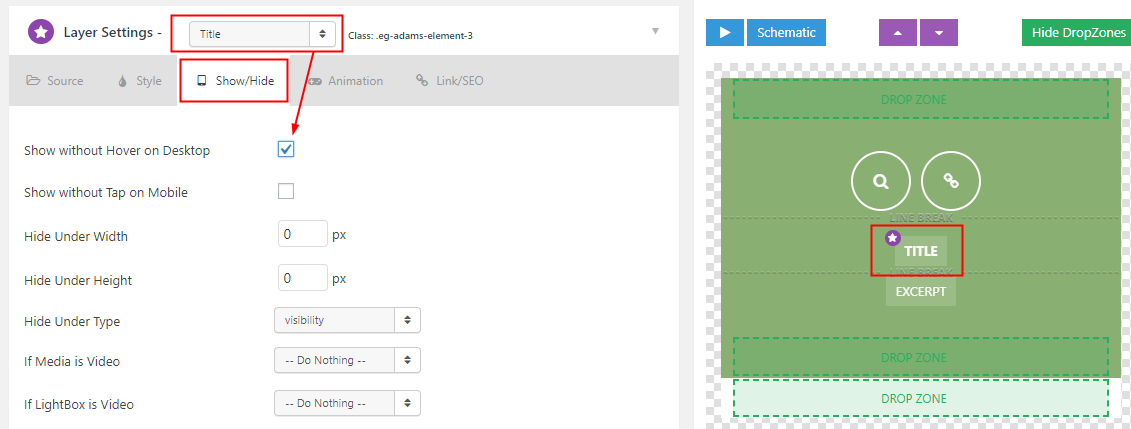
Hello I had created a grade some time back it can be viewed in the following archived link …Service times and announcement the site no longer exist so i cant check the plugin settings
https://web.archive.org/web/20180811200715/https://www.ddwc.church/#themeco
I cant recall how I was able to edit the text to make it visible before mouse over and add the border and change the color of the overlay.
Also I belive that skin that I used in the old grid is the george bush skin but it’s no longer an option in the current skins tab. How can I recreate the same overlay transition as in the old grid
This is the site i’m working no now http://ddwc.church