Editing Button for Content Area off canvas

Hi,

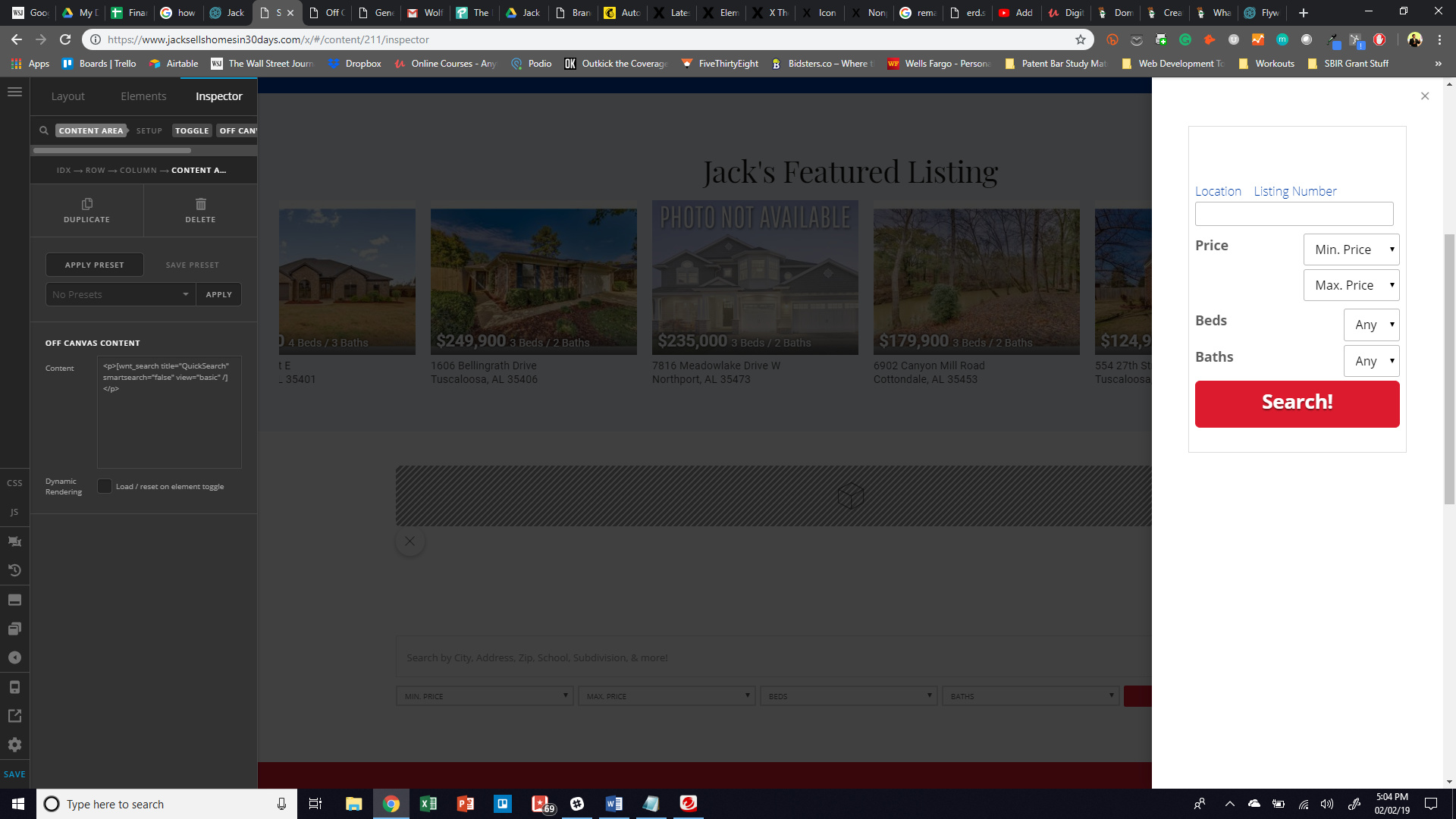
Is there any way to edit the type of button for the content area off canvas button?

I’d really like to just have a normal button that slides in the content area. The only options I’m given in Cornerstone are what to put in the actual content area. Any advice is welcome.

Here is a picture of what I’m seeing.
Hello Ben,

Thanks for writing in!

The off canvas content area will give you the ability to display your custom contents in an off canvas. In Cornerstone, it will only give your the settings were you can style the off canvas. The contents of the area which you have inserted like the form, field or the buttons is not included. You might need your own styling or custom css of you want to style the contents. The default button style by the way can be changed in X > Theme Options > Buttons.

Hope this helps.

This topic was automatically closed 10 days after the last reply. New replies are no longer allowed.