Edit or Delete Page container

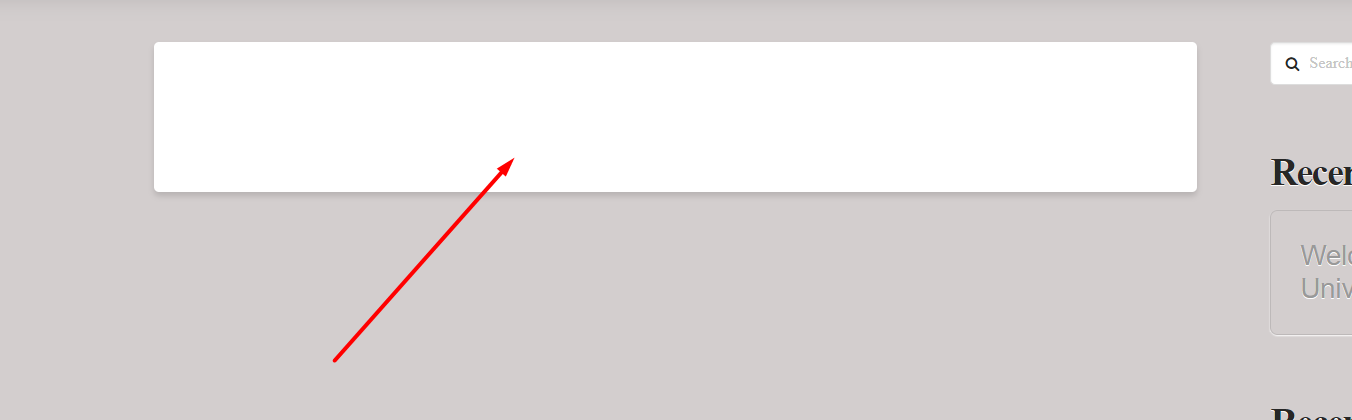
I cannot find where to either delete or edit this page container on pro. I know I can select “blank-no container” from the page template menu, but that takes out the right sidebar which I would like to keep. Sections added to the container in the content builder are fully editable of course, but no matter what I do, there is this stupid, white box around everything.

Objective: Get rid of, or be able to edit this container while keeping the sidebar.
Thanks.
Hi,

The white container is your main content container. If you want to remove the white background, you can add the code below in Theme Options > CSS

.entry-wrap {
       background-color: transparent;
       box-shadow: none;
}

Hope that helps

Thank you - that worked perfectly. I understand that the content box is where the page content goes. So that code can be removed or put back for editing. I appreciate the help!!!

Glad that it works for you

Thanks

This topic was automatically closed 10 days after the last reply. New replies are no longer allowed.