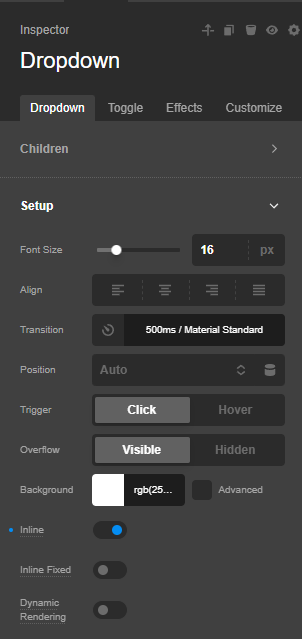
I have an issue that seems to be related to the use of the “Dropdown” element within a Looper that can be filtered using FacetWP.
The layout is:
Page (not archive template)
Section – this is the Looper Provider
Row – this contains the Facets
Row
Columns treated like “Cards” – these are the Looper Consumer
“Dropdown” Element with Dynamic Content referencing an ACF from the post
Several “Button” elements, each with Dynamic Content referencing an ACF from the post and Conditionals
In case it matters, the Looper Provider uses a query string (post_type=providers&facetwp=true&post_status=publish&posts_per_page=-1&orderby=menu_order&order=ASC&meta_key=provider_role&meta_value=hcp).
When the page initially loads, this all works fine.
However, when a visitor uses the Facet to filter the looper results, the dynamic content in that Dropdown element doesn’t work properly. Rather than showing the content from its own post, it seems to show content from the post that appears before it.
AI tells me that:
“Pro doesn’t render the Dropdown content inside the card. It moves every dropdown panel to the end of the page, as direct children of .x-site, outside the facetwp-template container. Each toggle finds its panel by an ID based on the looper position (e38-e28-0-dropdown, e38-e28-1-dropdown, …). When a facet runs, FacetWP’s AJAX only replaces what’s inside facetwp-template. The toggles are re-rendered with IDs for their new positions, but the panels at the bottom of the page are still the ones from the unfiltered load.”
Is this accurate? And if so, do you have any advice for forcing Pro to render the Dropdown as a child of the Column so that the ID stay attached to the right Consumer Record, even when they are re-rendered through a Facet?