Hi my Disqus comment section is fullwidth. Some times its wider than the page. How do i make it smaller.
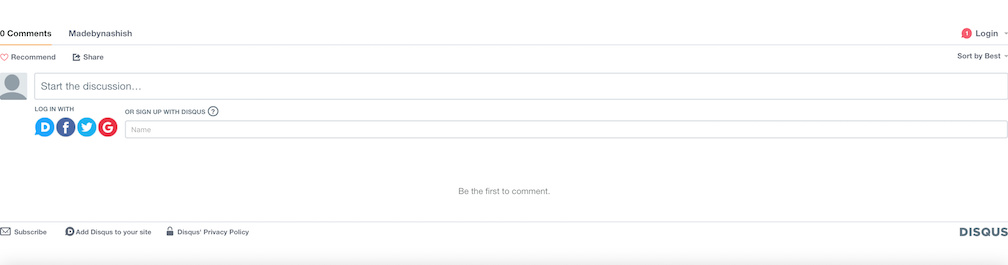
My current Disqus section:
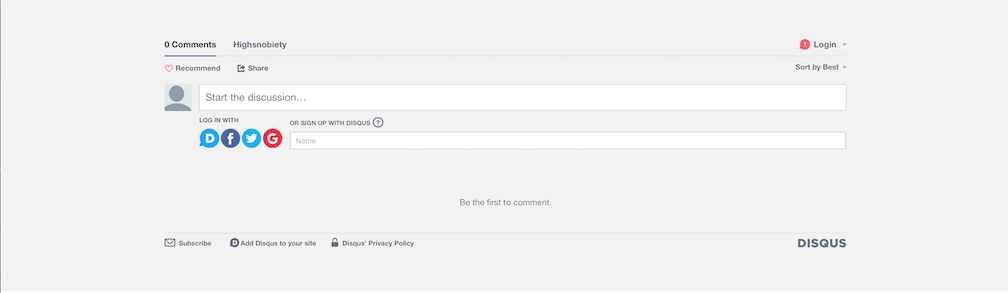
How i’d like it:
Hi my Disqus comment section is fullwidth. Some times its wider than the page. How do i make it smaller.
My current Disqus section:
How i’d like it:
Hello @Nashish,
Thanks for asking. 
You can add following CSS under Pro > Theme Options > CSS:
div#comments {
    width: 70%;
    margin: 0 auto;
    display: block;
}
If you would like to learn CSS, I am sharing few resources that you take a look to get started with CSS and an interesting tool that you can use to speed up the development process.
I recommend you to watch following video that will help you to get started with CSS.
Sometimes it can get a bit difficult to find out the right selector to be able to write the required CSS codes. A handy tool that can help you in this is Google Chrome dev tools. I am sharing the resource that you can refer to get started with dev tools.
https://developers.google.com/web/tools/chrome-devtools/css/
Thanks.
Awesome!! Thanks for the css and the links to info much appreciated.
On behalf of my colleague, you’re welcome. Cheers!
Can I move the Disqus section up so its right at the bottom of my post instead of being directly above my footer? I’d like my instagram stream and “you might also like this” grid below the disqus section. Thank you. http://www.madebynashish.com/test-post-page/
Hi There,
Thanks for writing in again!
Than needs template customization, which is out of our theme support scope.
We would like to encourage you to please take help from a developer to do that.
Thanks
This topic was automatically closed 10 days after the last reply. New replies are no longer allowed.