Display Issues

Hi, I’m running into two issue with things displaying correctly.

The gap shortcode doesn’t work properly and doesn’t show until around 325px. There is no difference between 10px and 100px. When it does actually display it doesn’t look correct.

Float isn’t working properly. I’m using <div style="width:50%; float:left;"> around and image and <p style="width:50%; float:right;"> around some text. It works properly for the first one, but the rest won’t line up, unless I float the text and the photo the in the opposite directions.
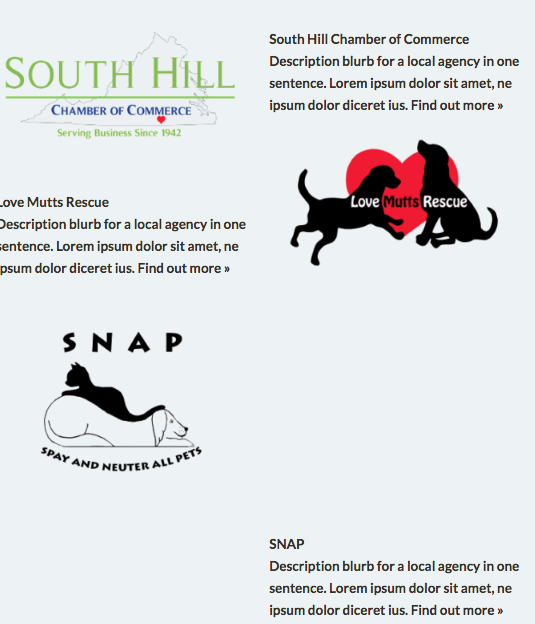
I have increased the memory allocation in wp-config.php using the following. I have removed browser cache and cookies. I tried using Chrome, Firefox and Safari. None of them have made any changes.

define( 'WP_MEMORY_LIMIT', '256M' );
define( 'WP_MAX_MEMORY_LIMIT', '512M' );
Hi There,

There are some known issues with the gap element which have been added to our issue tracker.

Altough it does not display well on the backend it works fine on the front end.

I personally like to use the classic gap element instead of the gap element.

Regarding the second issue, please provide your URL and let us know the layout you re loooking to achieve.

Thank you!

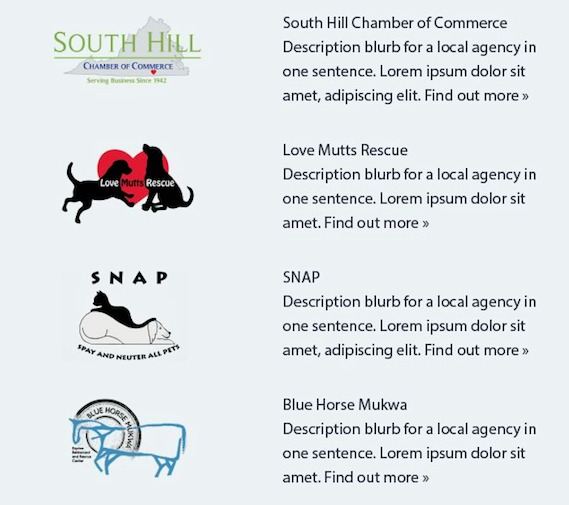
Hi, so it’s supposed to look like this:

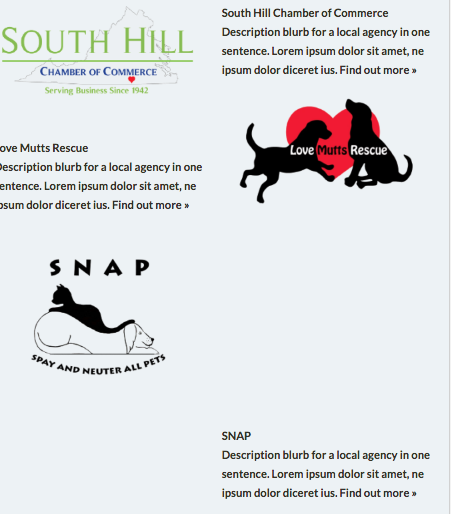
But instead I’m getting:

Hi There,

While I was checking your page I get a message that you are already editing it.

Please let us know check your setup and than you can carry on with the editing.

Please let us know when you are ready

Thank you!

Oh, sorry. Go ahead and do your thing.

Hi again,

I checked your content and it doesn’t look right, please restructure your HTML to this:

<div class="custom-row">
	<div class="custom-col">
		Your Image Here
	</div>
	<div class="custom-col">
		Your Text Here
	</div>
</div>

Then add the the following CSS code in the Theme Options > Global CSS or in the Customizer via Appearance > Customize > Custom > Edit GLOBAL CSS

.custom-row:before, .custom-row:after {
	content: "";
	display: table;
	clear: both;
}
.custom-col {
	width: 48%;
	display: inline-block;
	vertical-align: top;
}

Let us know how this goes!

1 Like

It works. Thank you!

You are most welcome!

This topic was automatically closed 10 days after the last reply. New replies are no longer allowed.