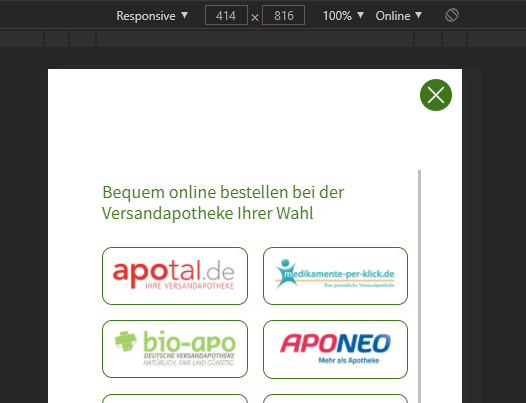
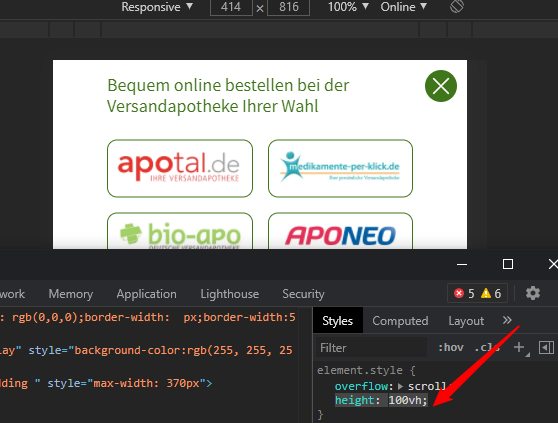
i want to display a layout i have done on a page (https://dev2.homviotensin.de/kaufen-popup/) on a popup using convert plus. my first try was to use an iframe, which works great for desktop. but for the mobile version i was not able to make it fullscreen, even i used a convert plus mobile popup module for this. i needed to give a height. 100% or so did not work, but then it works for just one mobile device and not for all. i get e.g. a white space on top (see screenshot)
as alternative:
is there maybe a shortcode for displaying a block in convert plus?
or what part of the html do i need to copy? i have tried, but did bot work.
to see the popup: on mobile click hamburger then green “jetzt kaufen” button.
<iframe src="/kaufen-popup/"
            frameborder="0"
            marginheight="0"
            marginwidth="0"
            width="375"
            height="619" <---------
            scrolling="auto"
            style="overflow: scroll;"
            allowfullscreen>
  </iframe>
thanks
oli
iphone 12 (with white space, iframe is to small, needs to be 844px)

iphone 11 (which is fine for the iframe size)