Hello, I’m noticing some discrepancies between my Cornerstone view and website. On Cornerstone, my page looks the way I have intended it to, but on the live website it doesn’t. Please see below:
- Image on the left is what I see in Cornerstone (and the way I want it) and image on right is what I see on the live page. I do not know how to get rid of the yellow lights background, as I cannot see it in Cornerstone.

- Image on left is what I see in Cornerstone (and the way I want it) but in live view, the 4th column is pushed to the next line…

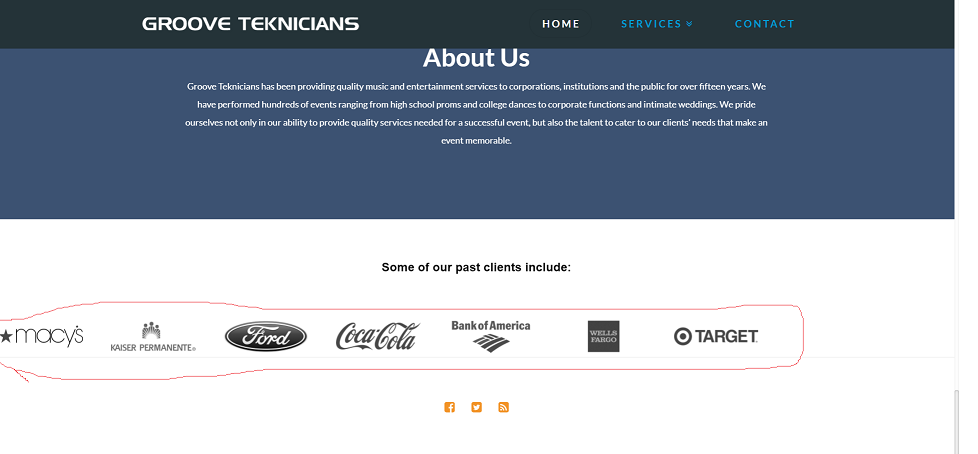
- I’m using the revolution slider to display logos; how do I center it on the page? I have all its settings set to center and tried centering it with CSS, yet it is still floating to the very left of the page.
4. My parallax images are also not working in live view (I've tested it with several browsers) but they are working in Cornerstone...

