Disable Page Title is checked but now I’m having the title appear on the page in a smaller font. Please see attachment. How do I fix this problem?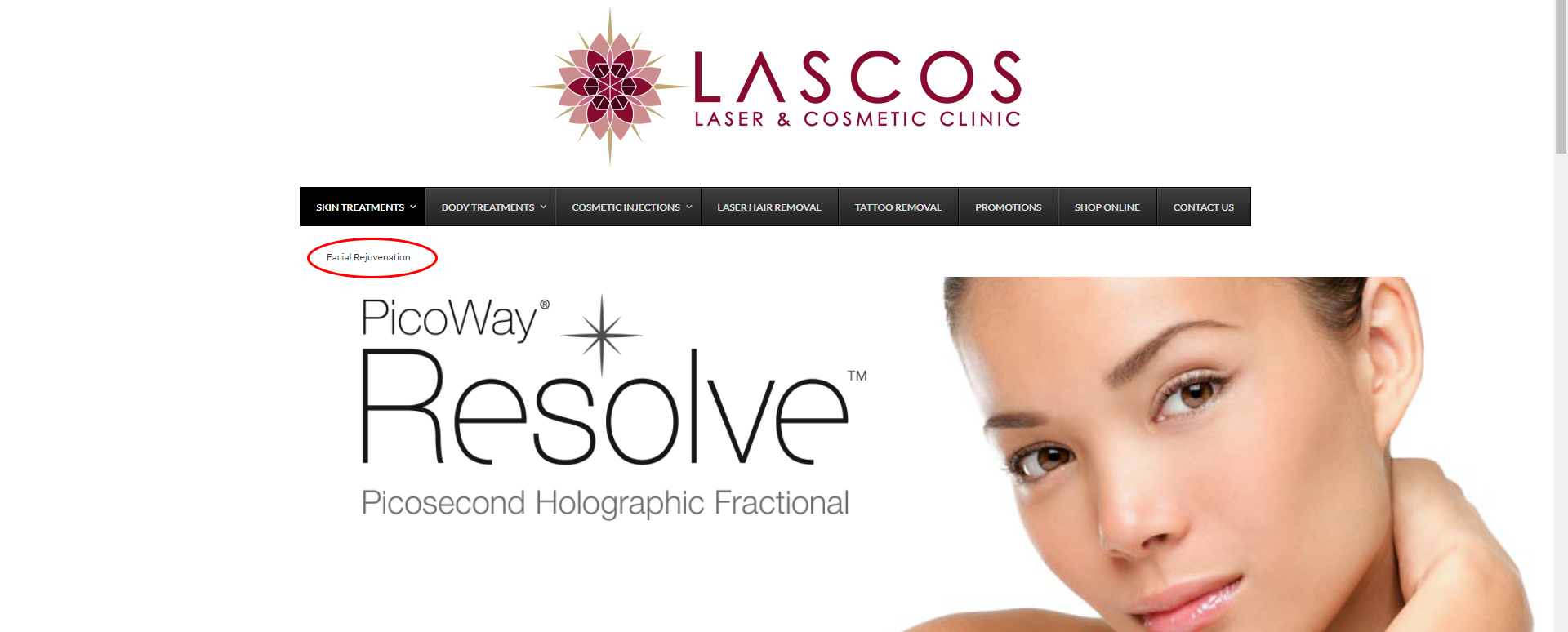
Hi,
Thanks for writing in!
I tried on my test site and this works on my end.
Can you confirm that you are fully updated? (Theme and Plugins)
You can find the latest version numbers here: (http://theme.co/changelog/) Then you can compare them to what’s installed on your site.
If you find anything to be out of date, you can review our update guide.
Hi,
I have updated everything also cleared cache and the title of the page is still appearing on all pages below navigation and above slider. Please help.
Regards
Sean
Seems breadcrumbs were on in global settings and this made the page title appear on all pages below navigation and above slider. Problem fixed even though I had to turn off breadcrumbs. Thank you
Hi Sean,
Glad this is now sorted out and yes it seems like it is the breadcrumb and not the page title. There’s a home icon before that page title on the breadcrumb, it seems not visible because it might be white font too.
Have the same issue - but disabling breadcrums doesn’t do the job. Please help… these bugs are killing me …
Hi @PhilTone,
Thanks for writing around! Make sure to enable the Disable Page Title option under Page Settings in your WordPress Page editor.

Hope this helps!