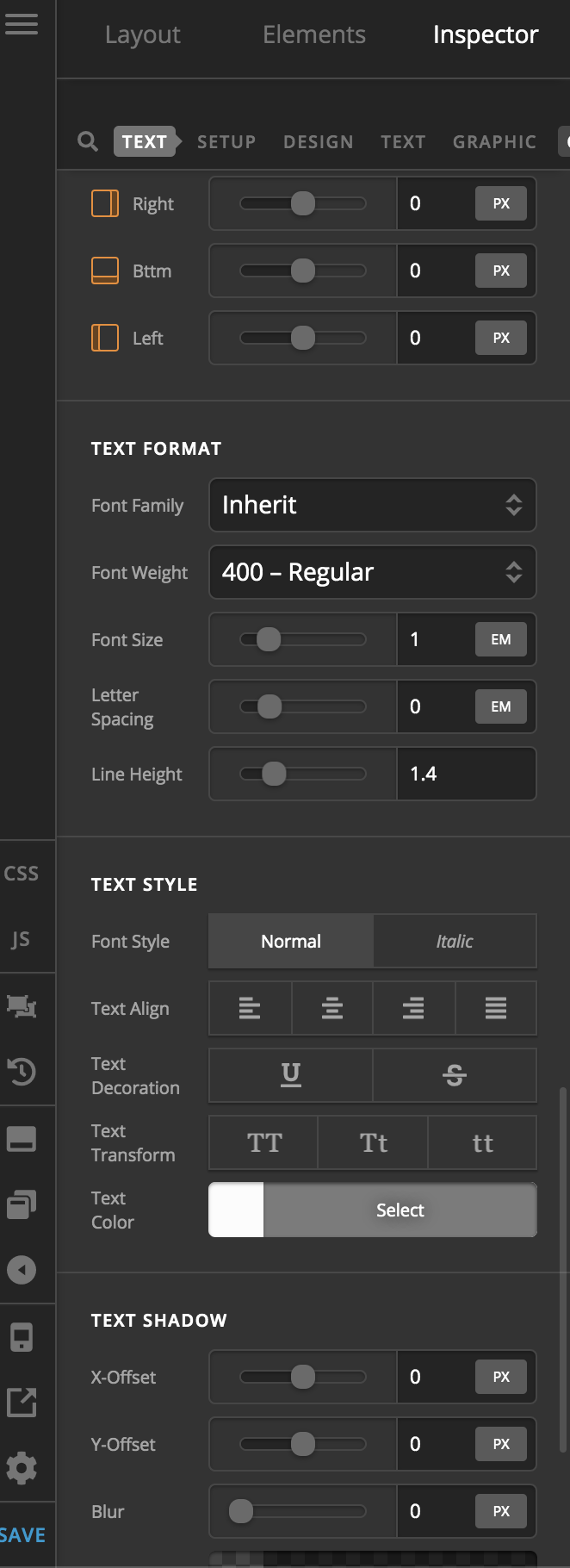
How can I disable inline styling of fonts? and only adapt the global font settings?
Whenever I create a new text or headline, x theme assigns a color on the element settings. This is great but I have a styleguide, with consistent color and font styles. I want to set this globally and only have the inline styles as an option if I need to change it. It’s so tedious to keep on editing the font stylings of element in every page. I think it defeats the purpose of having a cohesive design across the site.
TL;DR : How do I disable inline styling all together? I’m looking for a solution that doesn’t require CSS Hacking since this feature should be optional.