Difficulties aligning the homepage image with text across different screen sizes

Hi,

We’re working on this page and we’re trying to make the logo (3L) always be aligned with the text, no matter the screen size.
It should look like this:
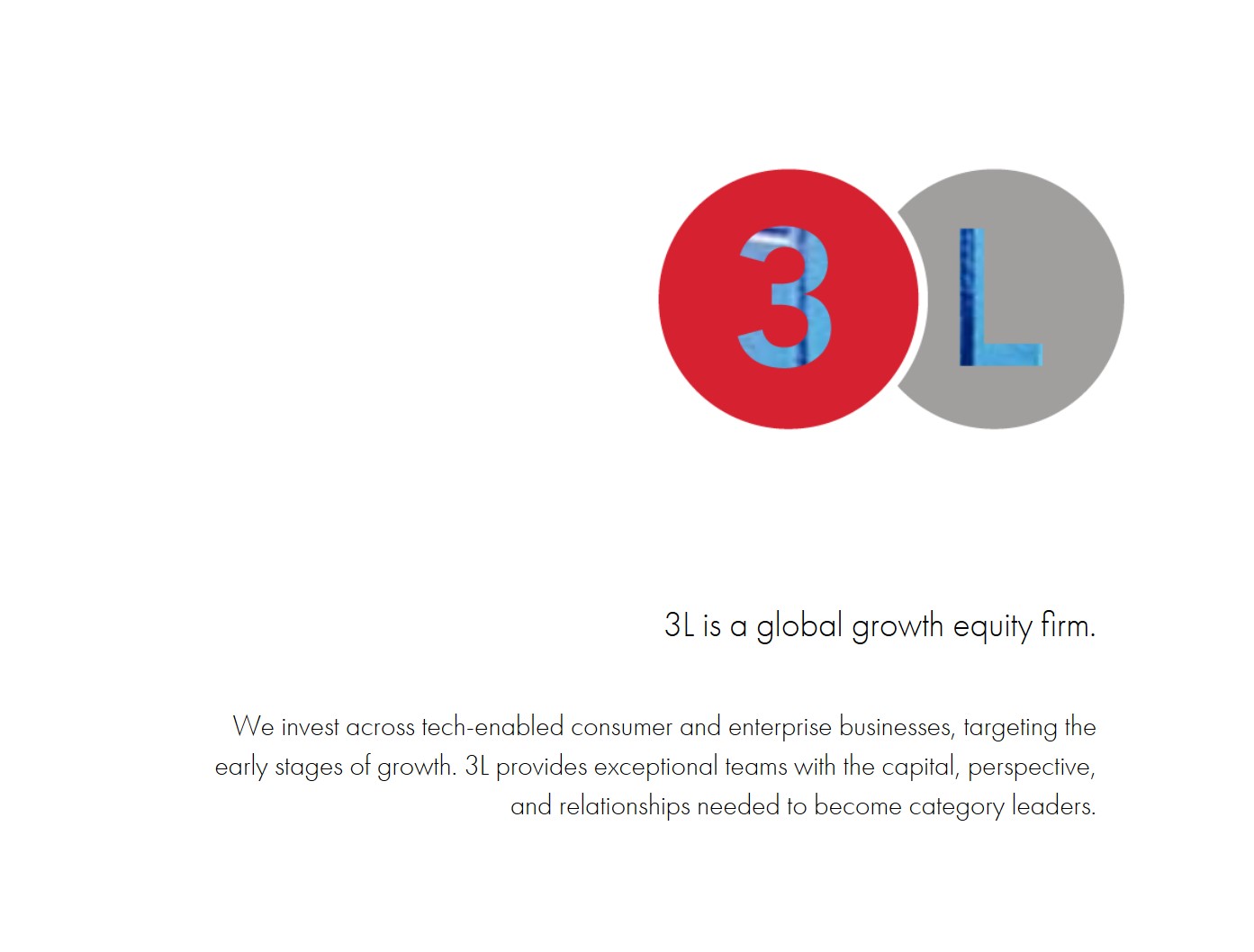
but when checked on different devices, it looks like this:
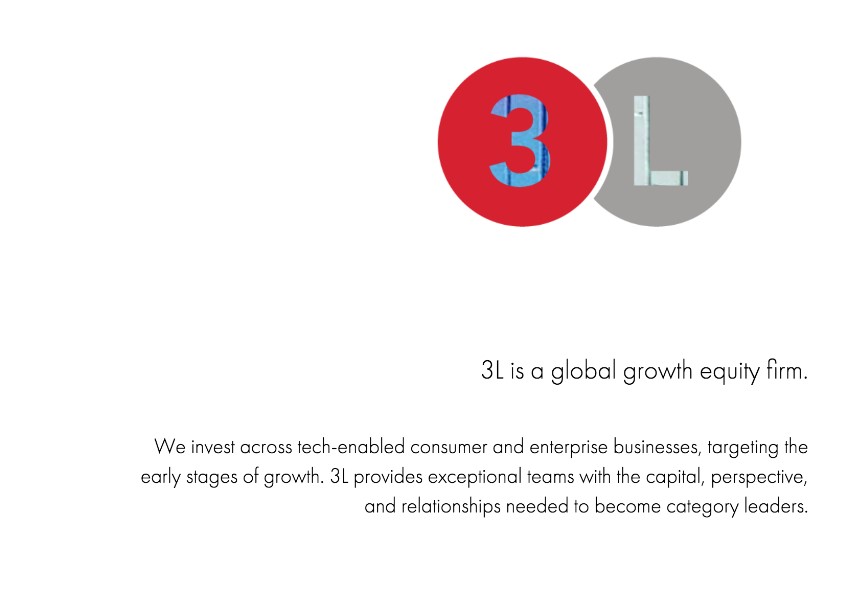
How do we keep it uniform? Thank you in advance!

Hi @INcroatia,

Thank you for reaching out to us. I checked your setup and I see you’re using the logo as a background image which won’t give you uniform alignment in different screen resolutions because of the background property’s default behavior. I’d recommend to add the logo as an Image element instead in the column that contains the text.

Your logo has white background too, you need to take out the logo only to have a similar layout. Hope this helps!

1 Like

Hi @Nabeel,

Thank you! The background is two images, yes, because at one point there was a wish for the parallax effect because the homepage was bigger, but we assume we can now bypass it with what you suggested.

You’re welcome!
We’re glad @Nabeel’s solution works out for you.

This topic was automatically closed 10 days after the last reply. New replies are no longer allowed.