Different background color while editing in Cornerstone

I’m not using any custom CSS or JS. I believe this happened when changing stacks; Cornerstone thinks I have section backgrounds defaulting to some orange color. This color is white (as it should be) when viewing the pages otherwise. This mainly just burns my retinas while trying to make changes in Cornerstone. See attached image,
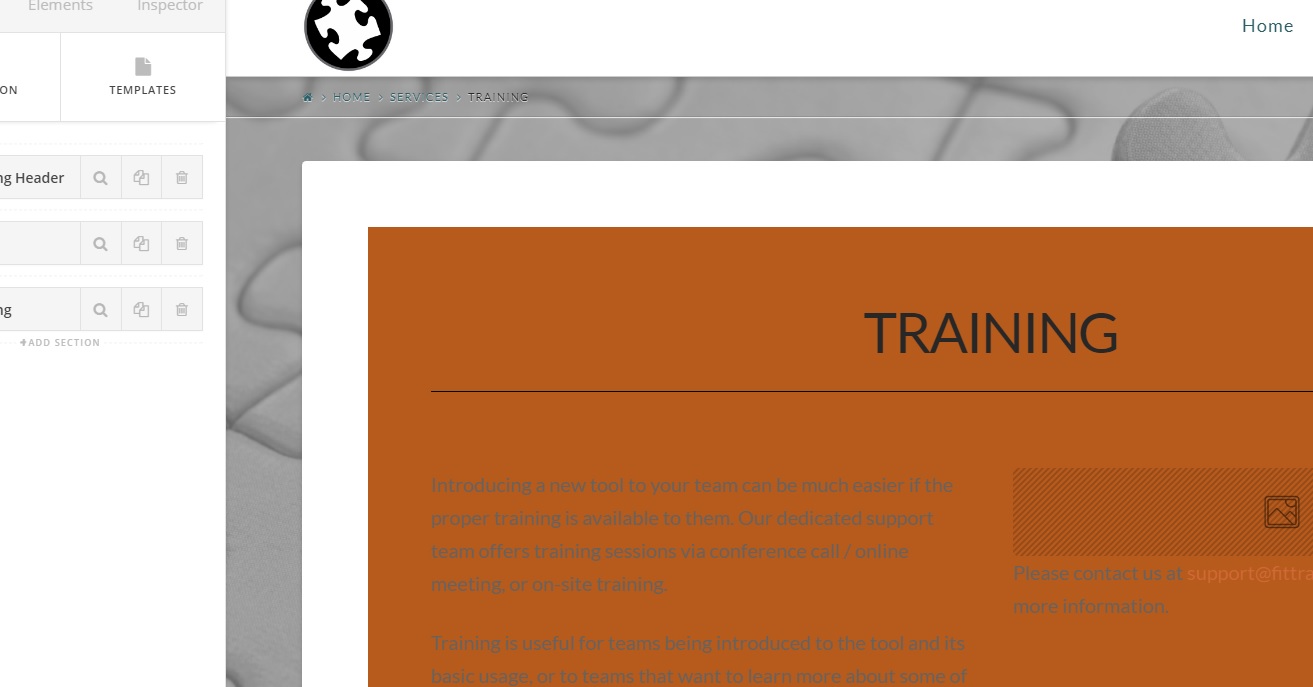
Thanks for any help!

Hello There,

This issue should not happen when switching stacks unless there is a custom css that made this to happen. We’d love to check your site get to the bottom of this. Could you please provide us access to your site so that we can take a closer look?

Thank you in advance.

This topic was automatically closed 10 days after the last reply. New replies are no longer allowed.