Demo Education Installation

Dear Team,

I would like to work with the EDUCATION DEMO.
The upload works, but there are no visible changes.

Also while installing the plugins, I didn’t get any reference as to which ones I actually need,
and the RevSlide fails to install.

Please help me sort this out.
Thanks very for your time!
Hi Therem

Unfortunely the credentials you provided have limited acces, we need admin privileges to help you out.

In the meanwhile please do the following.

Access your site via FTP and remove revslider folder from wp-content/plugins and try to install it again.

Revolution Slider is the only plugin needed beside Cornerstone which is automatically installed before you load the demo.

Hope it helps

Sorry. Just changed rights to admin.
Please look into it.

Meanwhile, I reinstalled the RevSlide plugin.
It is installed, but now the update fails (Update Failed:504 Gateway Time-out nginx), although I used the latest file.

Hey @mikireimann,

The demo fails to import because of timeout limitation.

"cURL error 28: Operation timed out after 5000 milliseconds with 24344 out of 406936 bytes received"

Please forward the error to your host and ask them to increase the timeout.

Thanks.

Hey, thank you for the quick answer.
I changed the server, so now the demo uploads and RevSlide as well. But there are no demo slides.

I tried to login to your site but the credentials no longer works. Please check.

Also ensure you meet Slider Revolution’s requirements. Your host might be able to help you with meeting the requirements.

Thanks.

Thank you for your help. I changed my server settings and took a wordpress-ready option, which works just fine.
the only trouble I have now is finding the option where I can put in the text logo in the header. For some reason the site name shows up the wrong way around. not sure how to fix it.

The credentials work again

Hi There,

You can go to WP Admin Dashboard > Settings > General > Choose your site name.

Go to X > Theme Options > Header > and remove the logo image.

Hope it helps

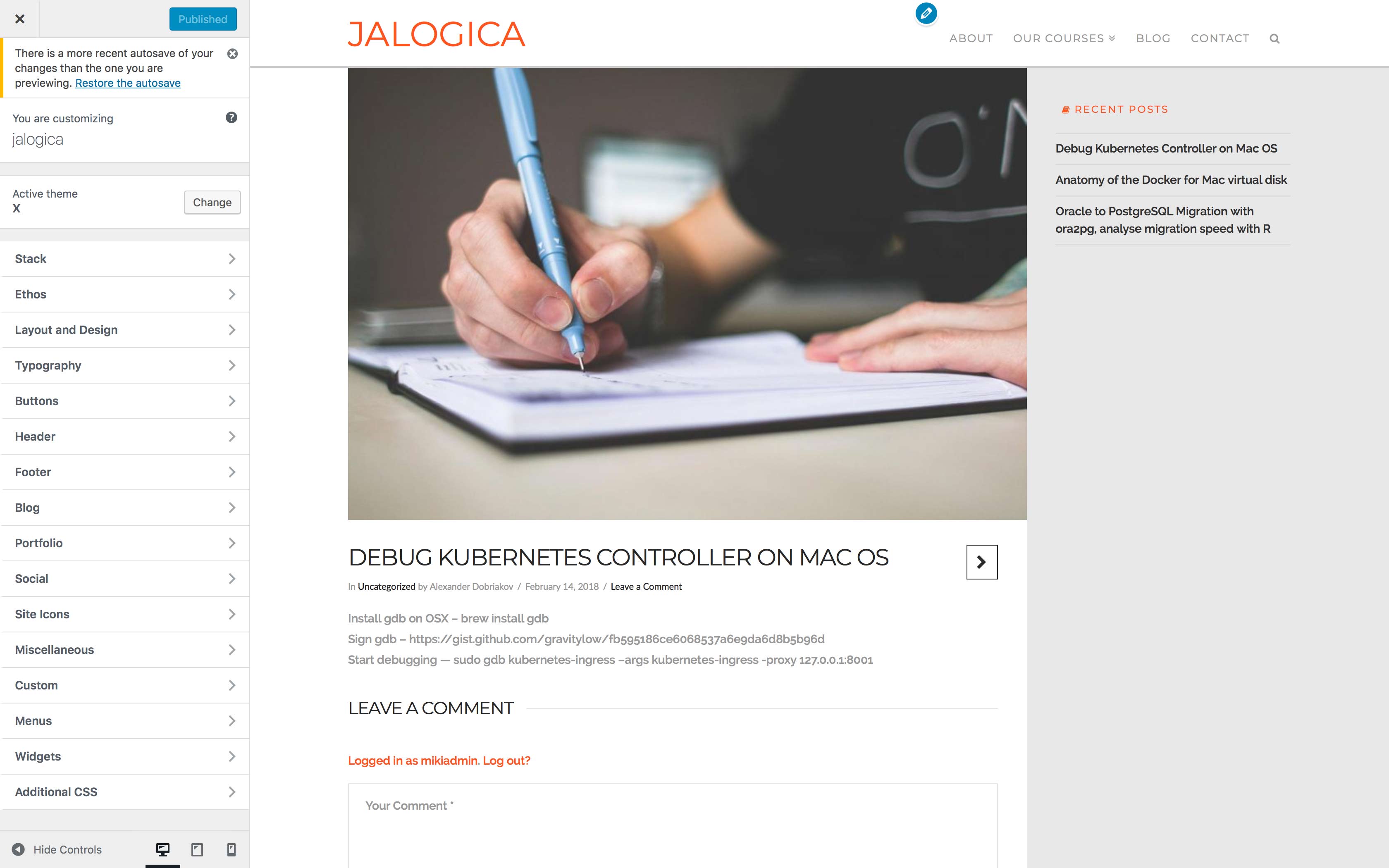
I have done that. but then the text (name of my site) appears wrong way around. not readable. see attachment

Another question regards the Blog page.
For some reason I cannot change the page name. I renamed it Blog, but still the name *News and Events’ appears. When I create a new page, name it Blog, then I redirect my posts - the old name *News and Events’ reappears. I cleaned all cookies etc. What can I do?

Hi There,

It seems that you have changed your login credentials.

However, head over to Appearance -> Customize -> Header -> Logo - Text and change Logo Letter Spacing to 0 or a positive value.

You can re-create Blog page and then head over to Settings -> Reading section and select the Blog page.

Hope that helps.

Thank you for your quick reply. Yes, the Letter Spacing was the problem. It works now.

The 2nd issue is not solved. I changed the Blog page from another page, as soon as I change the selection to Blog, that page shows “News and Events”. Please help me solve this. The credentials work now, I just tested them.

Hi There,

The credentials provided still not working. To resolve your Blog page issue, please navigate to Theme Options > Renew and look for the Blog Title option.

Cheers!

Amazing! Works perfectly! Thank you.

Glad to hear we manage to help!.

One last question. How can I hide the sidebar on the single post?

Hi There,

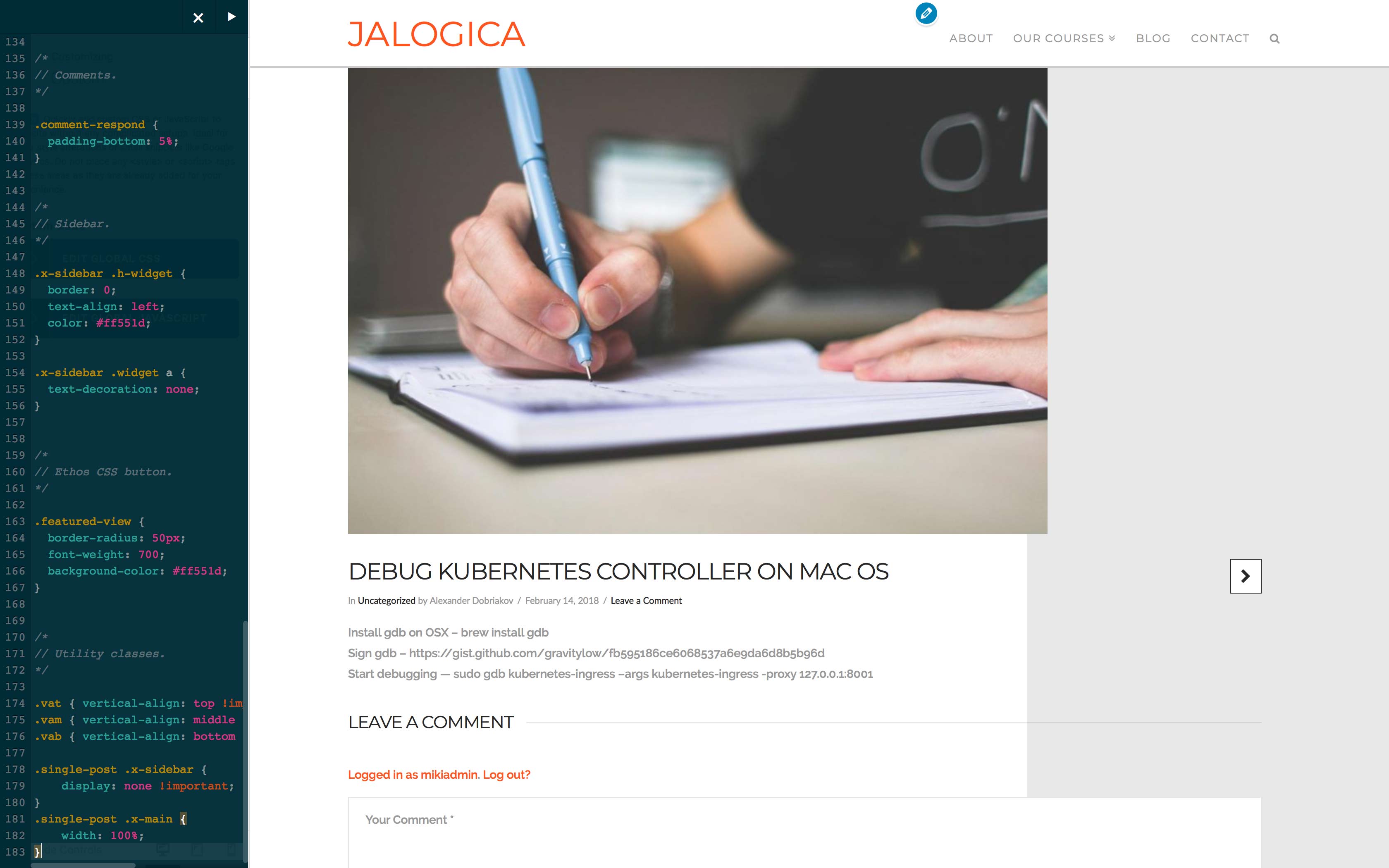
Please try adding this custom CSS under X > Theme Options > CSS:

.single-post .x-sidebar {
    display: none !important;
}
.single-post .x-main {
    width: 100%;
}

Hope it helps :slight_smile:

unfortunately not quite… this is how it looks like now. the content is gone, but the background is still grey

Please add this in addition to the previously given code.

.x-container.main:before {
    left: -100%;
}

.single-post .entry-thumb img {
    width: 100%;
}

I’ve tested that in our demo to ensure it works.

If you have more questions, please open a separate thread for each question. This is to avoid confusion further down the road.

Thanks.

works perfectly! Thank you!