Delete Block on blog page

Hi!

I would like to delete the block “x-header-landmark” below the header in the Blog page (and single posts).

How can I do this?

I add a picture to show the block which I want to remove.

On the other hand, when I click on single post, the color of the main menu changes. How can I avoid this?

Thank so much!
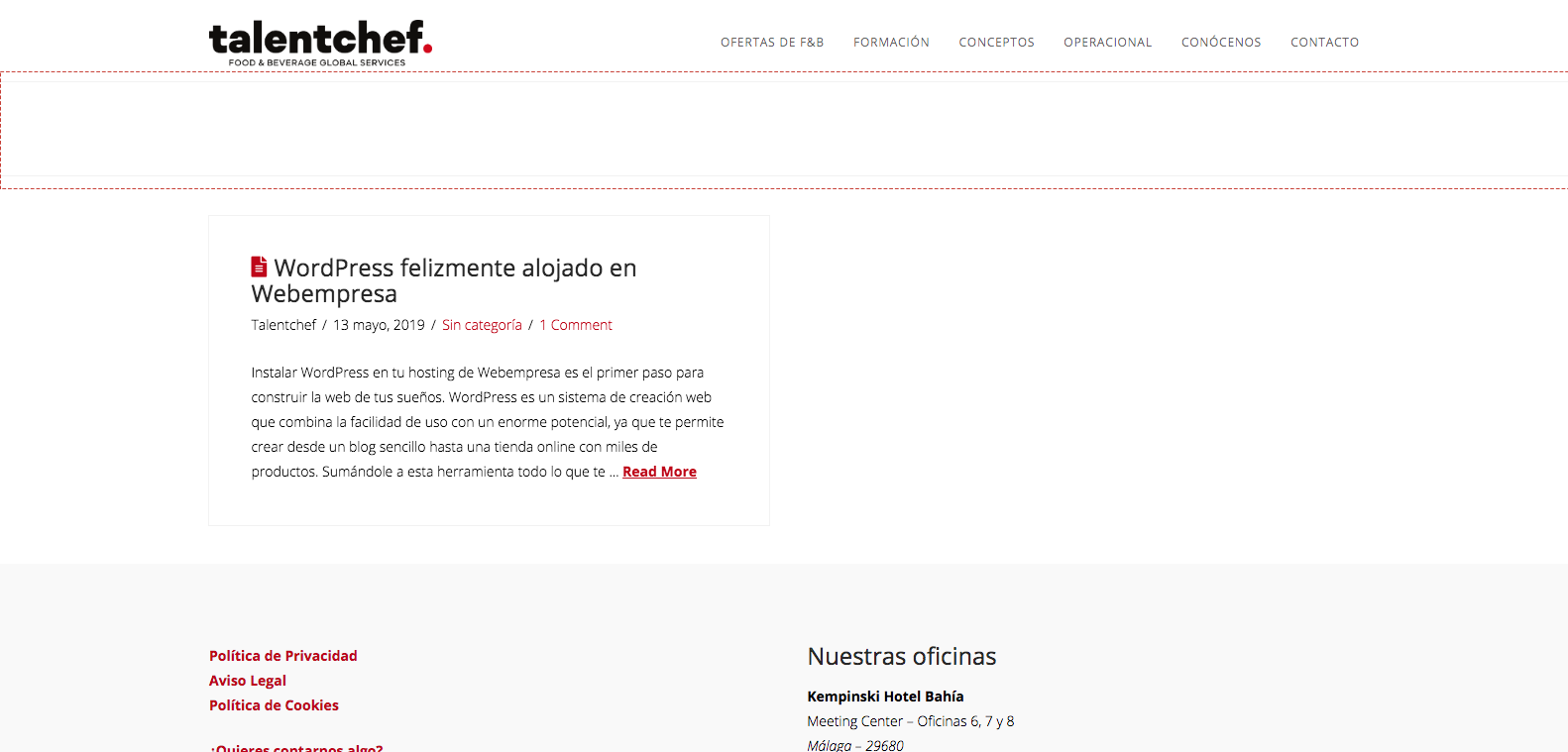
Hi Jorge,

Thank you for writing in, to hide the header landmark please add this to Theme Options > CSS

header.x-header-landmark {
	display: none;
}

Regarding, the background of the header on the Single posts, that is because of this custom CSS

.single-post .masthead {
    position: relative;
    width: auto;
    background-color: #001937;
}

Please find that block of custom CSS and remove the background-color: #001937;

Cheers!

Hi @friech!

Thanks so much! It works :slightly_smiling_face:

Best regards.

We’re glad it worked.

Cheers!

This topic was automatically closed 10 days after the last reply. New replies are no longer allowed.
