Customizing the sidebars with widgets

Hello!

I built my website on X theme (gym template) using Cornerstone and I set the colors of buttons and primary brand colors properly in the settings of cornerstone.

The icons and texts in sidebar still remains orange (in the original color from the template).
If I have a slider with recent posts in the middle on the cathegory or blog page, the button also remains orange.

you can see it here: https://portcities.vn/news/

How can I change those colors to the color of my brand?

Thank you!

Ivana
Hi There,

Thanks for writing in!

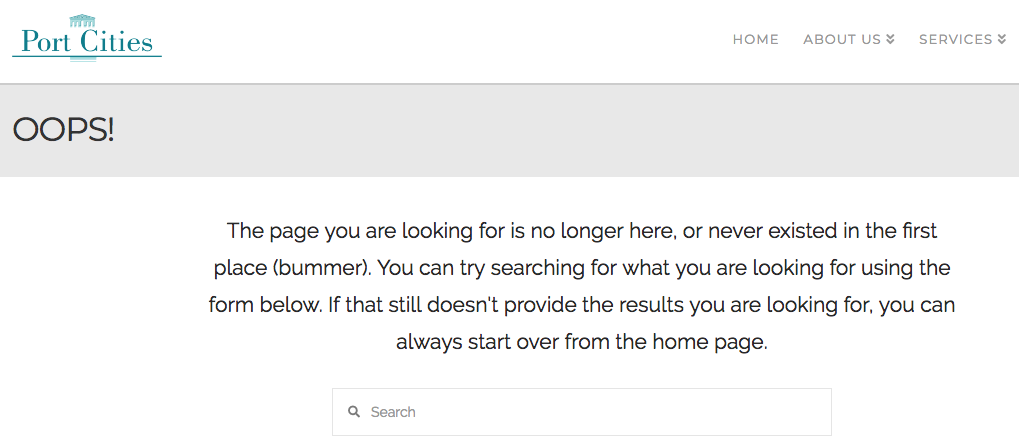
The mentioned page is showing 404, can you please confirm that?

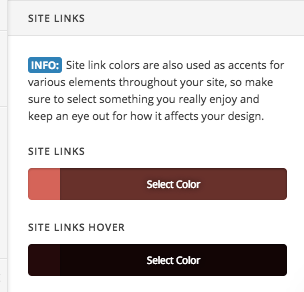
meanwhile please check X-> Theme Option -> typography change the link color. Let us know if that works.

Thanks

Hi,
thank you for the answer.
The link does not work anymore (I changed the permalink to /blog).
Anyway, setting in cornerstone was done correctly. The thing which helped in the end was to change in the CSS of the template itself for the color code I needed from this:

.x-sidebar .h-widget {
border: 0;
text-align: left;
color: #ff551d;
}

to

.x-sidebar .h-widget {
border: 0;
text-align: left;
color: #007d8d;
}

Hey There,

We are just glad that you have figured it out a way to correct the said issue.
Thanks for letting us know!

Best Regards.

This topic was automatically closed 10 days after the last reply. New replies are no longer allowed.