Hey Matt,
I’d first start with the Logo. To have a big and centered logo, you need to set the Header Layout to Stacked and then adjust the Logo Image Width to your desired pixel value. You can read more about those settings in our Header documentation here: https://theme.co/docs/header#header-logo-settings
In X or using the Original Header, the lines and shadows are part of the theme’s header design so there’s no option to remove them. It would require overriding them with CSS. With that said, you will need to learn CSS and also learn how to use the browser element inspector so you’ll know what selectors to use in the CSS.
I’ll provide you with an example but please note that issues that will result from the use of any custom code and further enhancing them will not be supported.
The only Stack with a line and shadow is the Integrity Stack. The override CSS to remove them is the following.
.x-navbar {
    border-bottom: 0;
    box-shadow: none;
}
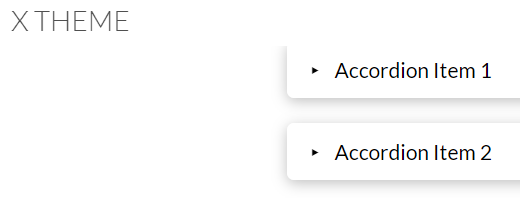
That will result to something like the following screenshot. As you’ll see, there is no separation between header and content.
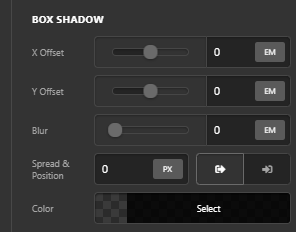
If you wish to have a custom header, it’s best to upgrade to Pro. The Pro Header Bar, by default, doesn’t have a line but just a shadow that can be easily disabled like the following options.
Hope that helps.


