Customise tabs

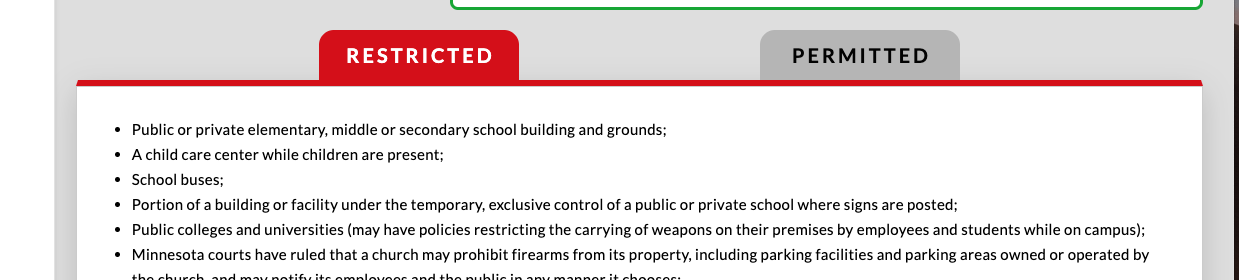
I have setup some tabs as in picture. I have 2 questions;

  1. Can I insert an icon next to the tab text?
  2. I would like the permited tab to be green when active as well as a green line underneath tab (similar to red line) however I cannot see anything in options to allow this. Is it possible?
Hey @waynepatt58,

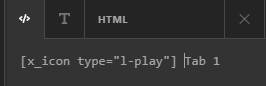
You will need to use the Icon shortcode or HTML inline with the text like the screenshot below:

If you need guidance on using the Icon Shortcode, please watch the tutorial below.

Here’s for the HTML version.

Hope that helps.

Thanks, but still need to know if question 2 is possible

Hey @waynepatt58

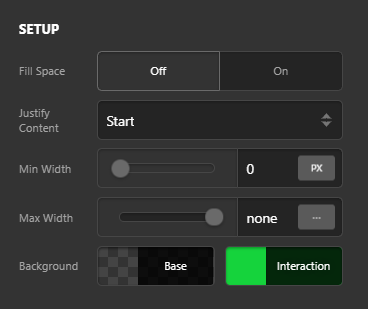
If you’re using the Tabs element then go to Tabs > Individual Tabs settings, the Interaction background color is the color of the active tab. You can change it to green

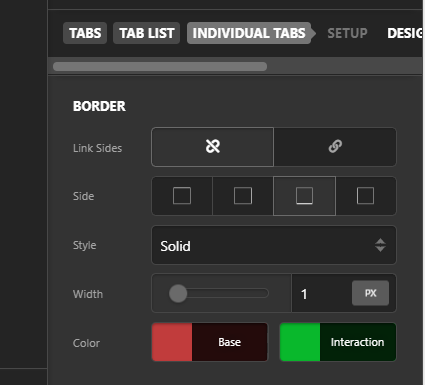
Similarly inside the Individual Tabs settings go to the Border settings, set the Interaction color to green:

Hope this helps!

Thanks yes I have played around with that however it sets the base and interaction color for all tabs. I was hoping it was possible to give each tab its own interaction color, not worried about base color that can stay same on all tabs. I just need a red tab when active and another green tab when active, guess I will need some code for that as does not appear to be readily available from interface. Or maybe I am missing something here?

Hi @waynepatt58,

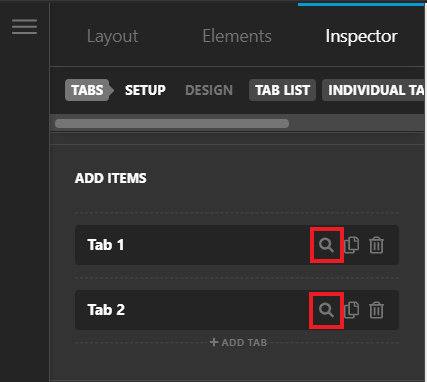
Giving each tab it’s own interaction color would require custom CSS. Inspect each tab individually:

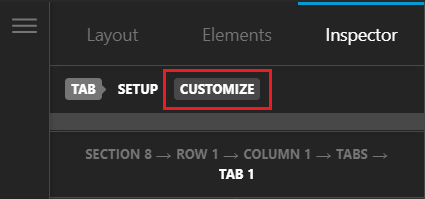
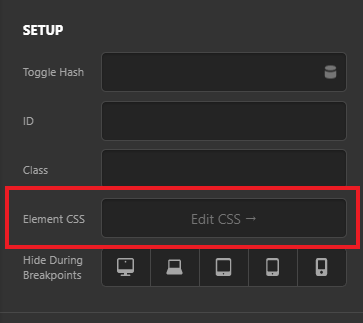
Go to Customize tab > Element CSS and paste the following code:

$el.x-active:not(.x-tabs-panel),
$el:not(.x-tabs-panel):hover {
  background: red !important
}

This will set the interaction and active color of the tab. You can do this for each tab individually with different colors. Hope this helps!

This topic was automatically closed 10 days after the last reply. New replies are no longer allowed.