Hi Guys,
a while ago i asked you if you had a file that rewrote the WC loop ( https://theme.co/apex/forum/t/woocommerce-loop/34566/2 )
you told me you didn’t. perfect.
Now here’s the thing, i would like to be more specific on what i want to do in order to maybe get a better orientation from you.
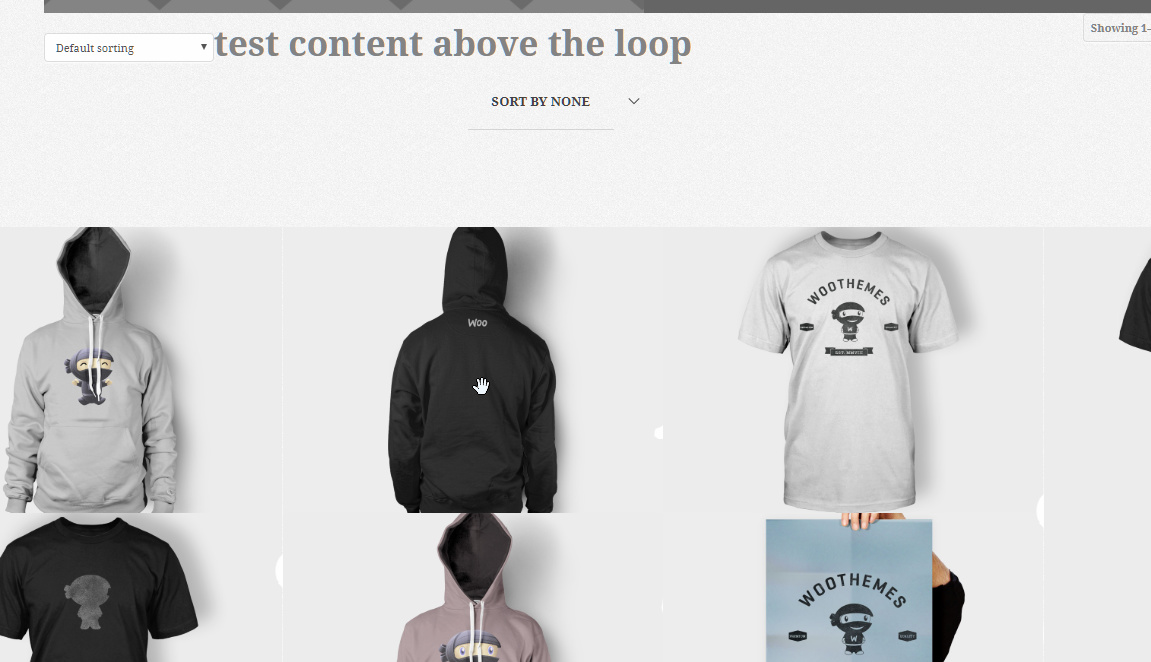
i have this page: domain.com/shop, that’s the default shop page from WC. PRO is setup to use the ETHOS stack so it overrides the default look of WC and with a few tweaks this is how it looks: http://prntscr.com/k0rb5q
Cool. now, here’s the thing. i want to replace that archive (all the WC archive pages, really) with a grid.
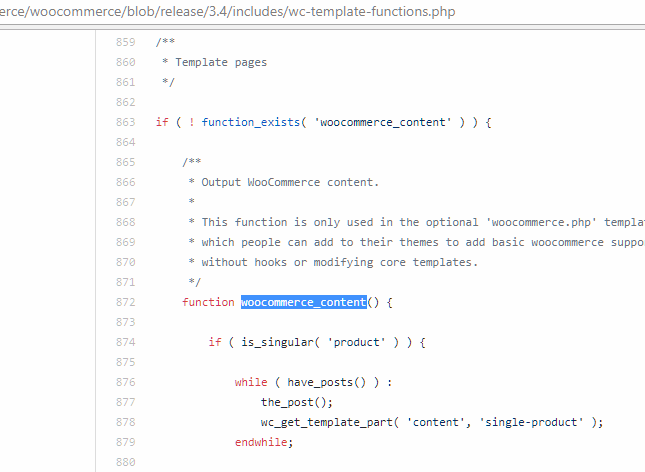
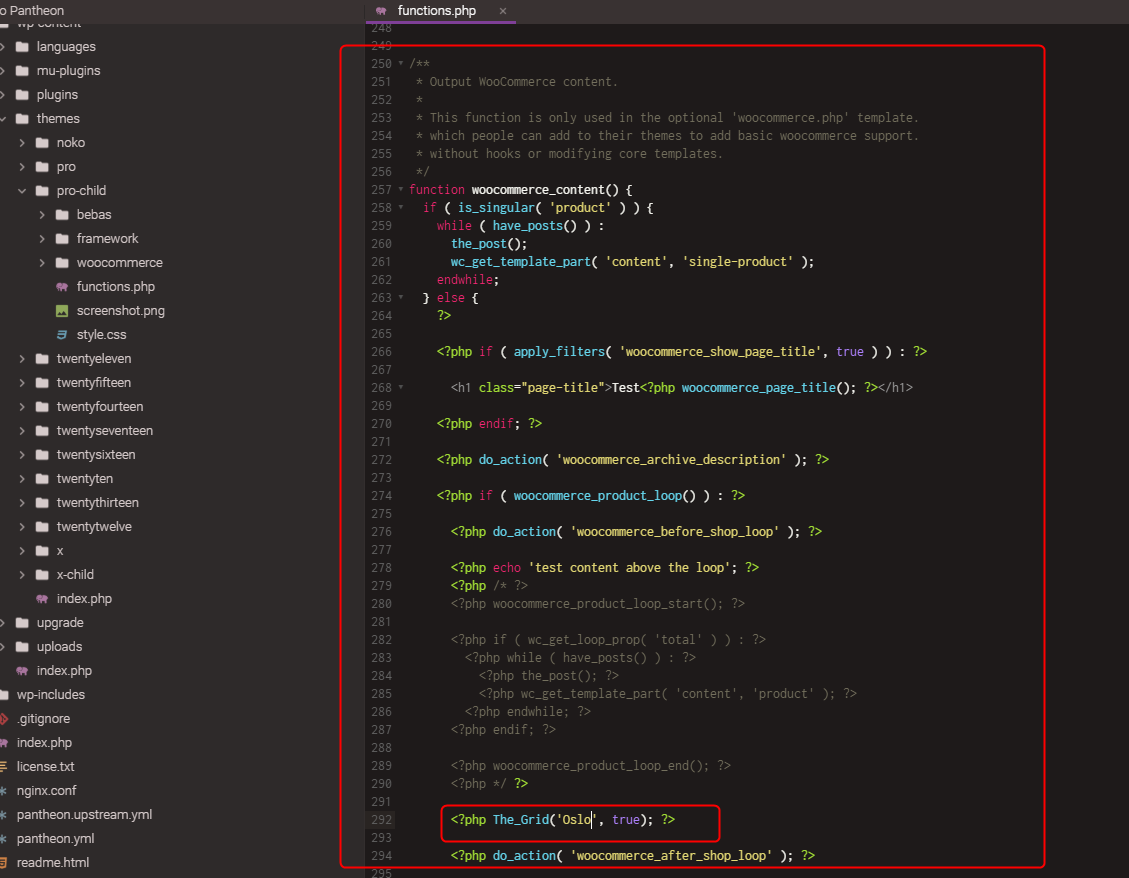
for that i need to know where the WC loop is because i need to add a code in there that will gather the ID’s of every product and then use them as grid elements.
after reading your answers on the last thread i wrote to you about it, i went to find the archive-product.php file.
now here’s where things become interesting: i tried the following scenarios, all with no success:
1)created a woocommerce folder and created a different archive-product.php file where i basically copied the original file but changed the things i had to change in order for the grid to be populated. the page didnìt change at all.
-
edited the ORIGINAL file, just to check if that would at least change the layout or change anything on the /shop page. nothing, the page remained unchanged.
-
erased the content of the archive-product.php file in woocommerce, and the page still remained unchanged!
now, this is a page thas doesn’t even have server/page caching enable, it’s going through cloudflare but cloudflare is not even active, i made the changes while browsing it on incognito mode, and nothing, so browser caching is not the issue, either.
are there other files in PRO that might be rewriting this loop or something that make it remain as it is now?
it’s been over a month and i haven’t been able to figure out what’s going on.
thanks in advance.