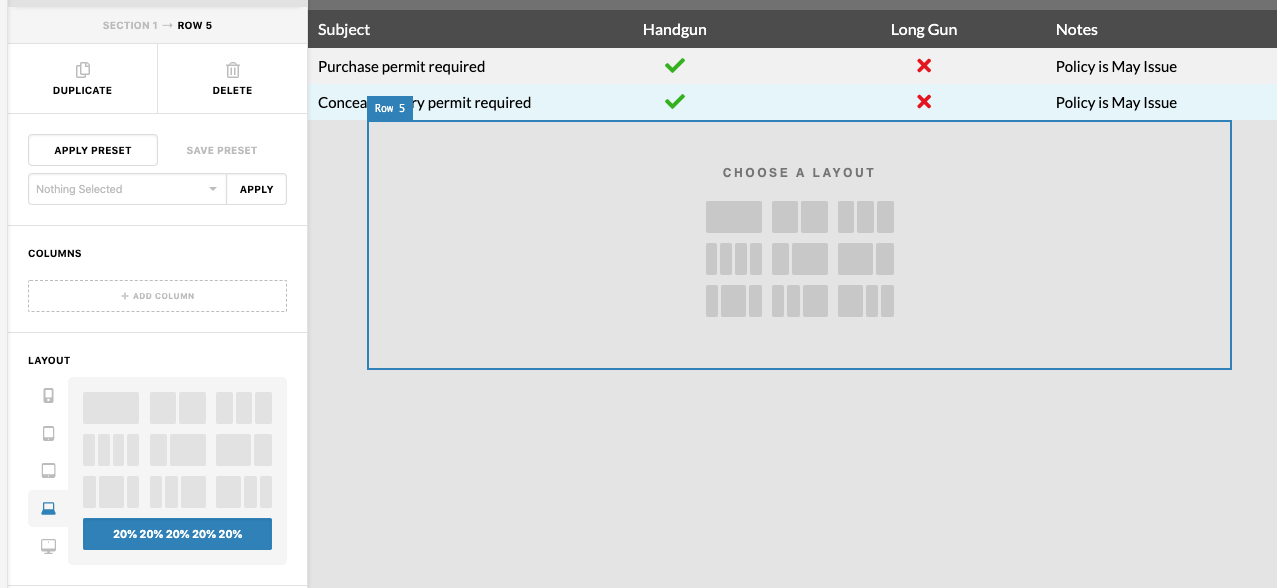
Hello, how can I make a 5 column row? I have entered all the correct details in the custom field but it will not implement my design, I just keep getting the standard column box where the row is? I have pressed enter but nothing happens, I am sure there is a simple explanation here.
Hey @waynepatt58,
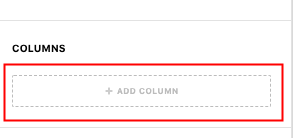
Just add 5 columns using the button.
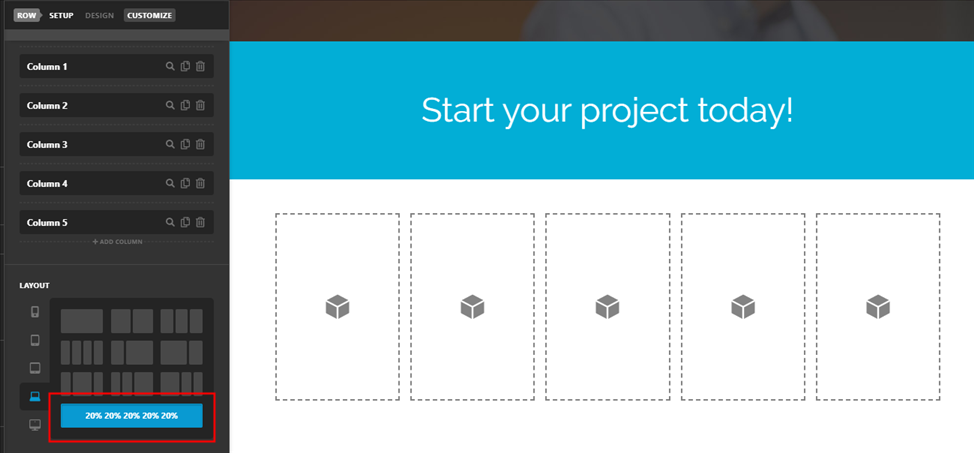
Then, divide the columns to 20% each. And, remember you could change the column number per screen width now.
To learn more about the New Row element, please watch the video below.
Watch more tutorials in our Youtube Channel
Hope that helps.
This topic was automatically closed 10 days after the last reply. New replies are no longer allowed.