I’ve had this site built for a client a bit ago. Today I’m doing some maintenance for them. A custom logo that sits next to the Superfly menu is loading inconsistently. Sometimes it’s there and other times it’s not. Attached are screenshots of the same page loaded within minutes of each other. I don’t see any errors when inspecting. Please help me fix this or rebuild this logo next to the Superfly menu so that it’s always visible.
URL: http://riveteng.com
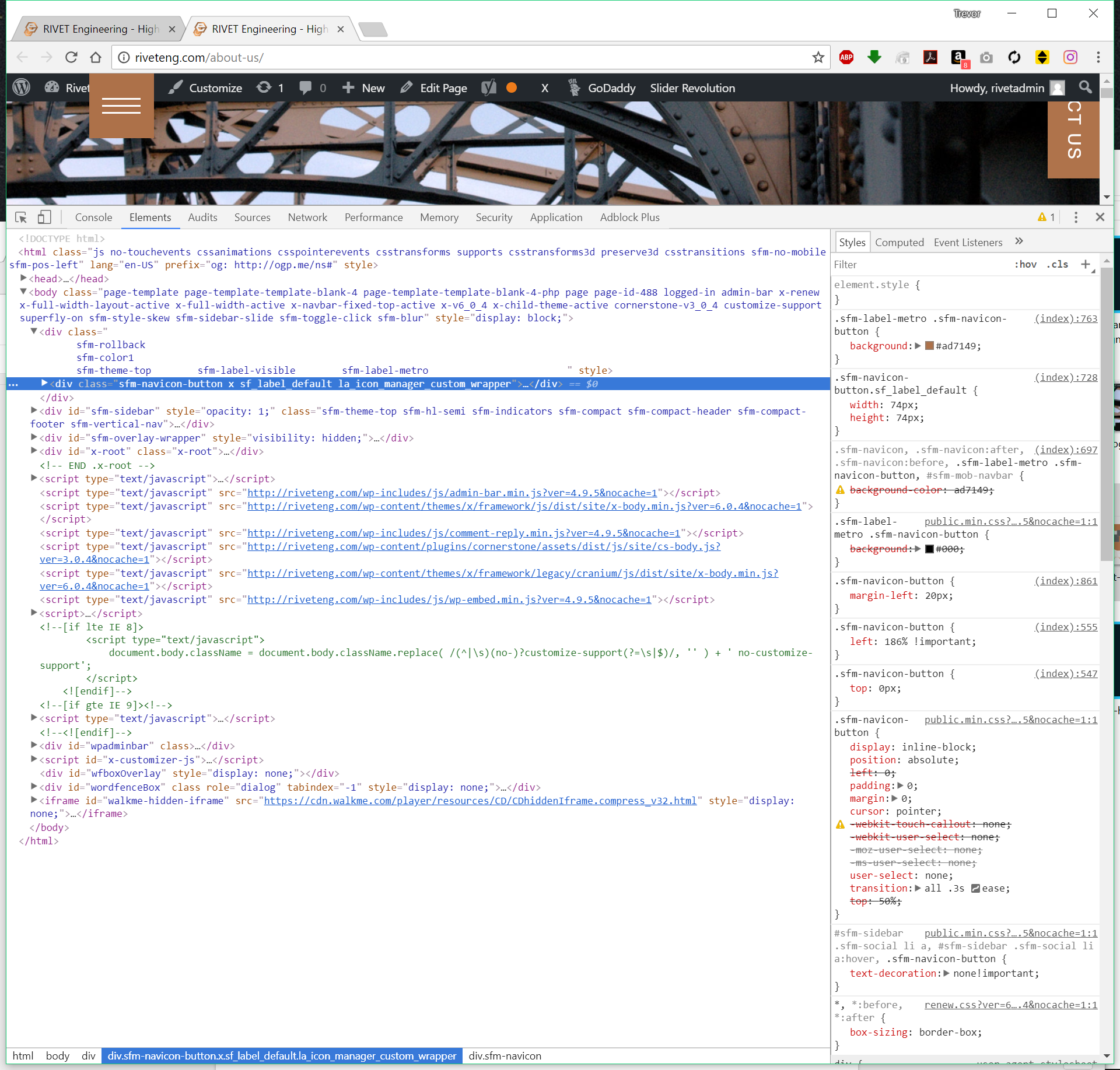

Here is all of the custom code used on the site:
jQuery(document).ready(function($) {
  var html = '<a href="http://riveteng.com" class="header-logo"><img src="http://riveteng.com/wp-content/uploads/2017/02/rivet-menu-button-2.png"></a>';
  $( html ).appendTo('.sfm-rollback');
});
jQuery(function($){

  $(document.body).on('click', 'a.scroll_to',

  function(e){
    e.preventDefault();

    $('html,body').animate({
      scrollTop: $('#' + $(this).attr('href').split("#").slice(-1)[0] ).offset().top - $('.x-navbar').height()
    },700 ,'swing');
  }

  )
});
jQuery(function($){

  $(document.body).on('click', 'a.scroll_to2',

  function(e){
    e.preventDefault();

    $('html,body').animate({
      scrollTop: $('#' + $(this).attr('href').split("#").slice(-1)[0] ).offset().top - $('.x-navbar').height()
    },700 ,'swing');
  }

  )
});


    .header-logo {
  position: absolute !important;
  top: 0;
  left: 21px;
  z-index: 99;
  width: 74px;
}

.header-logo > img {
  display: block;
  background-color: #000;
  width: 100%;
}

.sfm-navicon-button {
  margin-left: 20px;
}
.x-navbar-wrap {
  display: none;
  visibility: hidden;
}
.scroll_to {
    color:  #ad7149;
    border-color:transparent;
}
  .scroll_to:hover {
    color: #fff;
    border-color:transparent;
}
footer.x-colophon.top .textwidget {
    font-size: 15px;
    font-weight: 400;
    text-align: justify;
}
.x-feature-box-graphic {
    display: inline-block;
    margin-bottom: -40px;
}
.x-btn, .x-btn:hover, .button, .button:hover, [type="submit"], [type="submit"]:hover {
text-shadow: none;
}