Custom footer- help!

Hi, we are trying to create a custom footer. On a previous Theme x version we could simply add the footer in the wp-footer folder, but this no longer works with this new version. We also tried to add it in wp-content/themes/x-child/framework/views/renew/wp-footer.php but once we were on the website it still couldn’t see it.

We saw on the forum that could add it in: wp-content/themes/x-child/framework/legacy/cranium/footers/views/renew/wp-footer.php but it still doesn’t work. Help!

Do you happen to have another solution? Or should we add the link on another page to link the footer to the site? Or do we have to deactivate it in the X theme options ?

Hello @TeamEquipe,

Thanks for asking. :slight_smile:

Well wp-footer.php is the file for footer in X Theme. From /wp-content/themes/x/framework/legacy/cranium/footers/views/renew/ copy to wp-footer.php /wp-content/themes/x-child/framework/legacy/cranium/footers/views/renew/ or /wp-content/themes/x/framework/views/renew/ as it’s backward compatible, please try pasting the file again. After making the changes, try clearing the cache and and see how it goes.

In case you face issues, please let us know the changes you are looking to make along with WordPress and FTP login details in a secure note for us to take a closer look. Please note that we might not help you with the custom development but will definitely help you with the setup and will try to point you in right direction.

Thanks.

Hi,
We did try that and still had no success in seeing our footer on our new website. We sent you info in a secure note.

Thank you

Hi There,

Thank you for the credentials, your child theme is not active any customization you did there will not take effect unless you make it active.

Cheers!

Sorry that was a big mistake on my part, unfortunately still had no success in seeing our footer.

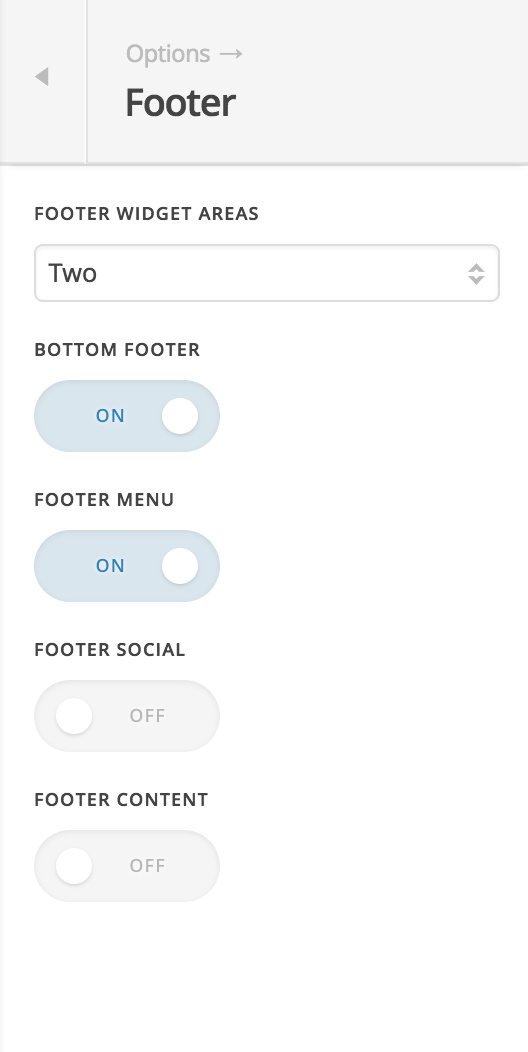
Even when I activate the footer in the theme option it does not appear the basic one.

Hello There,

Thanks for updating in! I have logged in to your ftp and I was able to resolved the issue. I renamed filenames in views
folder so that the wp-footer.php file in the legacy folder will take place and be displayed. You may removed the unnecessary files and continue your modifications in the wp-footer.php files which is located in the legacy folder.

If you need anything else, please let us know.

Thank you it works, Why did you have to rename the file in order for it to work ? Will I have to do that for every footer I will create in Theme X ? Just give me more info so I can understand. Thanks in advance!

Hi there,

That is because. the wp-footer.php files in both

framework/legacy/cranium/footers/views/renew
framework/views/renew

which are conflicting. So have just one overridden copy of the file in order for the changes to take effect.

Hope this explains it.

This topic was automatically closed 10 days after the last reply. New replies are no longer allowed.