Hi,
I am trying to change the font within a text element to my custom font.
I found a post that suggested adding my-text-element to the class field of the element and then adding the following code to the theme - options - CSS, .my-text-element{ font-family:Fontname !important; } but it didn’t work.
Can you suggest what else could work please?
Thanks.
Hey Liz,
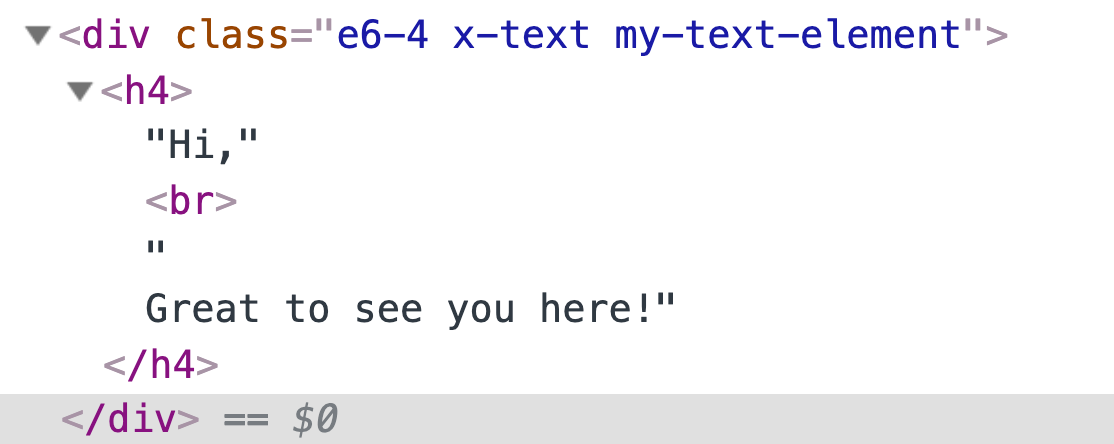
The text is wrapped in an h4 tag so kindly update the CSS to:
.my-text-element h4 {
    font-family: 'dreamlandregular' !important;
}
Hope this helps.
That worked! Thanks so much for that.
Can I trouble you for one other small issue i’m having with the same section?
I would like the text " We have ditched the daily grind etc" to be in black. Can you tell me how to do this? I have tried changing the colour in the element.
Thank you 
Hi Liz,
I would suggest using the Headline element instead of the Text element when you want to add heading tags to the page.

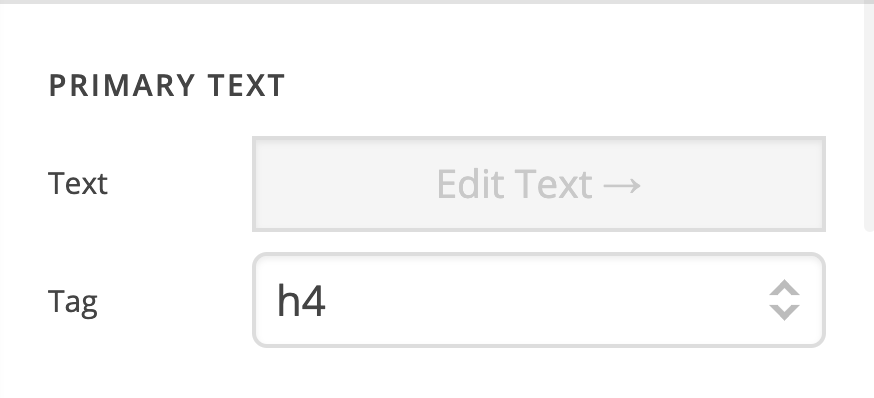
Then you can select the tag for the headline element.
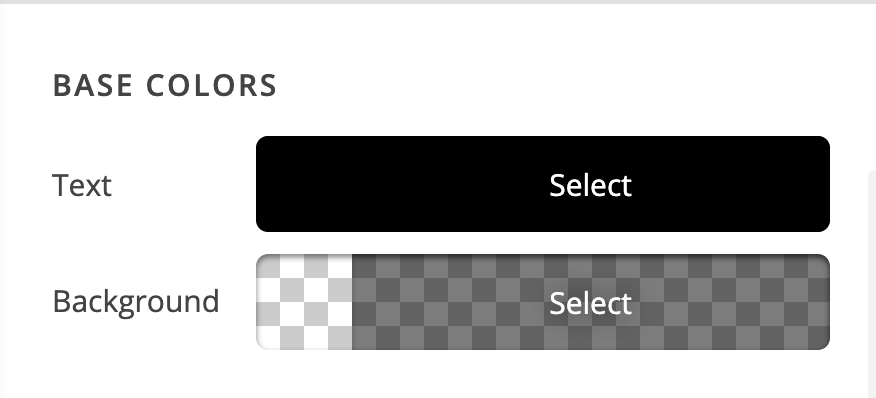
You can then make use of the settings of the element to style the heading further:
Also, you might want to turn the Advanced Mode option of your settings so that you will get more customization options for the elements.
Please click on the cog icon on the settings area then enable the Advanced Mode option.


Hope this helps.
Thanks so much Jade.
I have swapped it over to a headline element now with advanced mode. I am still unable to change the colour of the text to black. I think this may be because I have headlines in the theme - options set to orange. I want all my other headlines orange but would like this section in black. Is there code to do this?
Hi Liz,
Apologies for not being clear. The purpose of converting the text element to a headline element is for you not to have to wrap the text in an <h4> tag anymore since once you choose the tag option for the headline element, that will be the wrapper for the text content.
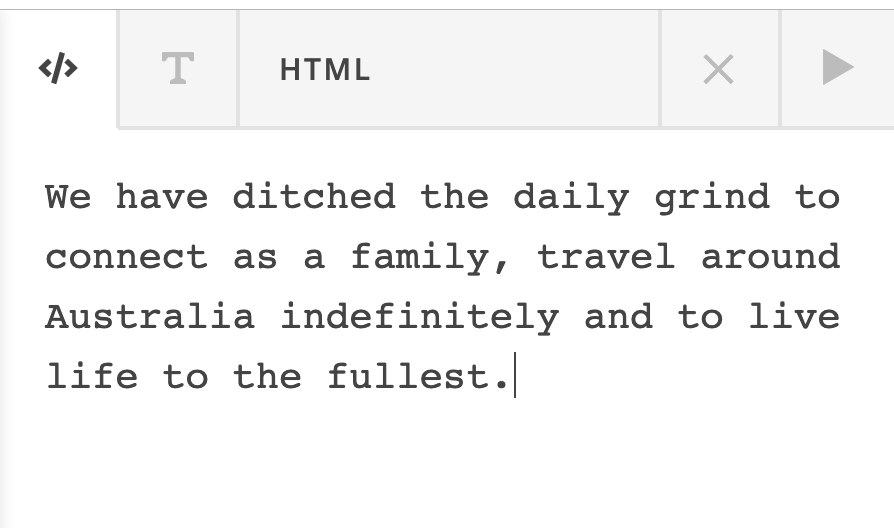
For example, you have the text: We have ditched the daily grind to connect as a family, travel around Australia indefinitely and to live life to the fullest. in the headline element with this settings:
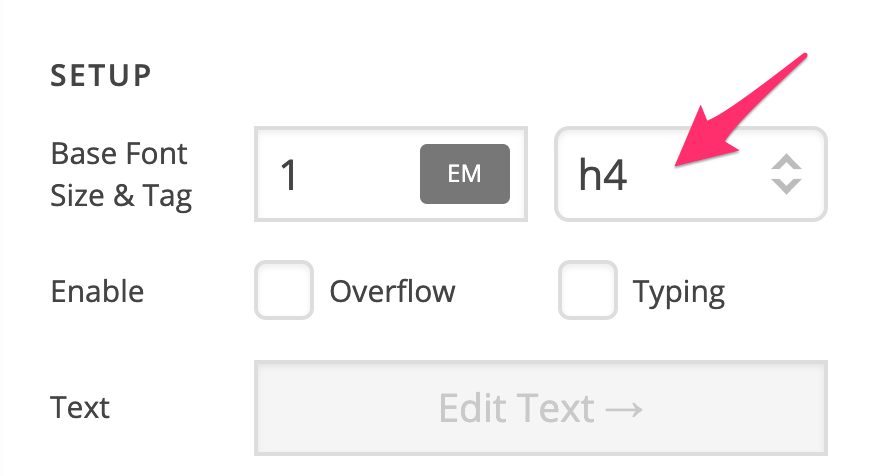
The output will be:
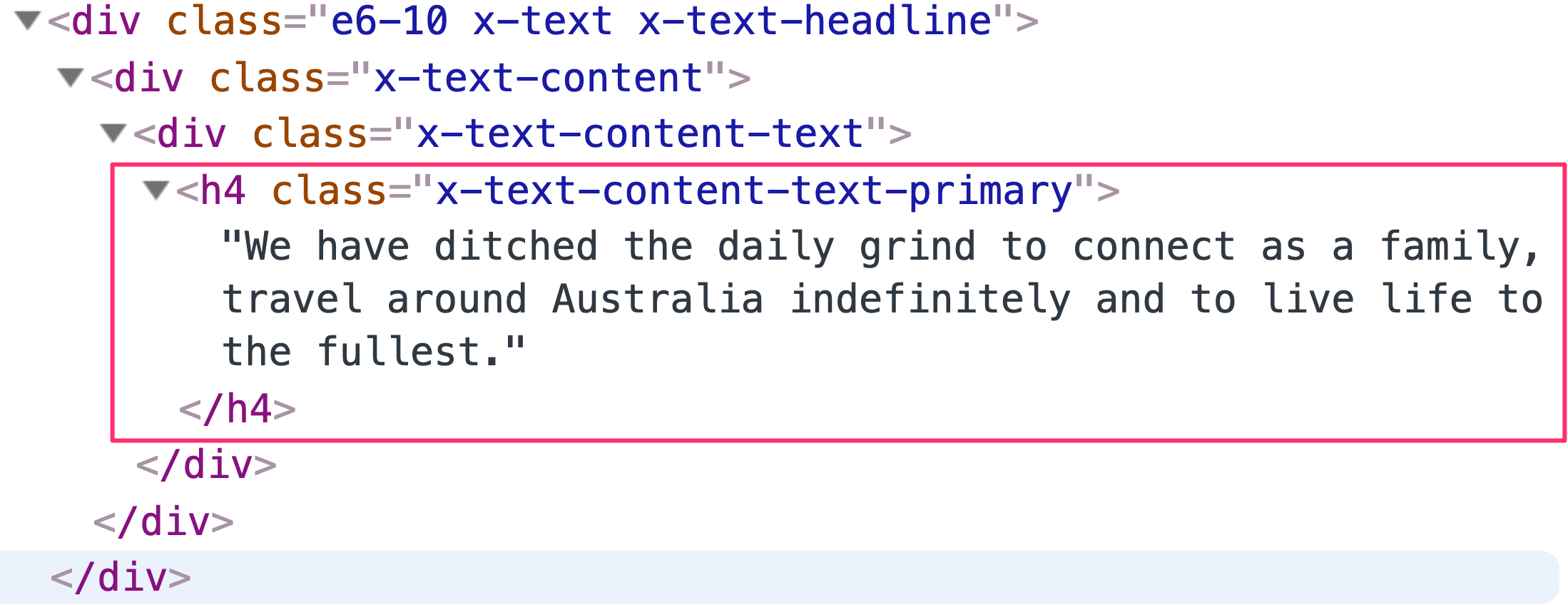
As you can see, since h4 was selected in the tag setting of the headline, the text in the headline content automatically gets wrapped in an h4 tag.
The next thing you need to do is to style the headline using the options available in the headline element:
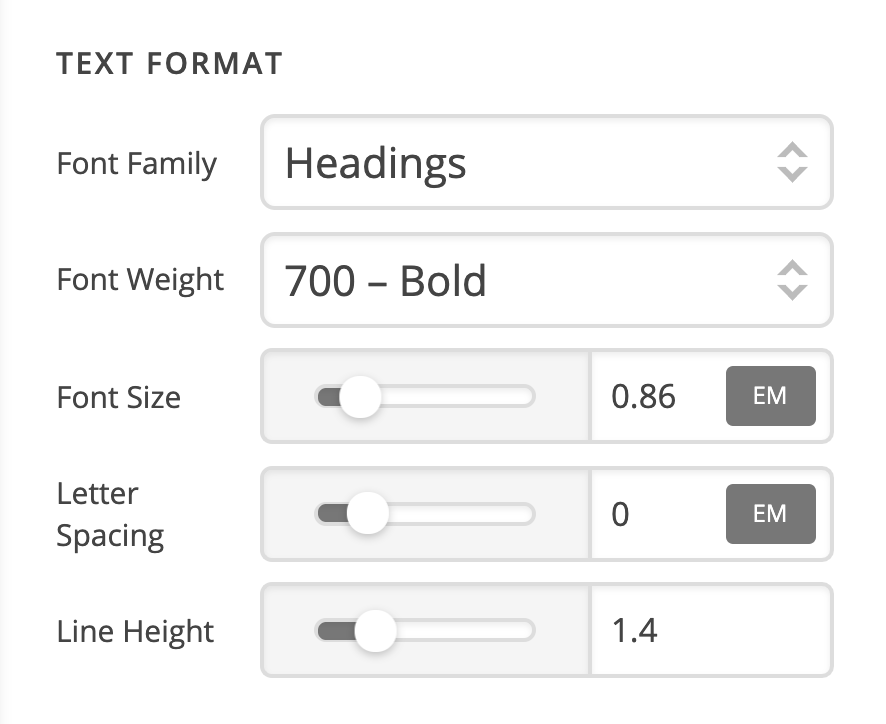
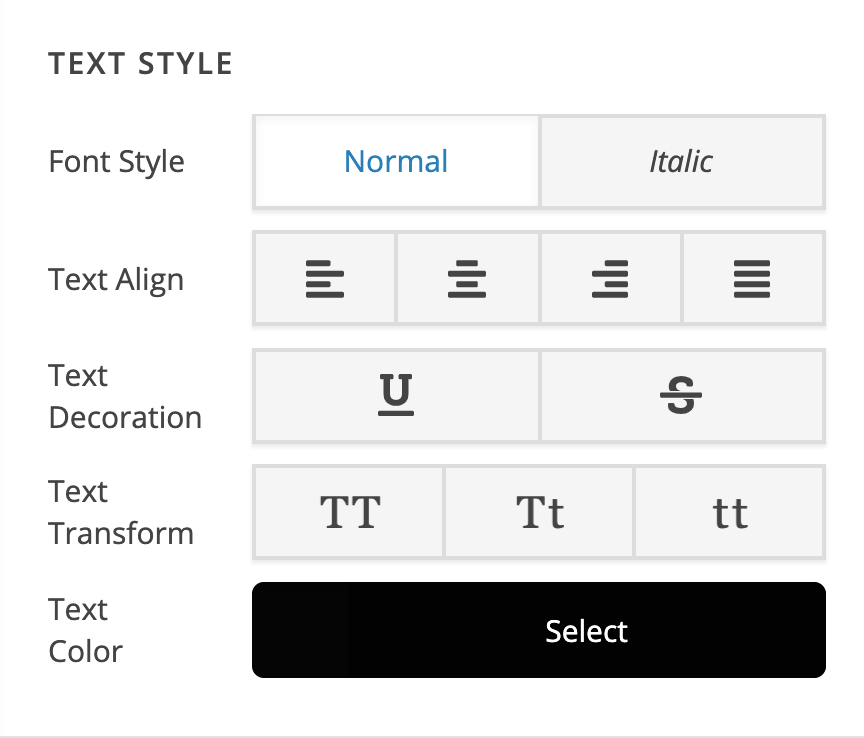
Hope this explains it.
This topic was automatically closed 10 days after the last reply. New replies are no longer allowed.