Custom comment form code not showing

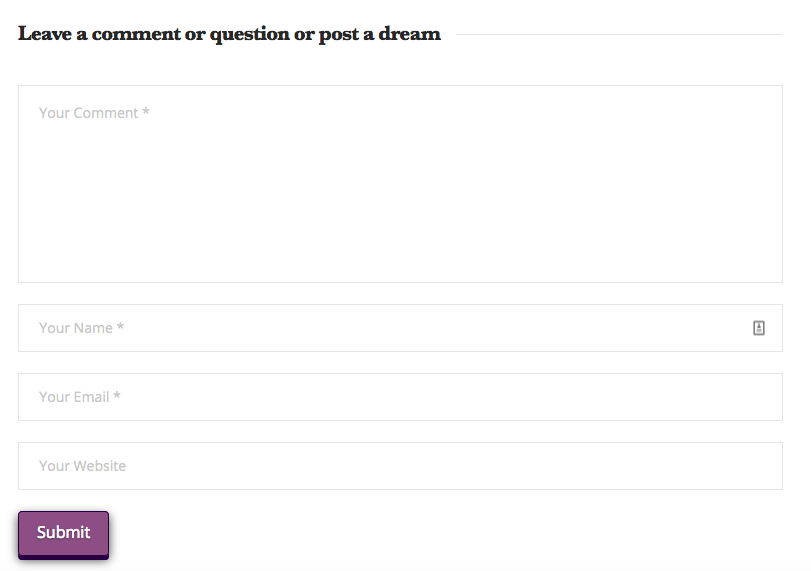
Hi everyone, a while back I had entered the code below in the Ethos frames folder of my child theme. It customized the “heading” to say what you can see below.

I noticed today that it wasn’t showing up anymore. Any ideas? btw, I have already checked for plugin conflicts.
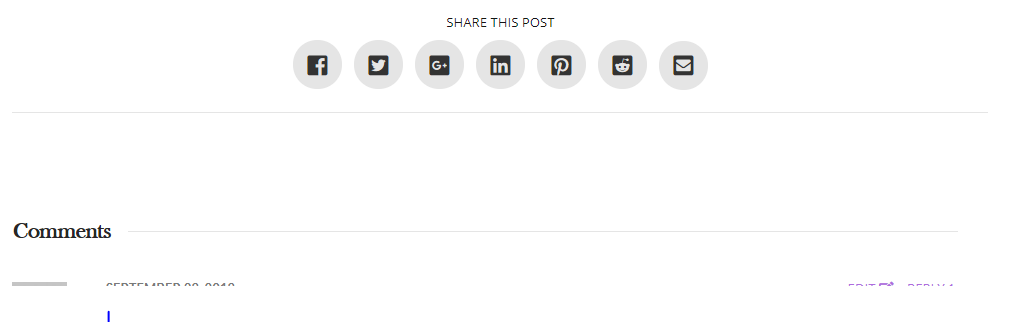
Thanks, as always…

<?php comment_form( array( 'comment_notes_before' => '', 'comment_notes_after' => '', 'id_submit' => 'entry-comment-submit', 'label_submit' => __( 'Submit' , '__x__' ), 'title_reply' => '' . __( 'Leave a comment or question or post a dream' , '__x__' ) . '', 'fields' => array( 'author' => '

' . '' . __( 'Name', '__x__' ) . ' ' . $asterisk_html . ' ' . '' . '

', 'email' => '

' . '' . __( 'Email', '__x__' ) . ' ' . $asterisk_html . ' ' . '' . '

', 'url' => '

' . '' . __( 'Website', '__x__' ) . '' . '' . '

' ), 'comment_field' => '

' . '' . _x( 'Comment', 'noun', '__x__' ) . '' . '' . '

' ) ); ?>
Hi Jesamine,

I have tested your referenced link and I see that your comment headline has been changed correctly.

Could you please try clearing your browser cache and re-test your issue again. Refer to the following resource if needed (https://www.wpbeginner.com/beginners-guide/how-to-clear-your-cache-in-wordpress/).

Hope that helps.
Thanks!

:stuck_out_tongue_winking_eye:

Well, after some testing as a guest user, I realized what the problem is. “Comments” appears at the top of the comment list and “Leave a comment or question or post a dream” is hanging out at the bottom!

duh.

Hi There,

To fix this issue, please add this custom JS under Theme Options > JS:

jQuery('#respond').prepend(jQuery('.h-comments-title'));
jQuery('#reply-title').insertBefore(jQuery('.x-comments-list'));

For more information, please take a look at this:

Hope it helps :slight_smile:

Thai, thank you so much! Yes, it worked perfectly.

You are most welcome. :slight_smile:

This topic was automatically closed 10 days after the last reply. New replies are no longer allowed.