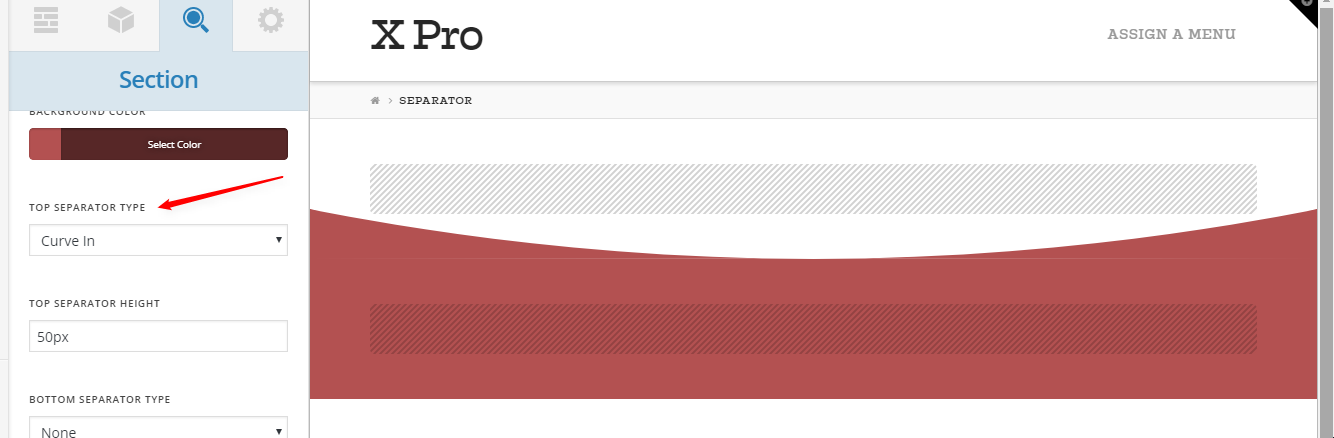
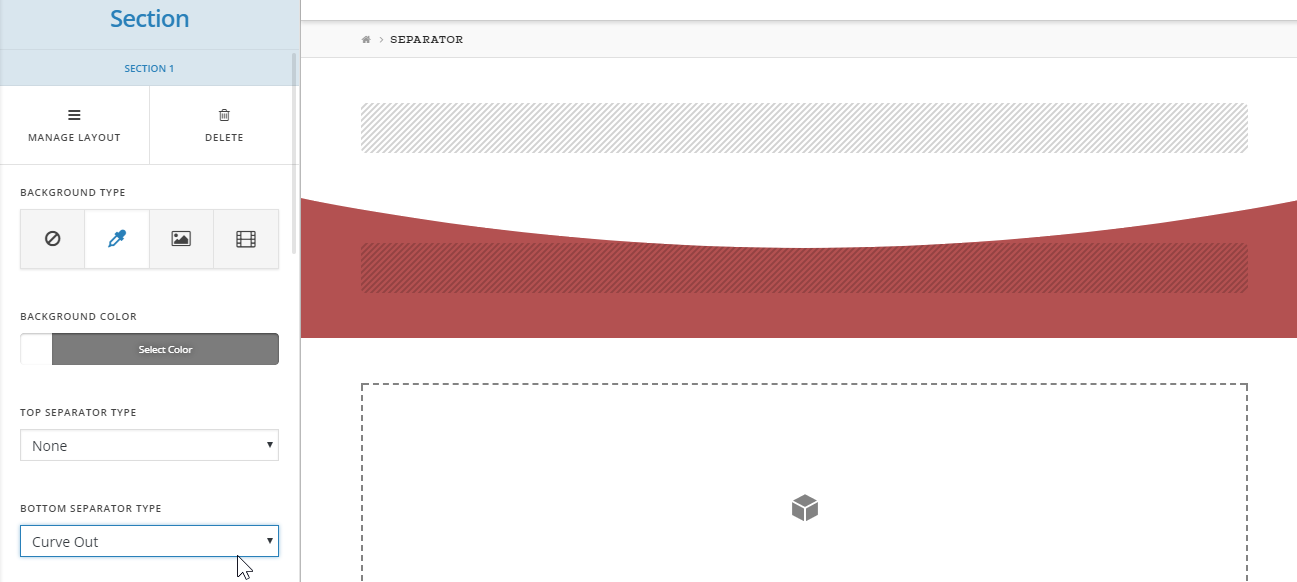
Curve In/Out Creates Unwanted Line Artifact

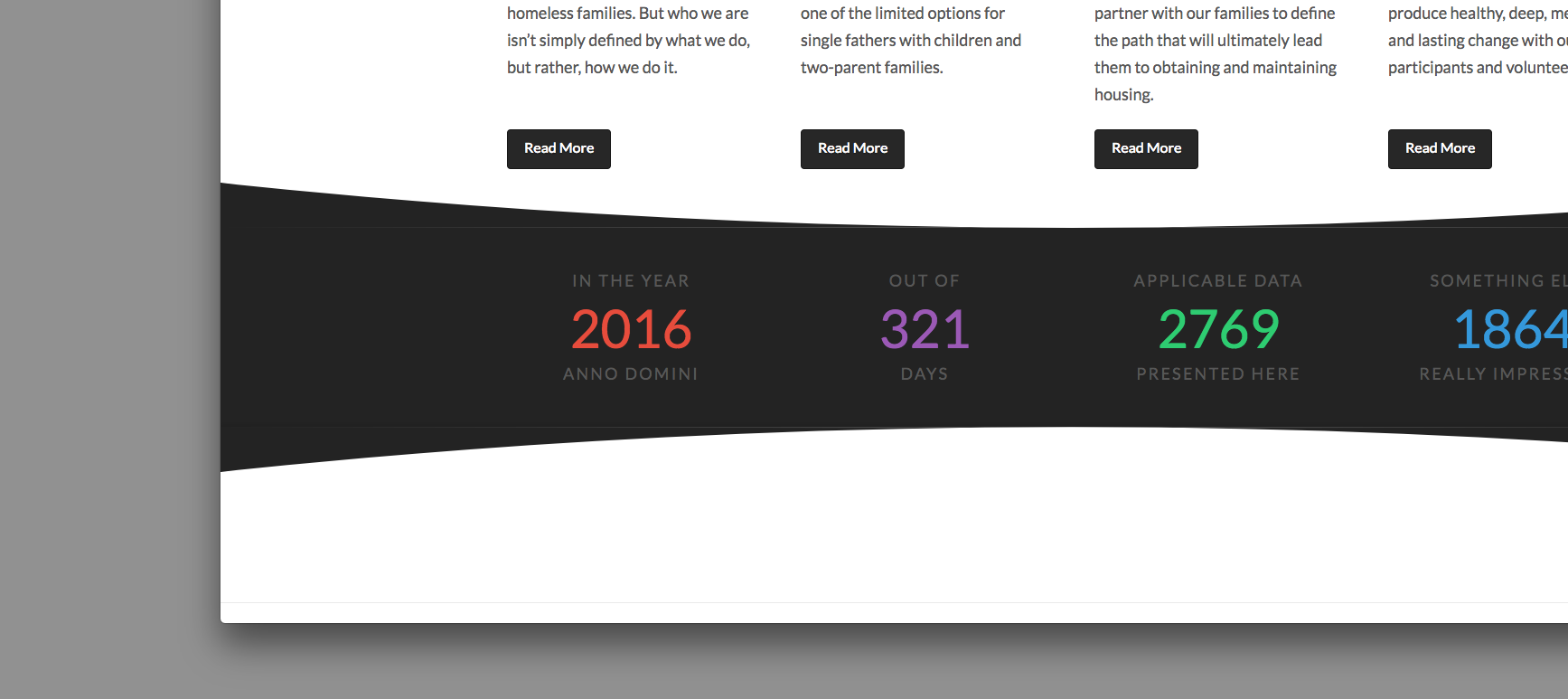
I have a very simple section set up on this home page using a solid yellow BG color. I want to curve in the top and curve out the bottom as the attached screenshot shows. This works as you might expect. However, there is a strange line that appears as the slope of the curve approaches the section itself. Please see attached…

The Red Arrows I’ve drawn point to the issue. This appears to be most problematic in the latest Chrome build for Mac (Version 60.0.3112.90 (Official Build) (64-bit)) but it may also be a problem elsewhere. Does anyone have any suggestions as to how to work around this visual problem?

Thanks!
Hi there,

This will be checked and reported to our development team for further investigation, but beforehand is it possible to give us the URL of the page which you see the problem. We might be able to give you some tweaked code if we can, if not we will report this to our development team.

Thank you.

Sure. Here is my testing URL where the problem can be seen: http://www.gestaltcreations.com/charlottefamilyhousing/section-curves-problem/

The first curve is the yellow one up top but I made a second one at the bottom with the black bar as well. This one has a curve in and a curve out. This should really highlight the issue because its seen against a white background.

As I looked at this a little more today, I noticed that its not happening on my Mac’s retina display - only on my external monitor (2560 x 1440). Please have a look at the screenshot I am attaching for reference. Thanks!

I have replicated your setup. Due to how SVG patterns are rendered, you should set a Curve Out Bottom Separator Type in your first section and not Curve In Top Separator in your next section.

Hope that helps.