Current Cornerstone Buttons do not work on website

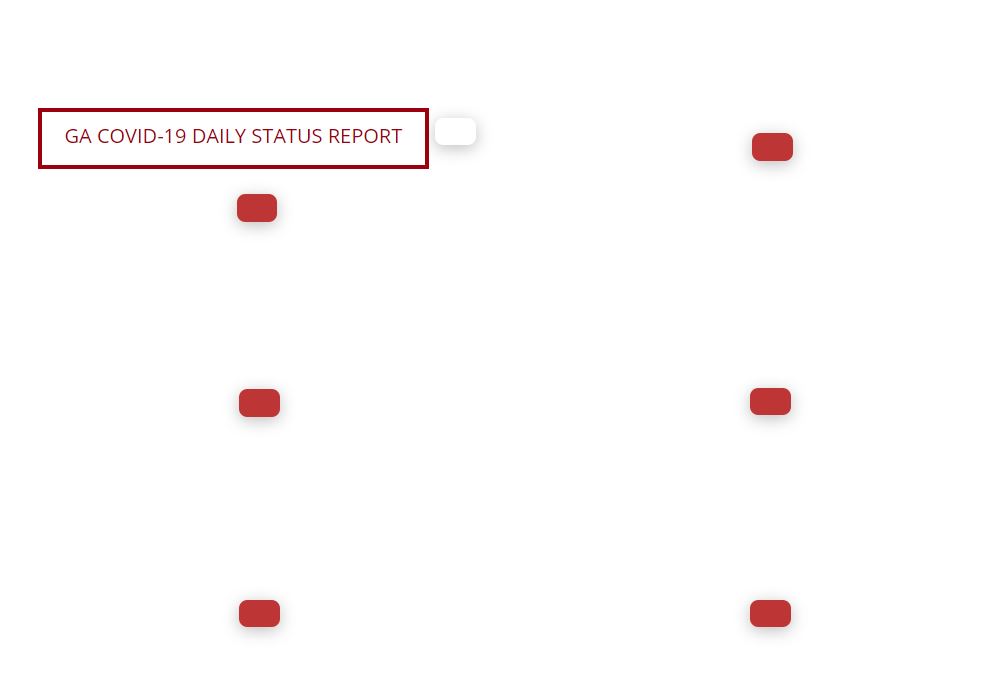
The Cornerstone Element Buttons are not showing properly on our website.

We created this site about two weeks ago. The buttons were working fine as of 3/29/2020. The only changes done to the site during that time were plugin updates (none that were Cornerstone related) and adding the alert element to the home page.

The text for the buttons shows up in the inspector. Nothing was changed there. I even added a new button (in white) and tested it against the classic button, which works.

Is there any way to fix this issue?
Hey @anrozier1925,

The buttons display fine on my end even though I see one major problem. X theme in your site is not up to date but Cornerstone is.

First, always ensure that everything is up to date according to our version compatibility list at https://theme.co/docs/version-compatibility. Please follow the best practices when updating your theme and plugins. See https://theme.co/docs/how-to-update for more details.

If the issue persists on your end, please clear your browser’s cache and apply all applicable actions suggested here: https://theme.co/docs/common-issues. That is to ensure that the problem is in our theme and not by external factors outside of the theme’s control.

Thanks.

This topic was automatically closed 10 days after the last reply. New replies are no longer allowed.