CTA Buttons Not Centered

Hi guys,

On Desktop my buttons are centered (see screenshot)

https://drive.google.com/file/d/1P6rQGYhx7LvhIF-UH3ds4wEjsqH1Izxk/view?usp=sharing

On Mobile however, they’re showing on the left of the button:

The above screenshot is on an Iphone X with Google Chrome

Please let me know if you have any other questions.
Hi There,

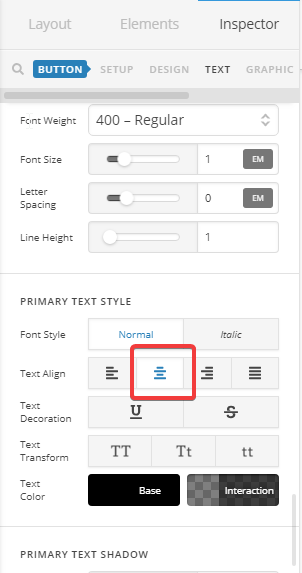
Please change text align of your buttons to center instead:

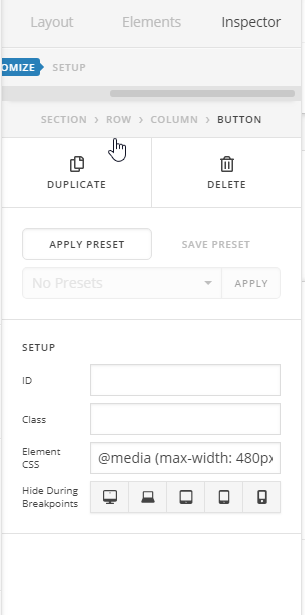
If you want to keep the text stay in one line as well, please add this element CSS to your buttons:

@media (max-width: 480px){
  $el {
    font-size: 12px;
  }
}

Hope it helps :slight_smile:

Hi @thai,

I’ve put that code in. What will it do? Both buttons are on the same line for desktop but not mobile. Not sure if it’s possible to get them the same size for buttons?

The text centering worked though, thank you.

Hello There,

The code will adjust the font size of the button in smaller screens. And since there isn’t enough space, your buttons will display stacked below each other. You might need to set a minimum and maximum width for your buttons to have the same width.

Hope this helps.

This topic was automatically closed 10 days after the last reply. New replies are no longer allowed.