CSS Ready Classes not Working on the X Theme using Cornerstone

Hi,

We are using the X theme on our site www(.)packagedsounds(.)com. We also use gravity forms for our contact page and a quote page. We would like to have the form work in columns of three on the quote page https://www.packagedsounds.com/get-a-quote/ but for some reason the CSS Ready Classes provided by Gravity (https://www.gravityhelp.com/css-ready-classes-for-gravity-forms/) don’t work? Do you know why this may be? We have tested this on a site we use with another theme and it worked.

I would appreciate a swift response if possible please (:

Thanks,

Nigel
Hello There,

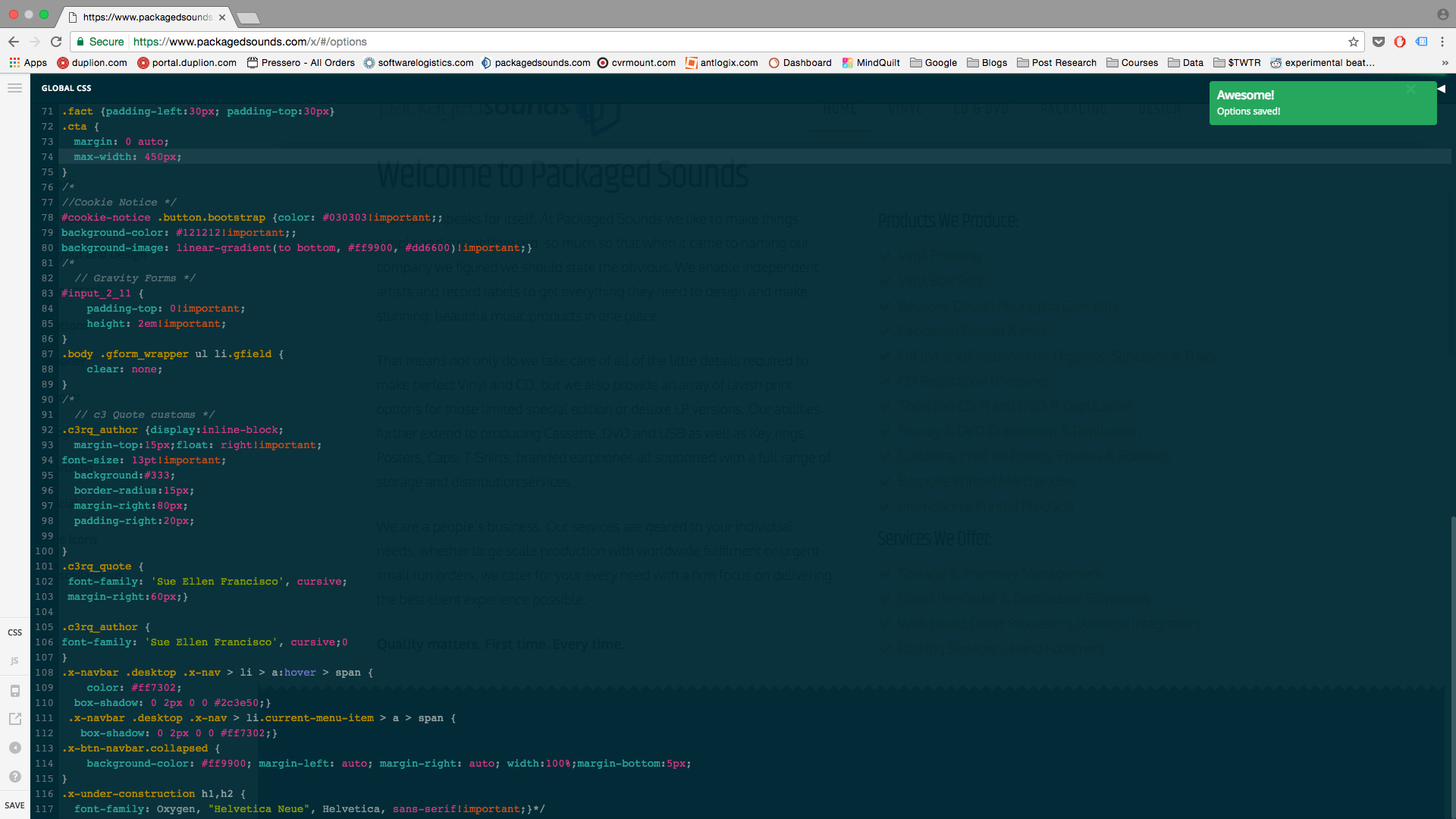
Thanks for writing in! it seems that there is another css that blocks the columns. To resolve this, please add the following CSS code in the X > Launch > Theme Options > Global CSS (http://prntscr.com/evui3r)

body .gform_wrapper ul li.gfield {
    clear: none;
}

Please let us know how it goes.

Hi,

I have tried the CSS in the global css options and it makes no difference?

Try changing the given code to

body .gform_wrapper .top_label li.gfield.gf_left_half, body .gform_wrapper .top_label li.gfield.gf_right_half, body .gform_wrapper .top_label li.gfield.gf_left_third, body .gform_wrapper .top_label li.gfield.gf_middle_third, body .gform_wrapper .top_label li.gfield.gf_right_third {
    float: none !important;
    width: 30.66667% !important;
    margin: 1.3333% !important;
}

Thanks.

This topic was automatically closed 10 days after the last reply. New replies are no longer allowed.